

- Description
- Additional information
- Reviews (0)
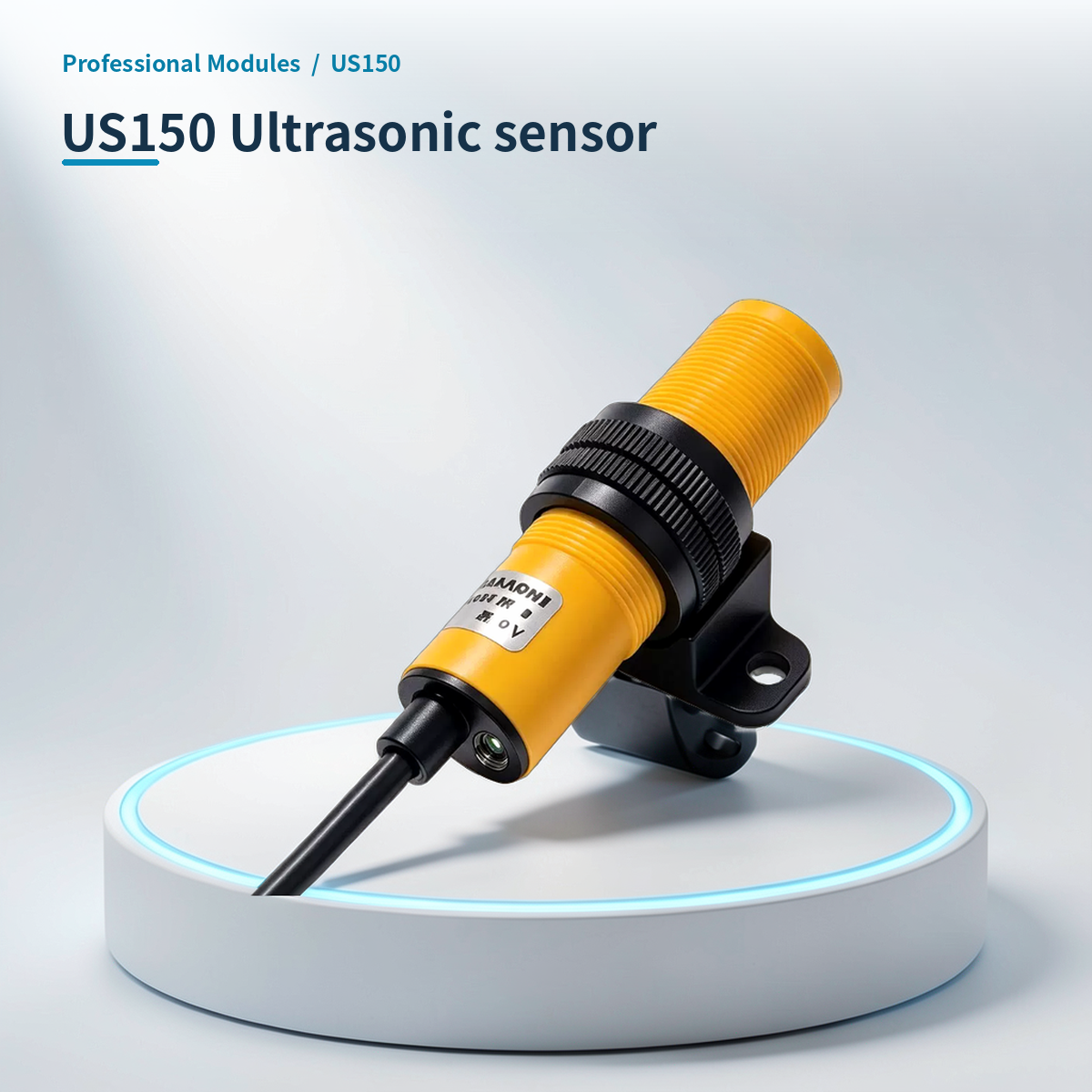
⚡ Why choose Ultrasonic sensor · US150?
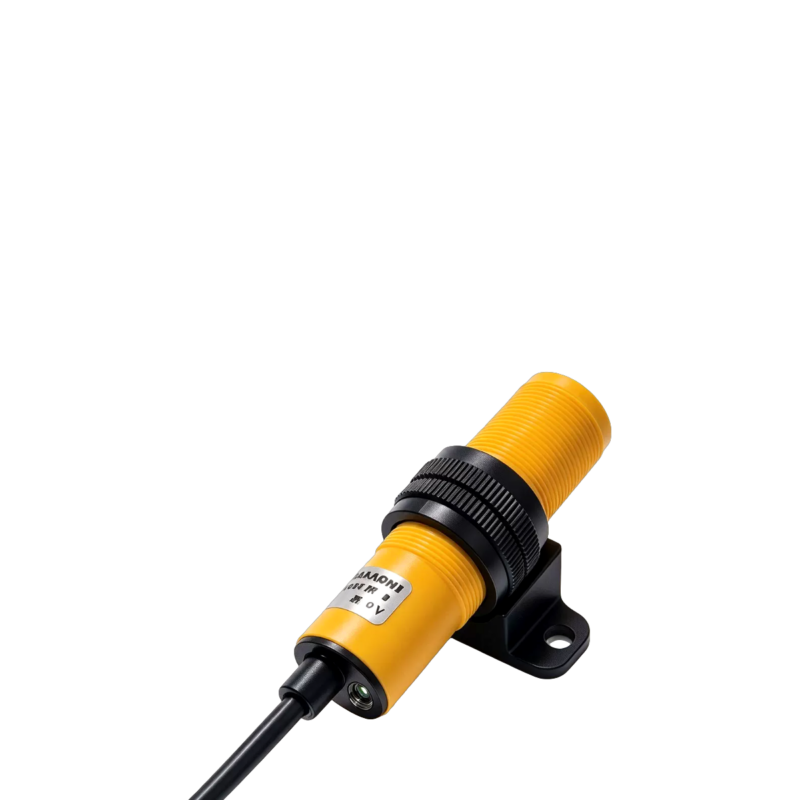
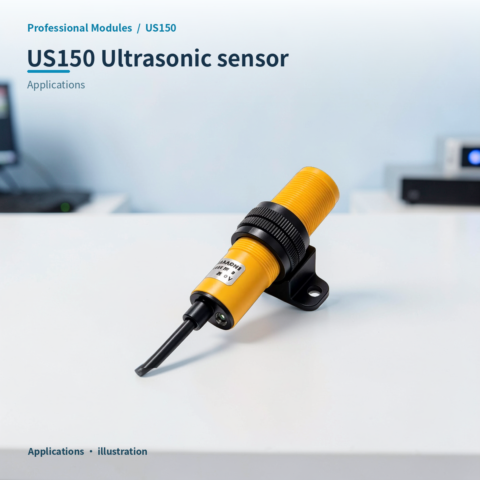
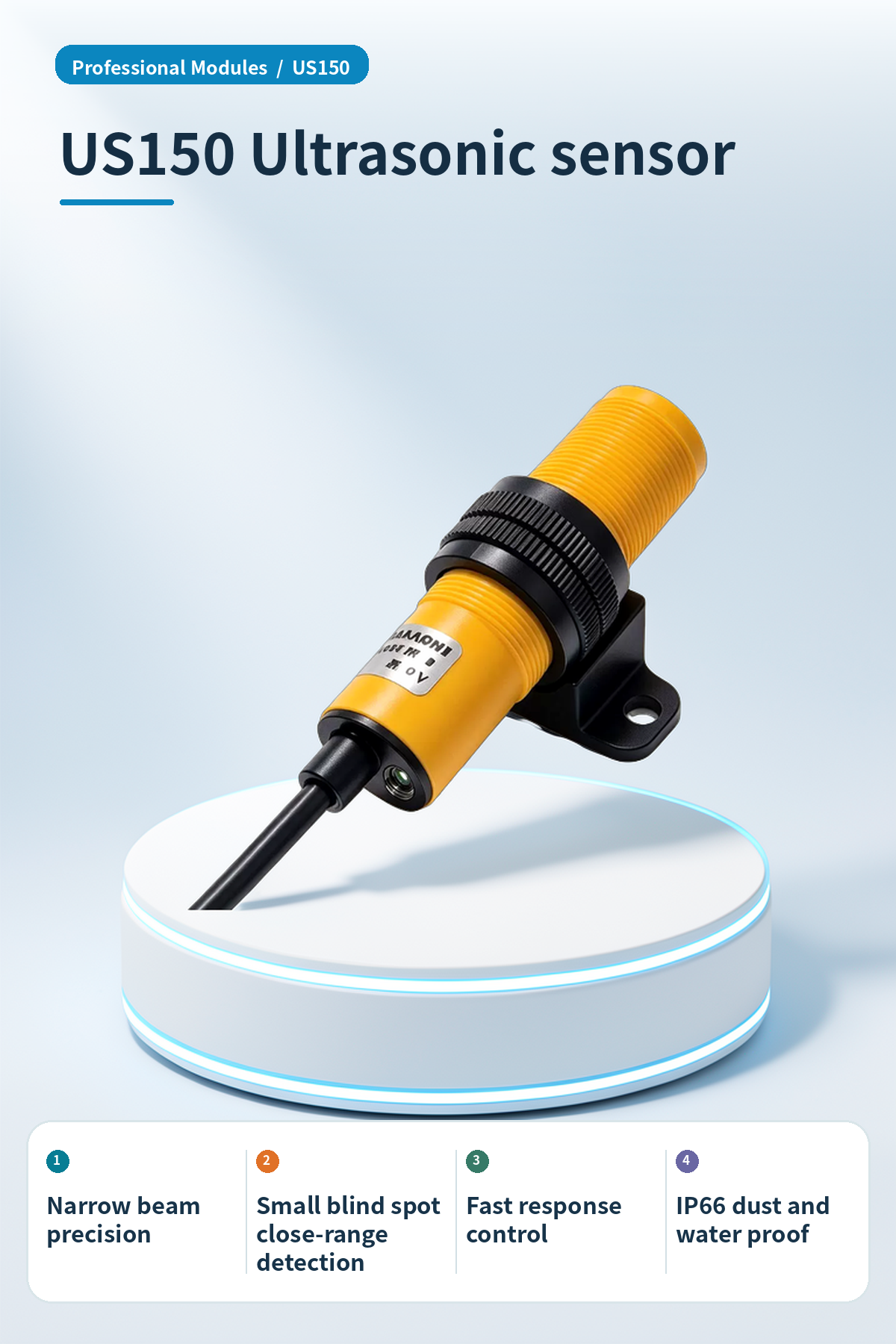
US150 ultrasonic sensor for close-range obstacle avoidance and object detection in mobile robots and industrial scenarios.
Narrow beam precision
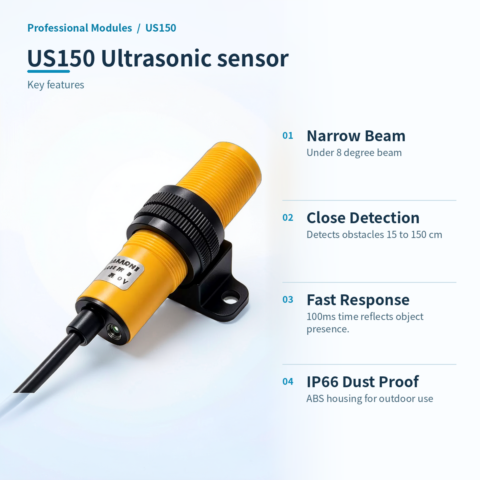
Emission angle under 8 degrees with excellent directivity, suitable for strict-range obstacle avoidance applications.
Small blind spot close-range detection
Blind spot only 15cm, supports 15-150cm close-range obstacle detection, improving space utilization.
Fast response control
100ms response time, quickly reflects object presence, meeting real-time automation control needs.
IP66 dust and water proof
Features IP66 protection rating, ABS housing, suitable for complex industrial and outdoor environments.
Flexible multi-interface compatibility
Offers NPN, PNP, and RS485 output models, supporting various control system wiring needs.
TEACH-IN range configuration
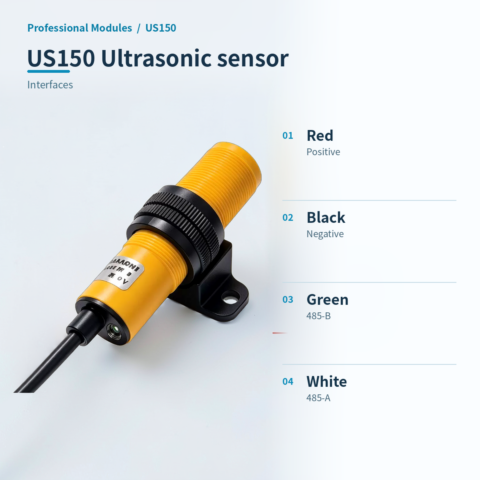
Short the white wire for 5 seconds to learn range. Solid blue light indicates success.
Dual-color LED status display
Green LED shows detection status; blue LED indicates learning status for clear sensor feedback.
Temperature-compensated high precision
Built-in temperature compensation ensures stability with repeatability of ±1% of full scale.
📍 Applications

Mobile Robot Obstacle Avoidance
Front-mounted on AGVs or mobile robots for real-time obstacle detection, enabling auto-deceleration or stopping to ensure safe operation.

Line Object Detection
Deployed beside automated lines to detect object presence or approach, triggering sorting or counting actions to boost production efficiency.
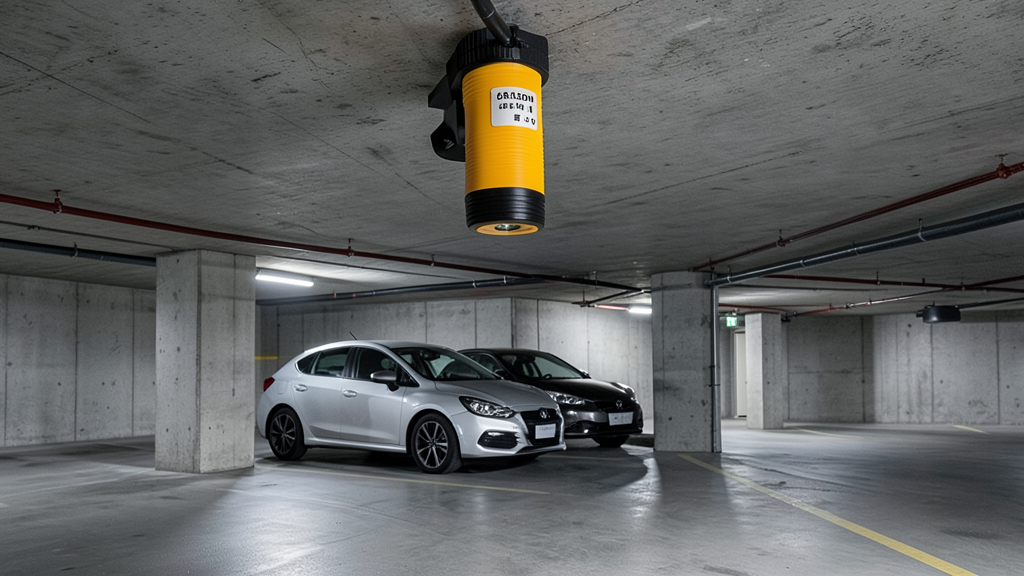
Smart Parking Guidance
Used in parking guidance systems to detect vehicle presence, assisting with status display and navigation functions.

AI Teaching Experiments
For high-precision ranging experiments, automated teaching, and AI development in universities, providing stable data interfaces.
📊 Product specifications
🏠 HA integration · Five steps to Home Assistant
Connect to Home Assistant over Wi-Fi to manage device entities and automations.
Connect Wi-Fi and power
The HA version includes Wi-Fi and creates an access point when powered on. Connect a phone or computer to the device hotspot beginning with HA (password: 12345678).
Configure the device network
After connecting to the HA-xxxx hotspot, the setup page opens automatically. If it does not, open 192.168.4.1 in a browser. Connect the device to the 2.4 GHz network used by the HA host.
Discover the device in HA
Open the devices and management page in Home Assistant. Find the automatically discovered device under the ESP integration and select Configure to add it. Device entities are created automatically, without manually writing configuration.
Create automation scenes
Add device entity cards to the HA dashboard and create automations and scene interactions as needed.
Reset the device
If the device cannot reconnect to its configured network for about two to three minutes, it resets automatically. You can also select RESET in the HA interface.
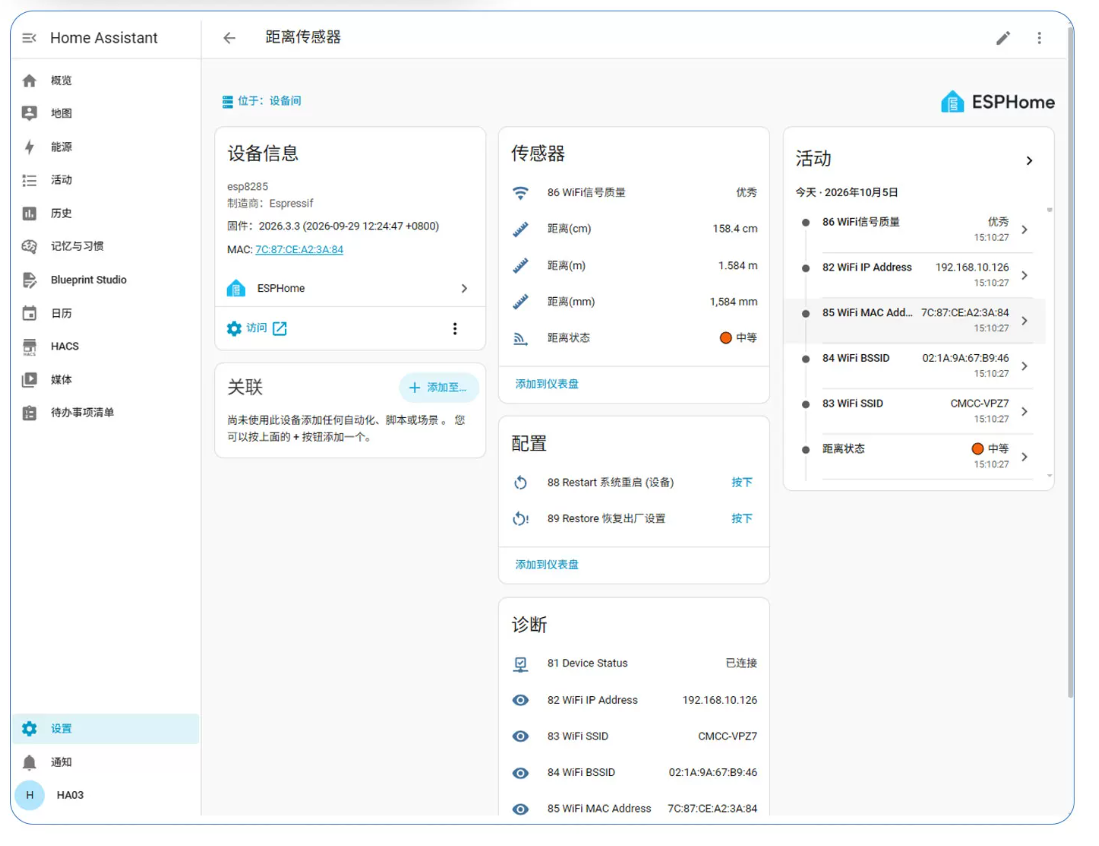
HA configuration
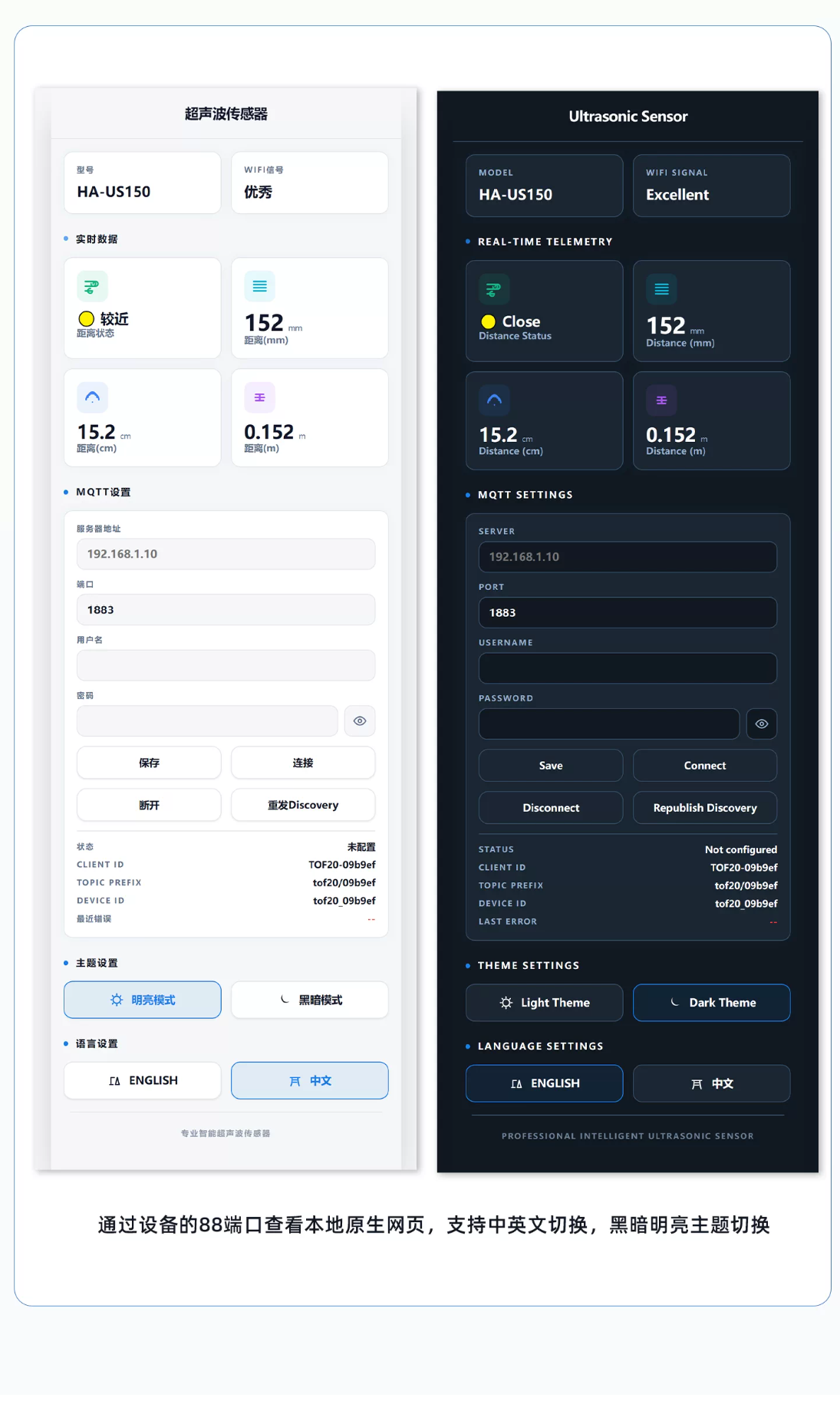
Module IP:88 web access control without a host system
🔌 Wiring
AI standard wiring diagram
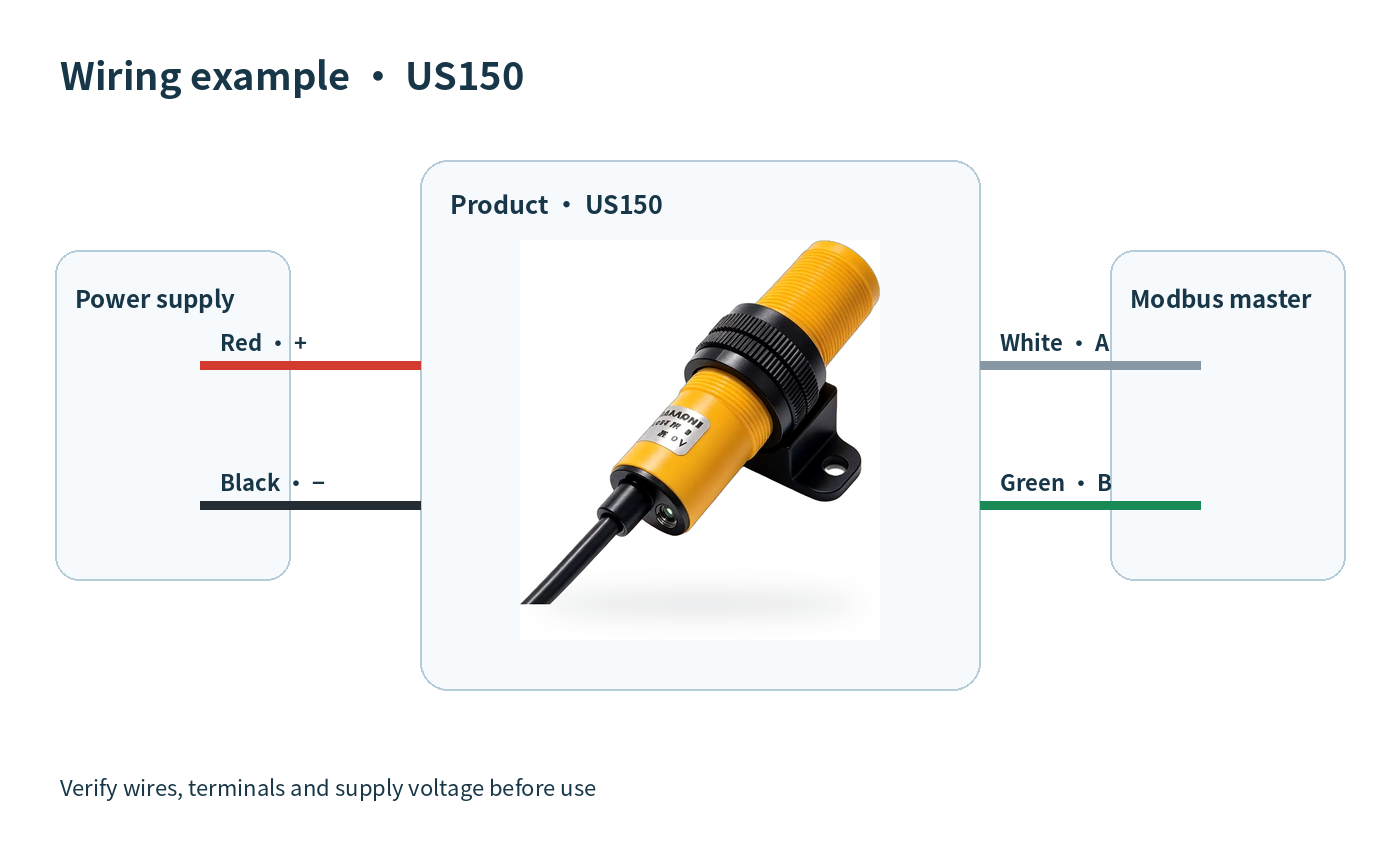
External HA module wiring diagram
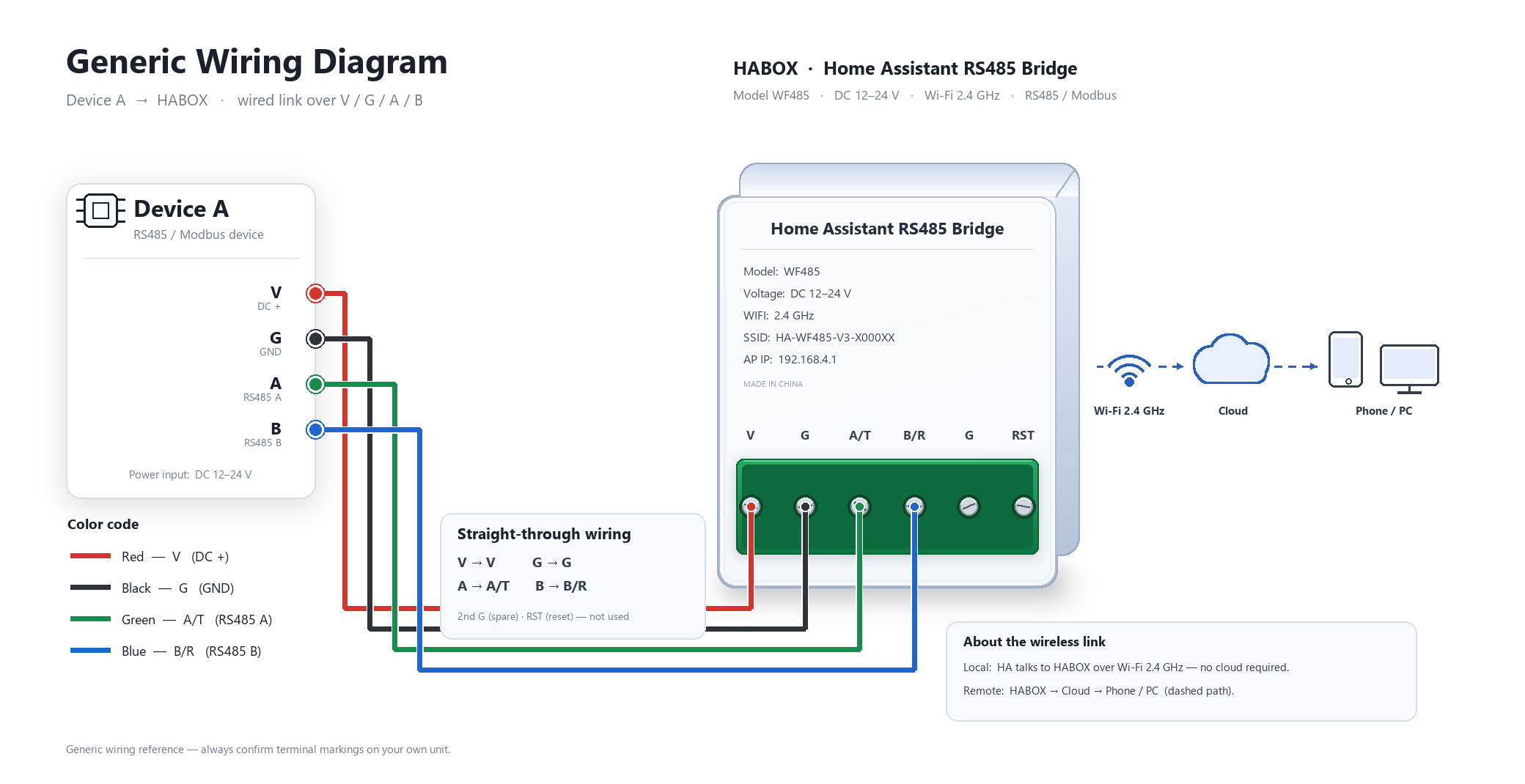
Wiring diagram drafted by engineers and verified by auditors.
📡 Communication protocol · Communication protocol
The RS485 interface uses the standard Modbus-RTU protocol with communication format 115200, n, 8, 1. The sensor defaults to slave mode with address 0x01. CRC check range: address code + function code + data area.
Address code
### 8.3 Register Address Configuration
Common operation command table
Request: 01 03 00 10 00 01 85 CF

Response: 01 03 02 01 12 39 D9

Explanation: Read the distance value from the 0x01 device. Parsing: data length is 0x02, data is 0x01, 0x12, combined as 0x0112, converted to decimal 274, which is the measured distance 274mm.
Data value notes
- CRC check range: address code + function code + data area.
- 0x03: Read specified information from slave.
- 0x06: Write to specified slave location.
| Version | Standard, Home Assistant |
|---|
Only logged in customers who have purchased this product may leave a review.


Reviews
There are no reviews yet.