

Smart Classroom
Coordinate learning scenes, room conditions and device management
This design covers one standard classroom, one multimedia classroom and one lecture hall. Lighting, air conditioning, audiovisual equipment, environmental readings and scene controls share a spatial view. Teachers can switch classroom modes quickly, while facilities staff can locate devices, check feedback and trace faults by room.
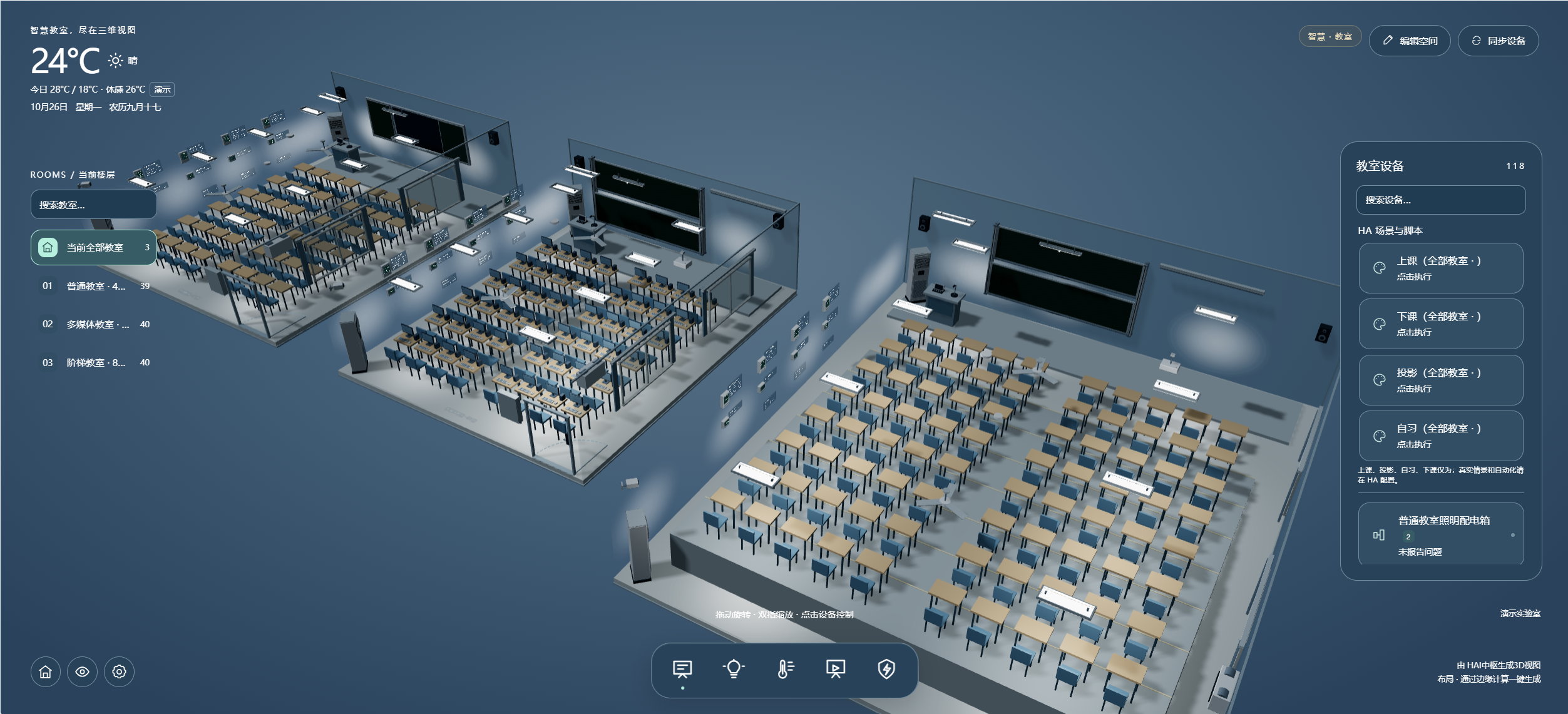
In one teaching building, a standard classroom needs quick lighting and HVAC control, a multimedia room also uses projection, displays and sound, and a lecture hall needs zoned lighting and balanced conditions. The solution organizes these configurations by room and shows requests, device feedback and exceptions for each operation.
01 · Design basis: three room types and actual circuits
This standard configuration is a discussion baseline. Final circuit and device counts depend on room size, power distribution and existing facilities.
Estimate two lighting circuits in the standard room, three in the multimedia room and three in the lecture hall: eight in total. Allow one HVAC control object and one representative temperature, humidity and air-quality point per room. The entity counts in the screenshots describe the demo interface and cannot determine cable, sensor or terminal quantities.
02 · Architecture: room devices, local control and campus view
Organize data by room and controls by permission, while retaining local operation of existing equipment.
A one-touch action is a scene request, not a guarantee that every device is ready at once. Projector cool-down, HVAC protection, lighting feedback and curtain limits depend on the installed equipment.
03 · Spatial zones: three rooms, one management entry
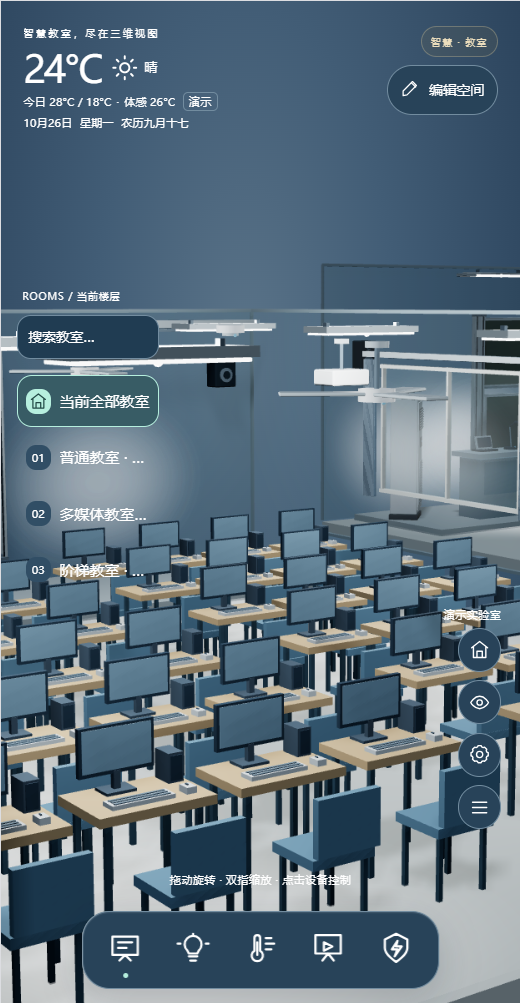
Open a room from the overview to connect device position, type and status.
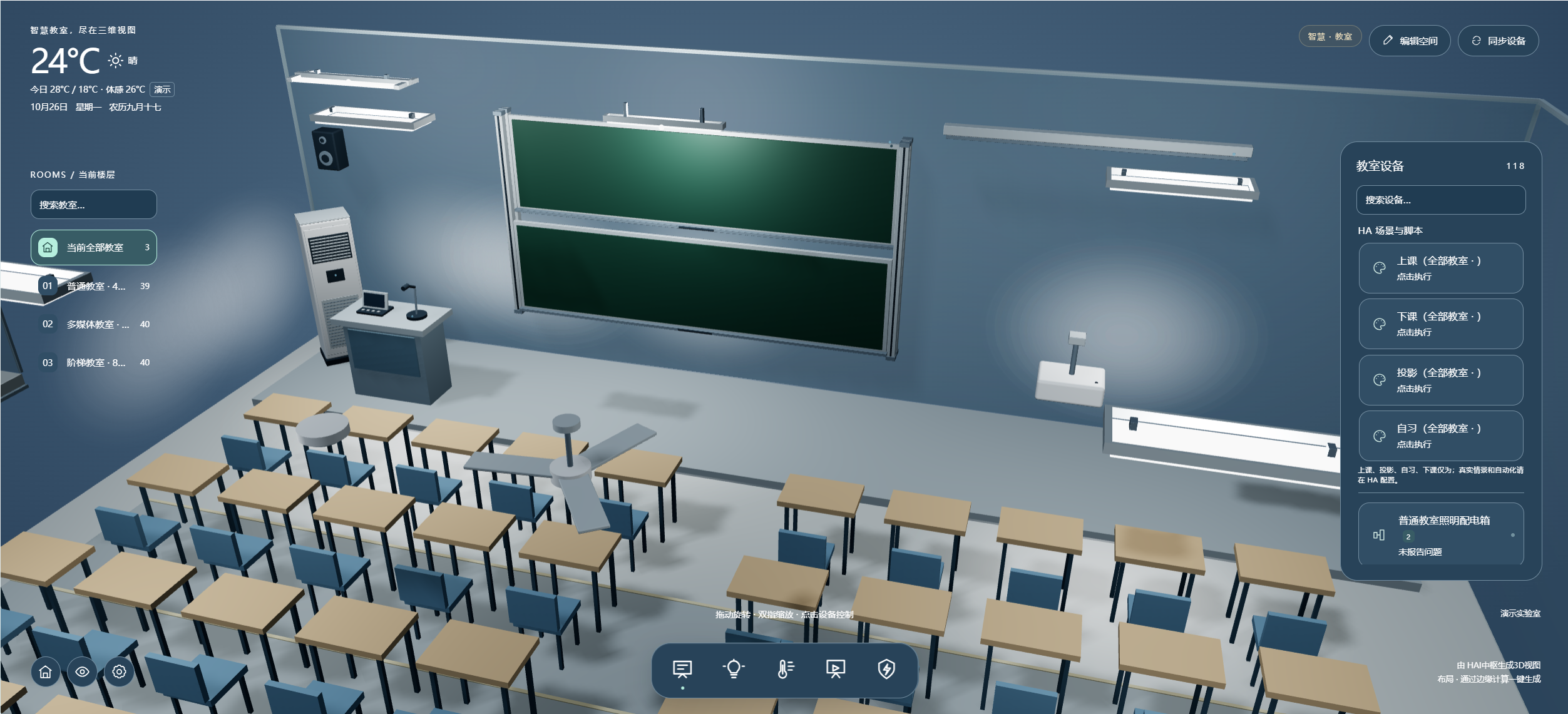
Lighting, HVAC, door status and basic scenes reduce repeated setup before class.
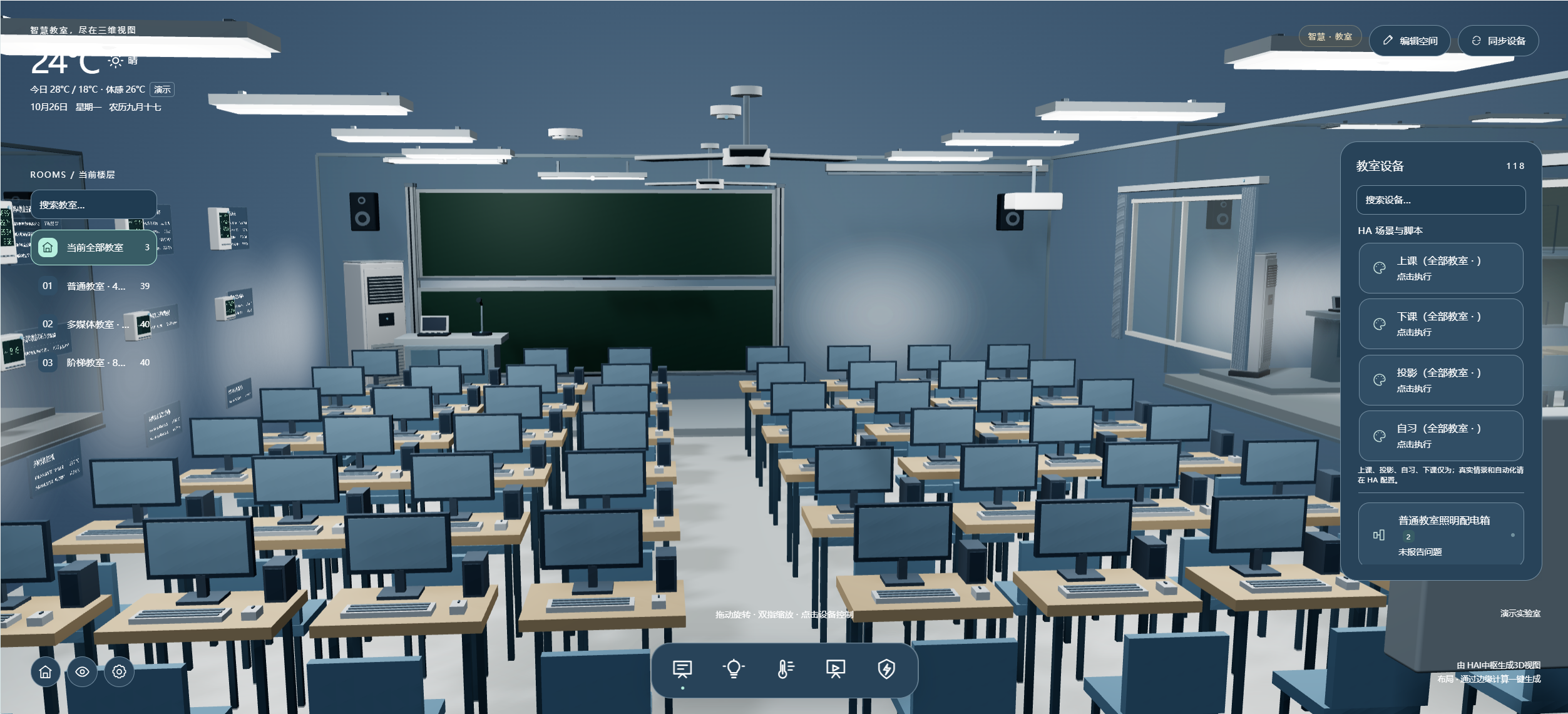
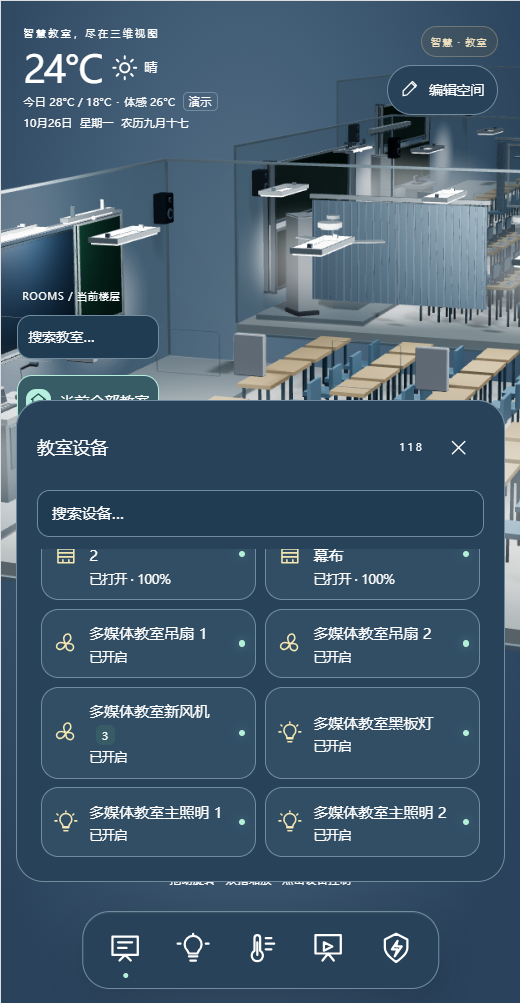
Add projection or displays, sound and, where present, curtains and ventilation to the basic room functions.
Check lighting groups for seating, podium and screen areas and make large-room conditions visible.
04 · Environment and energy: from one room to the teaching area
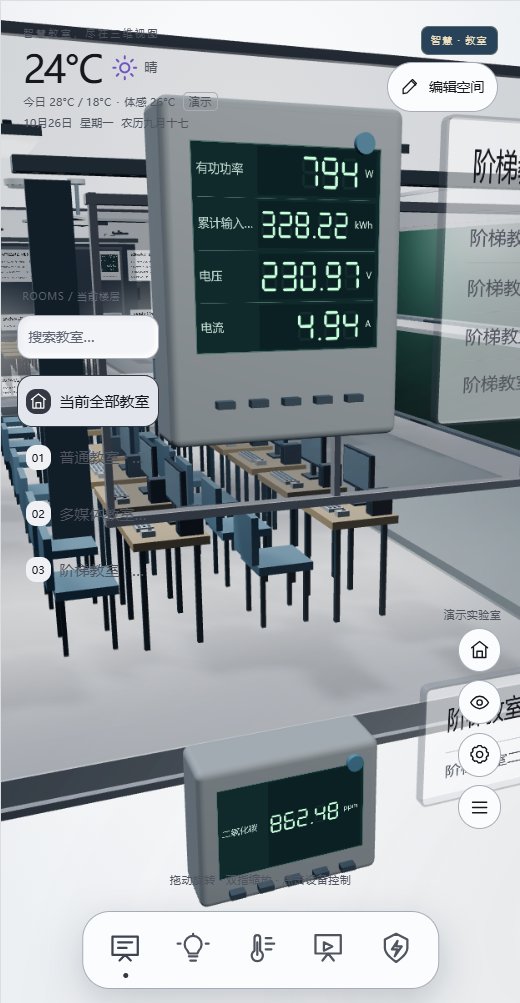
Tie temperature, humidity, air quality and electricity data to the room number, measurement location and sampling time.
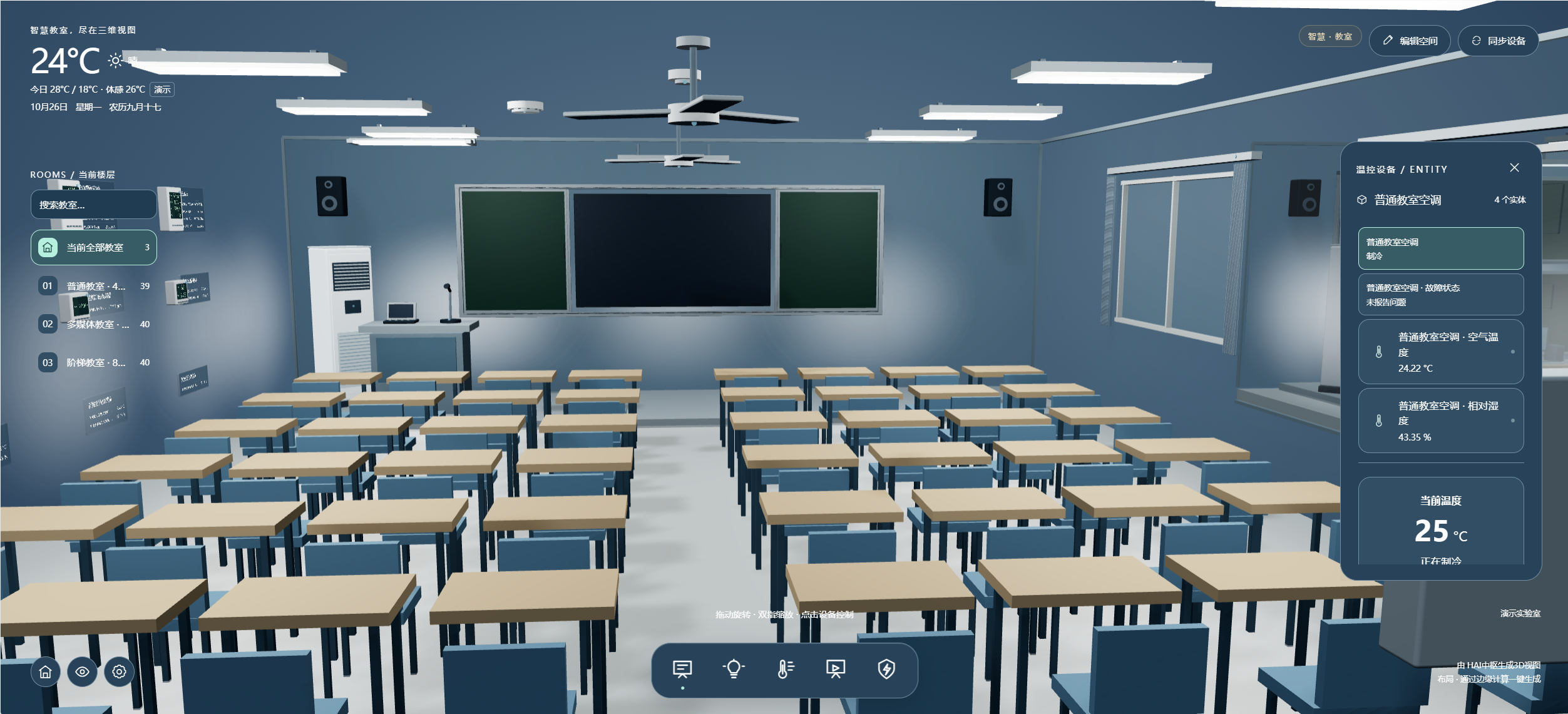
HVAC status
Show request sent, unit operating, faults and timeouts separately. If infrared control only sends commands, a successful send must not be shown as confirmed operation.
Indoor air
Compare temperature, humidity and available CO₂ readings at representative locations; alerts identify the point, threshold and duration.
Energy management
Summarize electricity and post-occupancy device state by room or circuit. Do not infer savings from a screenshot.
05 · Four classroom scenes for smoother operation
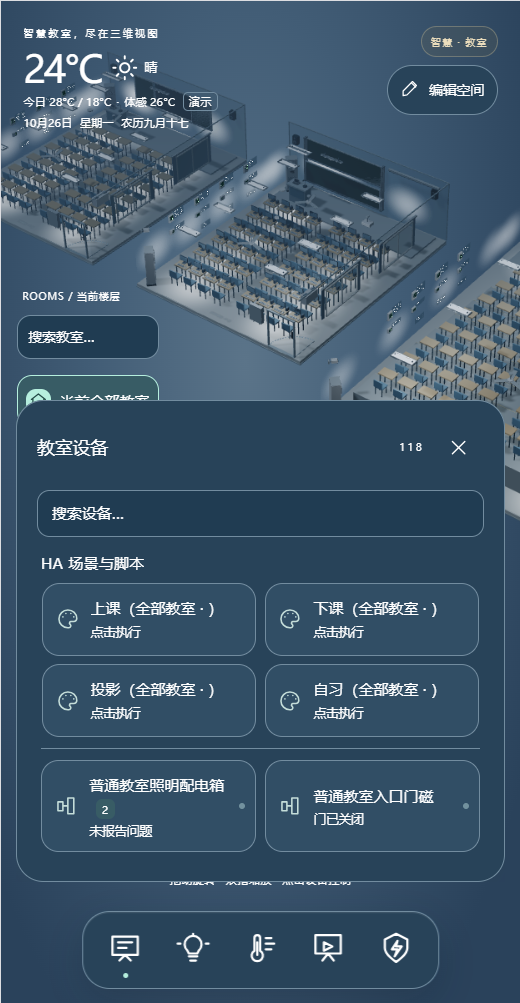
Teachers choose a scene; the system performs permitted actions and clearly shows incomplete items.
Class
Turn on podium and seating lights and check HVAC and needed AV equipment; flag anything not ready.
Projection
Adjust podium and screen lighting and curtains, start projection or display equipment through its approved interface, and await feedback.
Self-study
Use reading-friendly lighting groups, switch off unused AV equipment and retain needed ventilation and HVAC.
End Class
Prompt for and switch off equipment that can safely stop; record missing responses, cool-down needs and items requiring confirmation.
Record request time, device feedback and related lighting state. Teachers can use the original device panel; facilities staff investigate by room and device ID. “Request sent” is not shown as “Projection successful.”
06 · A closed loop from teacher action to facilities response
Each role sees the functions it needs.
Quickly select a scene in their room and check completion.
Locate lighting, HVAC, door-contact and energy exceptions.
Maintain network, account permissions, device mapping and backups.
Review room use and event summaries without treating one live screenshot as proof of outcomes.
07 · Example equipment and interface list
Models come from existing HAIOTS product information. Unknown models are left blank; quantities are estimated for three rooms.
Platform and classroom entry
| Product name | Model | Quantity | Purpose and selection reason |
|---|---|---|---|
| Enterprise IoT control gateway | HAI04 | 1 unit | Local data integration and rules for three classrooms; verify capacity, location and network on site. |
| HA centralized management platform | HMS | 1 set; verify license | Manage rooms, roles, scenes and events; check existing controller and platform licenses to avoid duplicate purchases. |
| Scene control panel | HAQ040 | Optional: 3 units | One per classroom gives teachers a local scene entry; verify protocol, power and permissions. |
| Magnetic Android tablet | H1036 | Optional: 1 unit | Can be placed in a demonstration room or duty area; phone and desktop views do not require this tablet. |
Environment, doors and energy
| Product name | Model | Quantity | Purpose and selection reason |
|---|---|---|---|
| Light, dew-point and temperature/humidity sensor | HA AIR04 | Estimated: 3 units | One representative location per room for temperature, humidity and light trends; avoid supply air and direct sunlight. |
| Air-quality sensor | HA-THVOC | Optional: 3 units | One per room for available indicators such as CO₂; its smoke reading does not replace the fire alarm system. |
| Classroom entrance door contact | Optional: 3 locations | One per room to show door state; avoid duplicate installation if an existing contact can be reused. | |
| Single-channel dry-contact input module | HA DI01 | Optional: 3 units | One per door only if the contact has a compatible dry output that cannot be read through an existing system. |
| Single-phase smart energy meter | HA EM14 | Optional: 3 units | One circuit per room as an example; reselect if distribution is not single phase or independent metering is unavailable. |
Lighting, HVAC and curtains
| Product name | Model | Quantity | Purpose and selection reason |
|---|---|---|---|
| Existing lighting circuits and control interfaces | Estimated: 8 circuits | Two standard, three multimedia and three lecture-hall circuits; reuse compliant distribution and protection, then adjust to actual wiring. | |
| 24-circuit relay module | HA-M24162 | Optional: 1 unit | Only for suitable centralized distribution, load and installation conditions; 24-channel capacity does not increase the real circuit count. |
| Existing HVAC control interface | Estimated: 3 groups | One per room; prefer actual run and fault feedback while keeping original unit protection and local remote controls. | |
| Central HVAC gateway | HA AC02 | Optional; count by brand | Only for a compatible central HVAC system with an open manufacturer interface; not assumed to work with split or floor-standing units. |
| Motorized curtain drive | HA-DT82 | Optional: 1 unit | One optional blackout curtain in the multimedia room; confirm track length, wiring and limits on site. |
AV, network and handover
| Product name | Model | Quantity | Purpose and selection reason |
|---|---|---|---|
| Existing projector, display and sound interfaces | Estimated: 2 classrooms | Reuse multimedia and lecture-hall equipment; verify power sequencing, cool-down and status interfaces. | |
| Serial-to-network module | HADTU439S | Optional: 1 unit | Only if the AV or HVAC device exposes a compatible serial protocol; test registers and feedback fields. |
| Site network and power accessories | 1 group; size on site | Design for the three rooms' cable routes, distribution and network coverage while retaining standalone device operation. | |
| Point list, scene rules and configuration backup | 1 set | Handover room IDs, circuits, permissions, conditions, fault handling and recovery steps. |
The list excludes existing boards, student computers, projectors, sound systems, HVAC units and distribution wiring, and does not show internal prices. Confirm models and control methods against school assets, manufacturer interfaces and site electrical conditions.
08 · Handover and acceptance: every scene needs a result
Use site test records to demonstrate scenes, feedback and manual operation.
Run Class, Projection, Self-study and End Class in each room type; check target circuits, device feedback and failure notices.
Compare field instruments with interface values; verify timestamps, units, disconnections and recovery records.
Simulate display not ready, HVAC fault and door-contact loss; verify actions available to teacher, facilities and IT accounts.
Confirm original switches, remotes and local equipment still work offline; after recovery, check synchronization, events and backups.
For DALI or 0–10 V dimming, design controllers and circuits for the real protocol. Split-system HVAC cannot use the central HVAC gateway count. Reuse an open AV controller in the multimedia room where it already provides status and sequencing.
Solution type: standardized design example. For similar needs, contact our solution engineers to build a tailored solution. All eight images show operation interfaces from an existing solution case.


