

- Description
- Additional information
- Reviews (0)
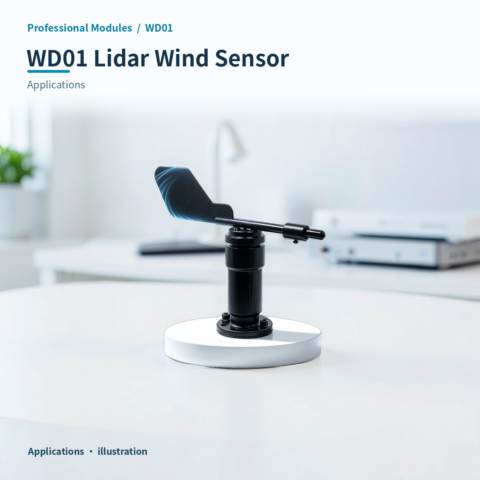
⚡ Why choose Lidar Wind Sensor · WD01?
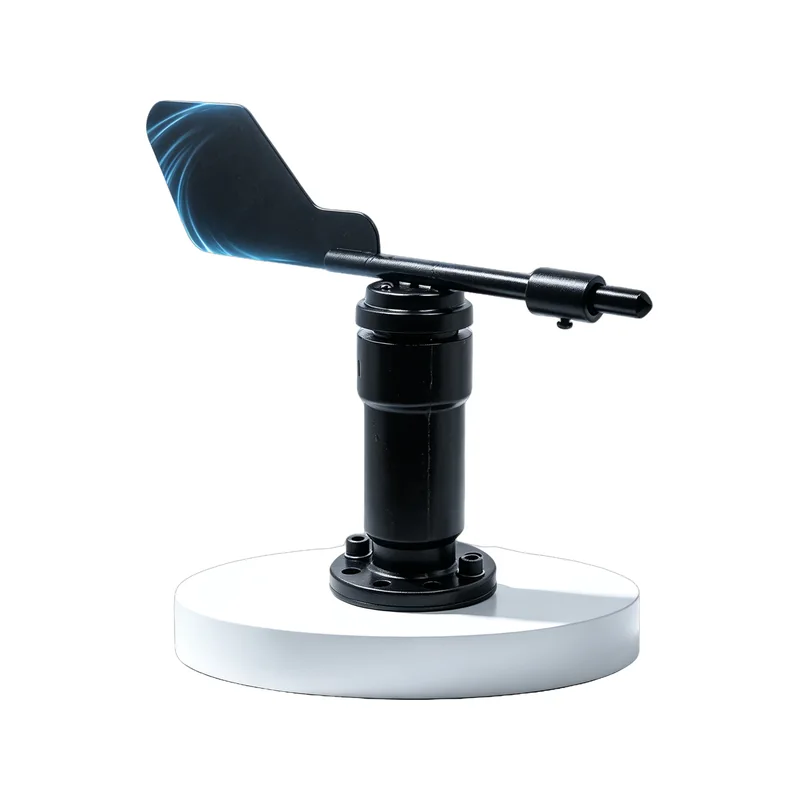
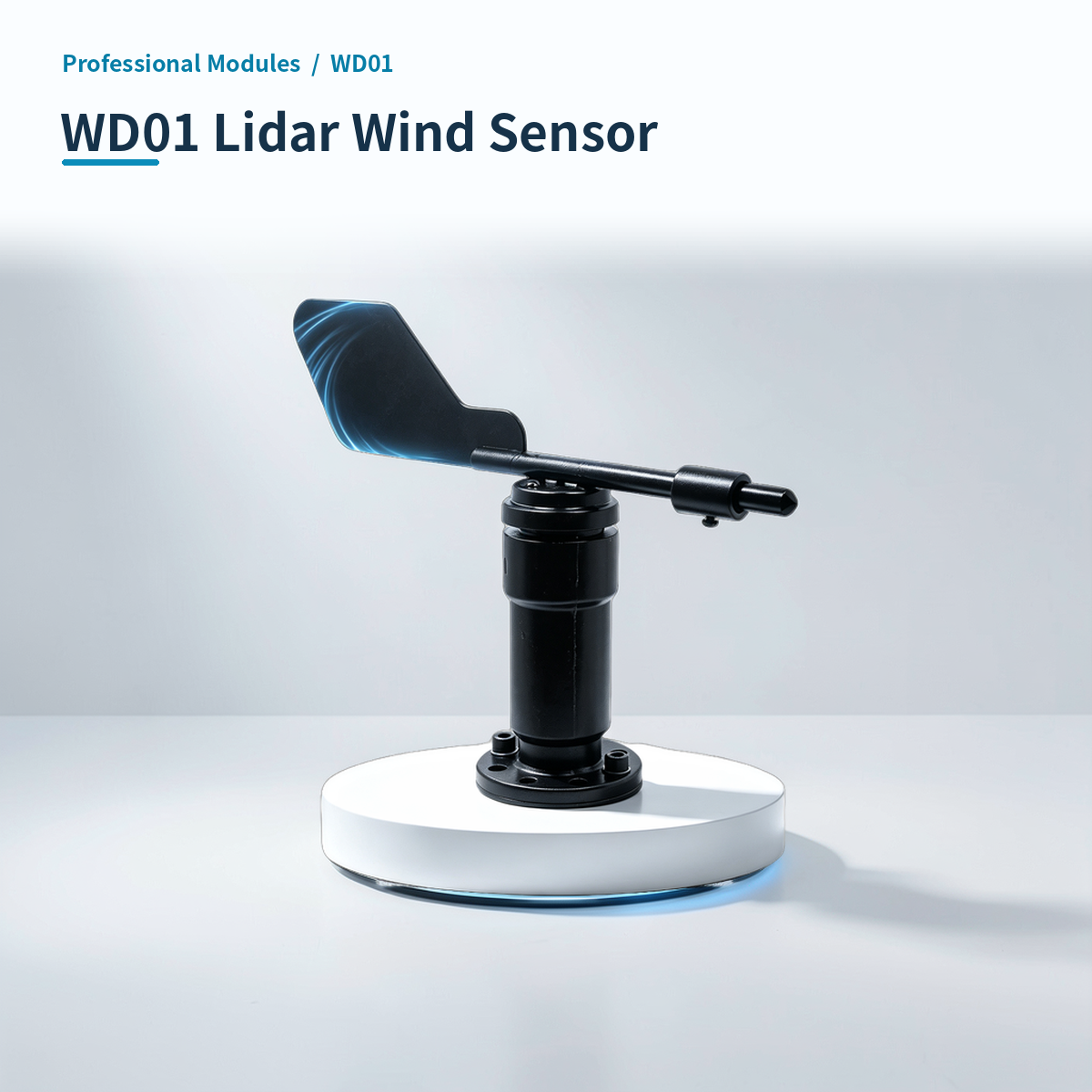
PC wind sensor. Supports 16 measurement and ModBus-RTU.
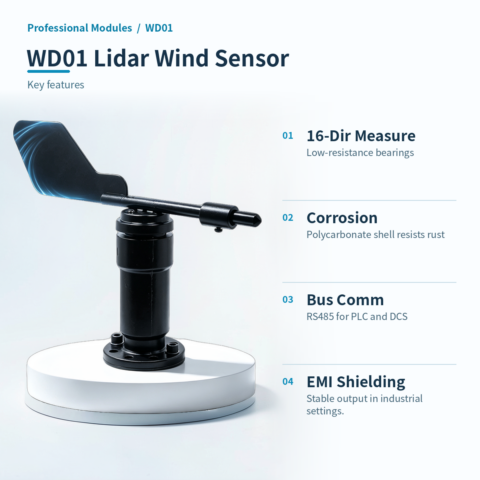
PC Shell:Polycarbonate composite material, high strength, corrosion and rust resistant.
16-Way:Range 0~359.9°, 16 directions. High-performance bearings ensure low resistance and precision.
Fast Response:Response ≤0.5s. Compact structure with low inertia captures wind changes sensitively.
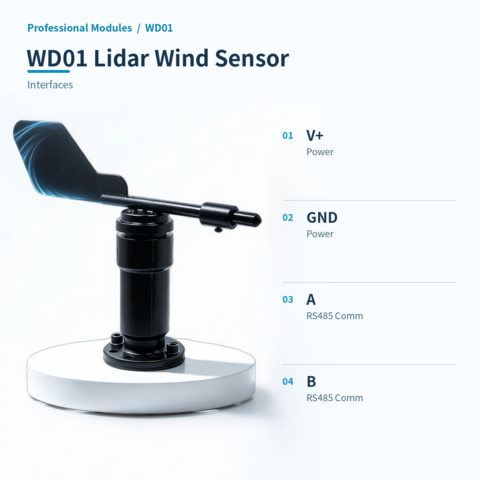
Standard Comm:ModBus-RTU protocol, RS485 interface. Easy integration with PLC/DCS systems.
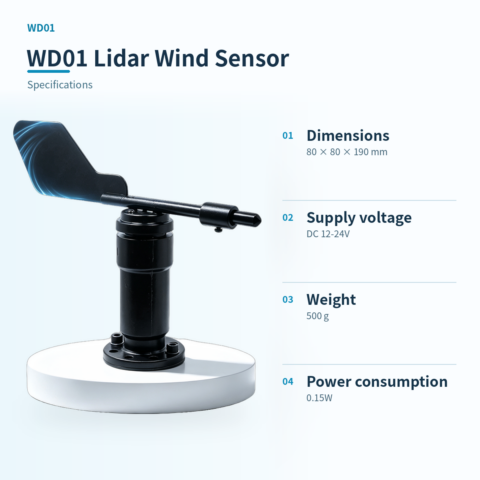
Flexible Mount:Bottom flange mount. Bottom or side wiring. Lightweight structure (500g).
Smart Linkage:Optional HA version, connects to Home Assistant via Wi-Fi+MQTT for real-time wind direction monitoring and automation linkage.
Stable & Robust:EMI shielding ensures stable signals. Keep away from high-power devices.
📍 Applications
📊 Product specifications
🏠 HA integration · Five steps to Home Assistant
Connect to Home Assistant over Wi-Fi to manage device entities and automations.
Connect Wi-Fi and power
The HA version includes Wi-Fi and creates an access point when powered on. Connect a phone or computer to the device hotspot beginning with HA (password: 12345678).
Configure the device network
After connecting to the HA-xxxx hotspot, the setup page opens automatically. If it does not, open 192.168.4.1 in a browser. Connect the device to the 2.4 GHz network used by the HA host.
Discover the device in HA
Open the devices and management page in Home Assistant. Find the automatically discovered device under the ESP integration and select Configure to add it. Device entities are created automatically, without manually writing configuration.
Create automation scenes
Add device entity cards to the HA dashboard and create automations and scene interactions as needed.
Reset the device
If the device cannot reconnect to its configured network for about two to three minutes, it resets automatically. You can also select RESET in the HA interface.
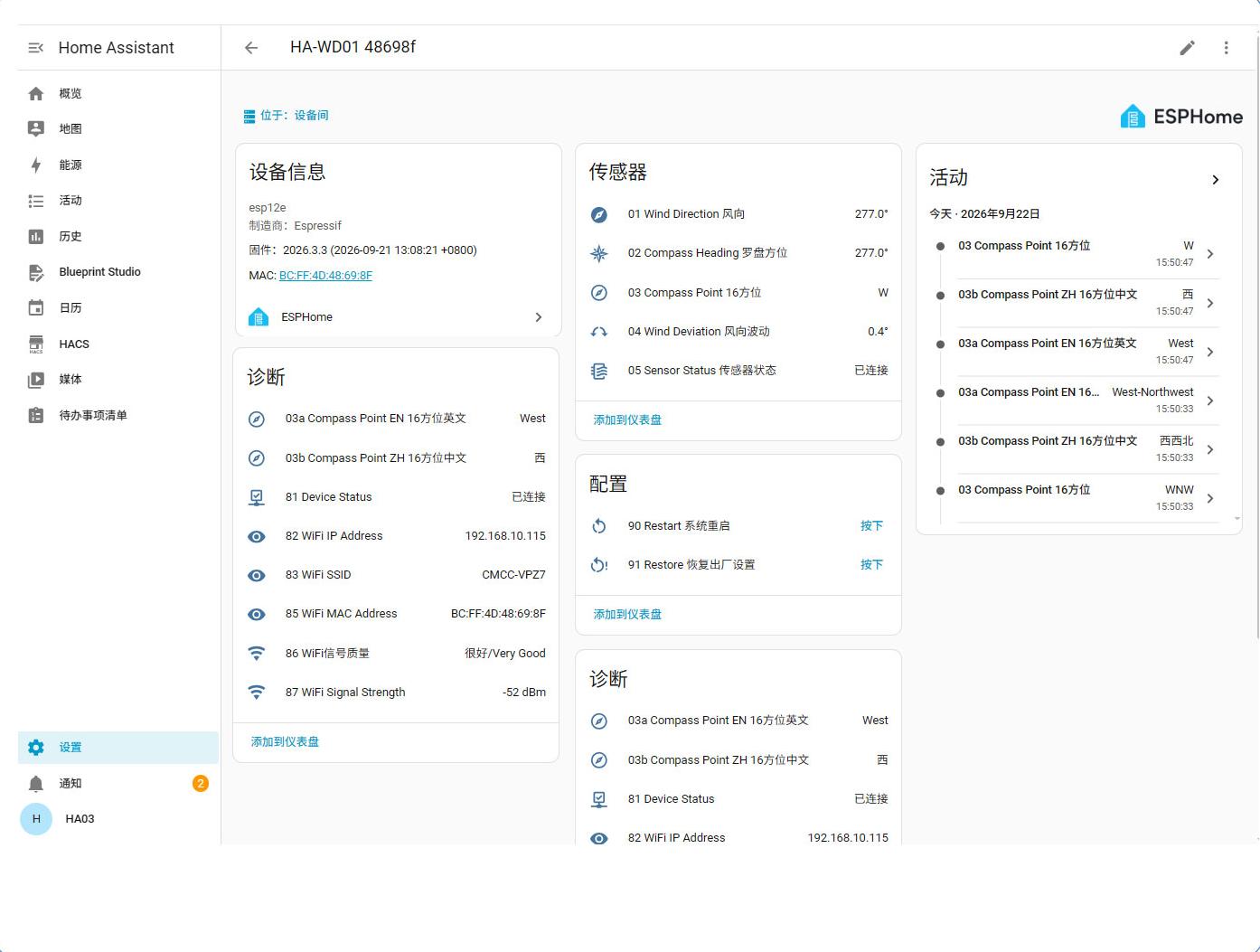
HA 配置界面

本模块 IP:88 端口网页免系统访问控制截图
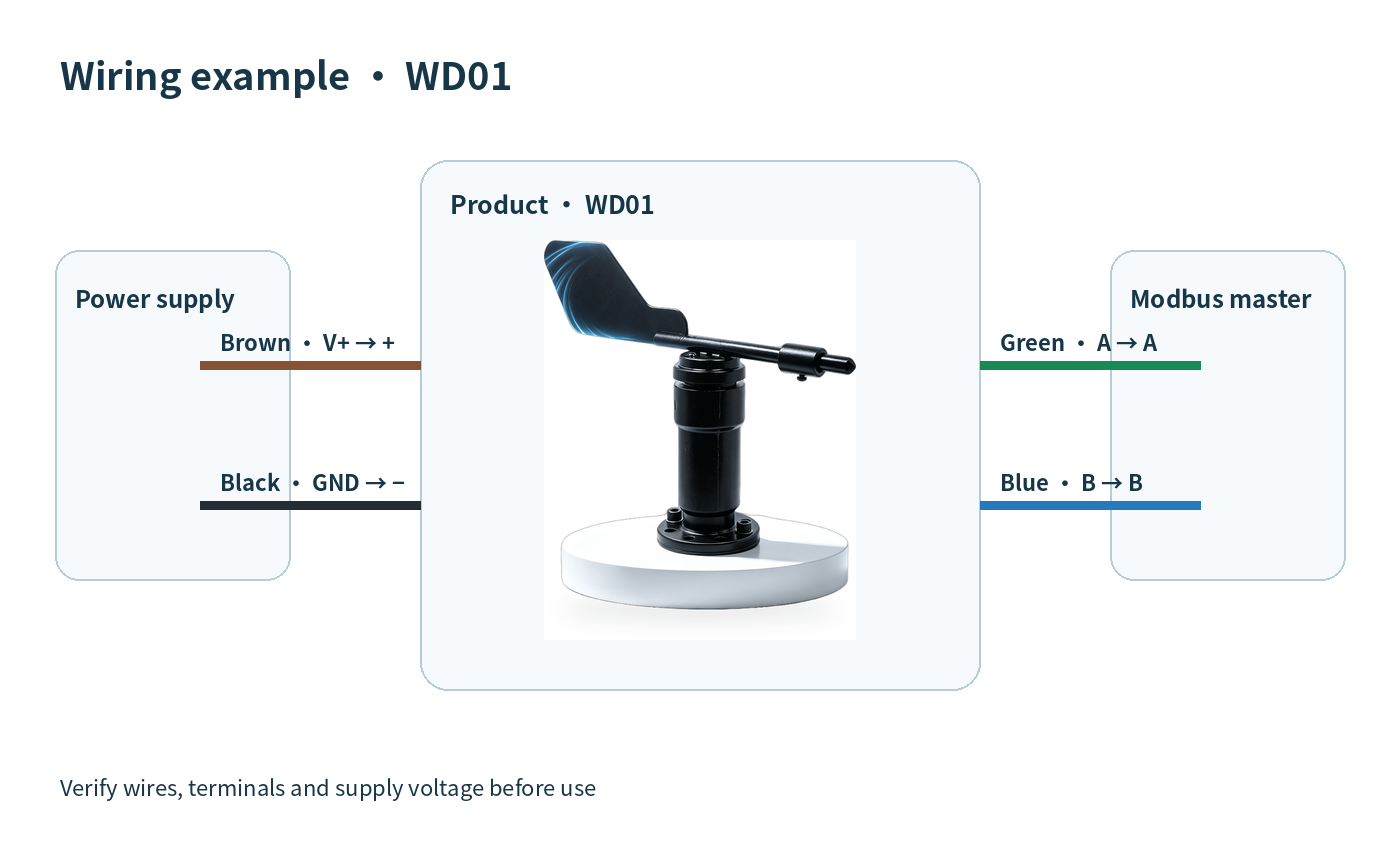
🔌 Wiring
AI standard wiring diagram
| Version | Standard, HAWD01 |
|---|
Only logged in customers who have purchased this product may leave a review.





Reviews
There are no reviews yet.