


- Description
- Additional information
- Reviews (0)
⚡ Why choose Polycarbonate wind speed sensor · WS10?
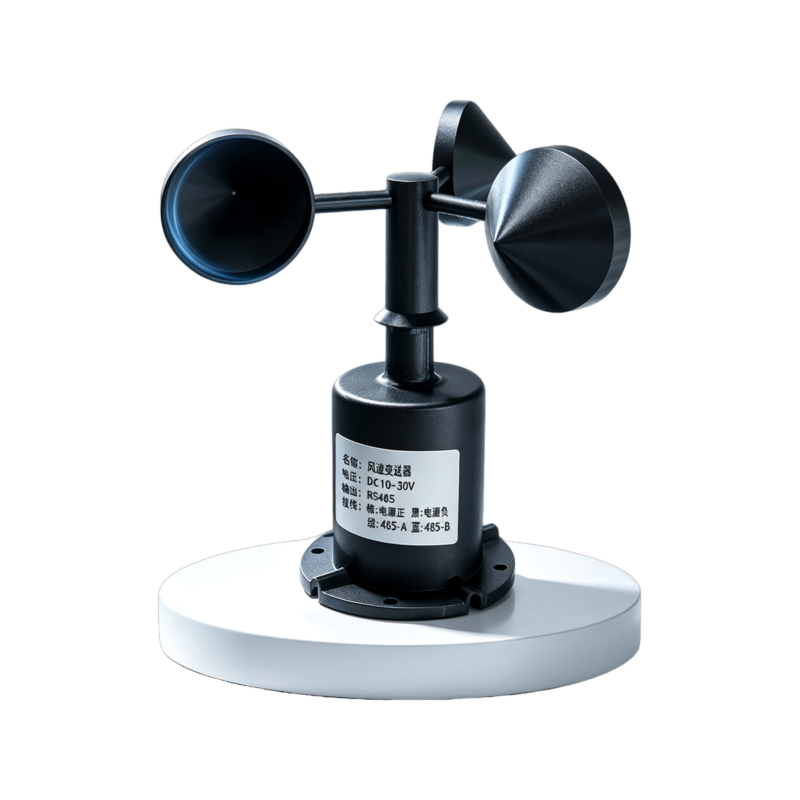
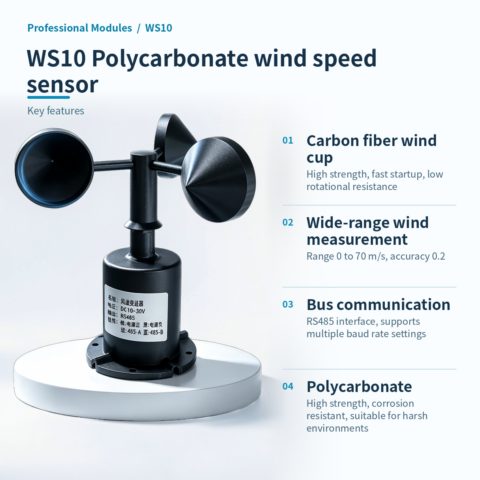
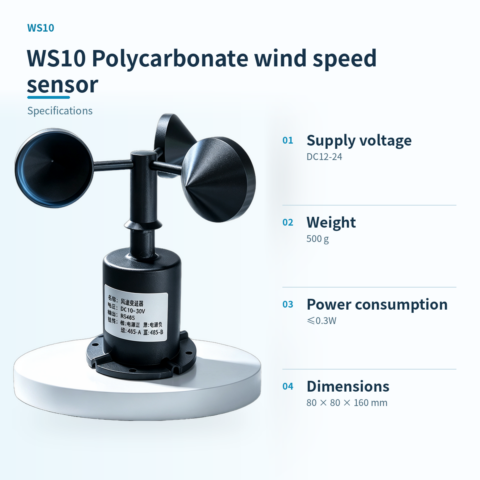
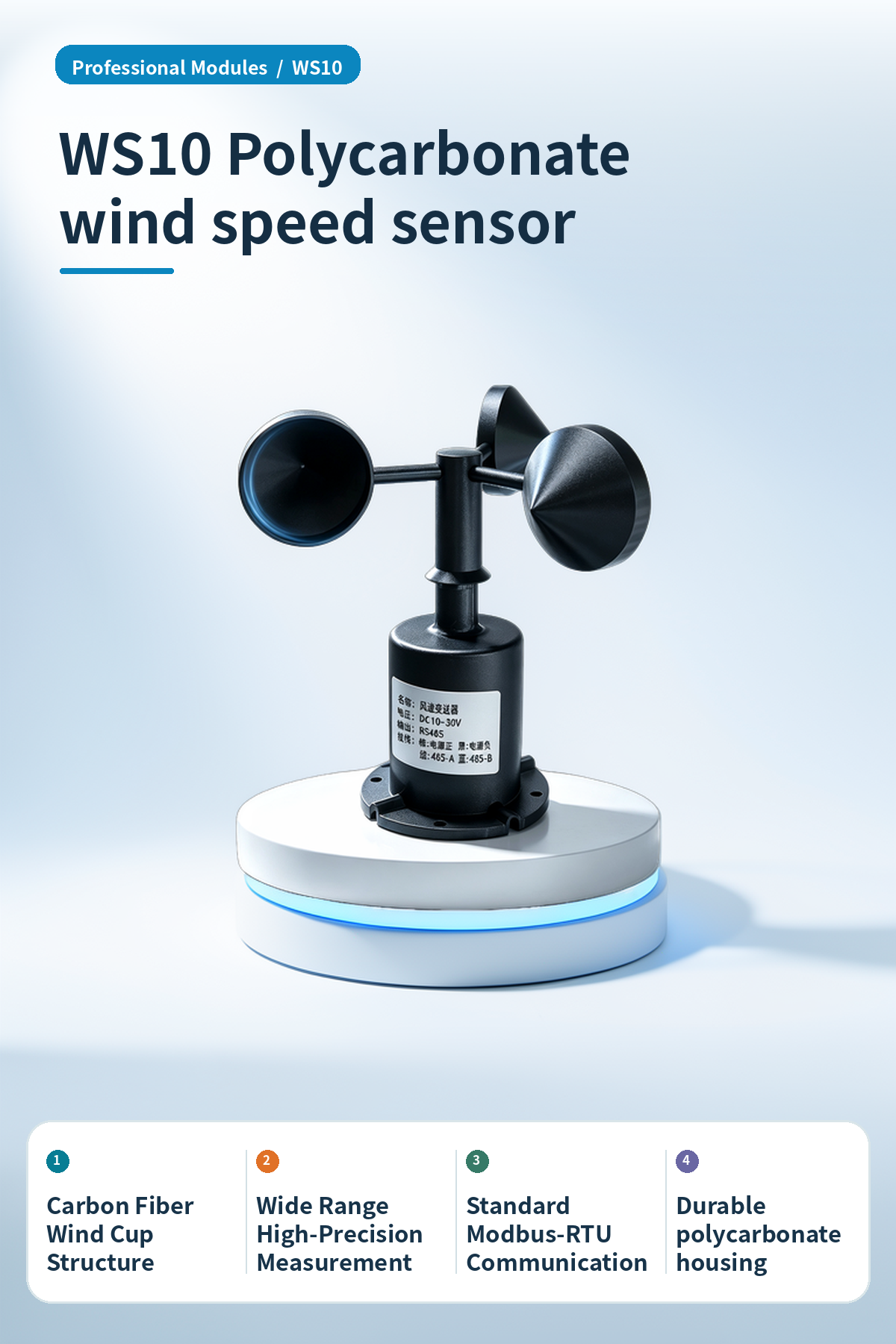
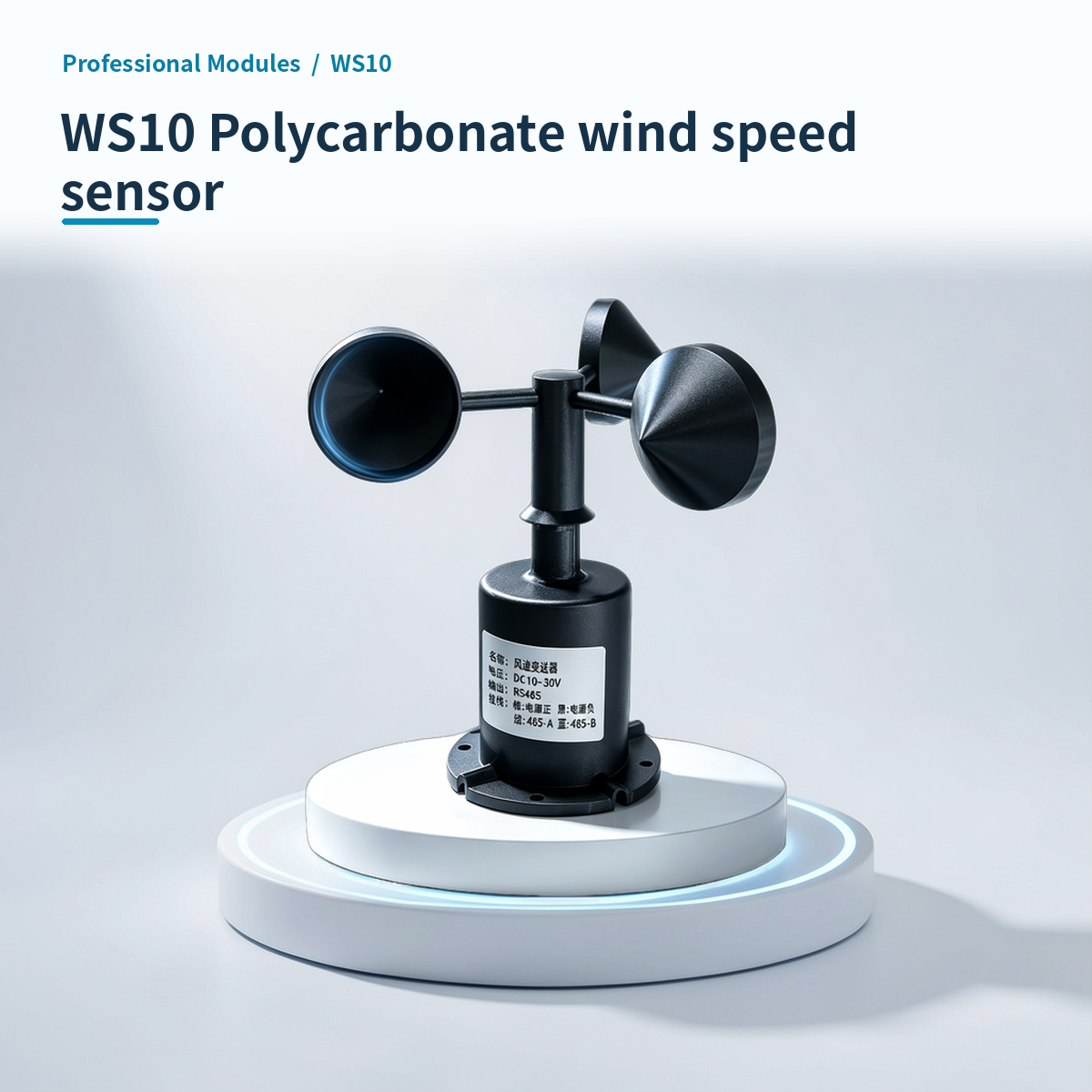
Polycarbonate wind speed sensor WS10, used for wind speed data collection and monitoring in multiple fields.
Carbon Fiber Cups
The anemometer cups are made of carbon fiber, offering high strength and fast startup, suitable for rapid response to wind speed changes.
Wide Temperature Range Operation
* **Circuit Operating Environment**: -40℃~+60℃, 0%RH~80%RH (no condensation)
Standard Communication
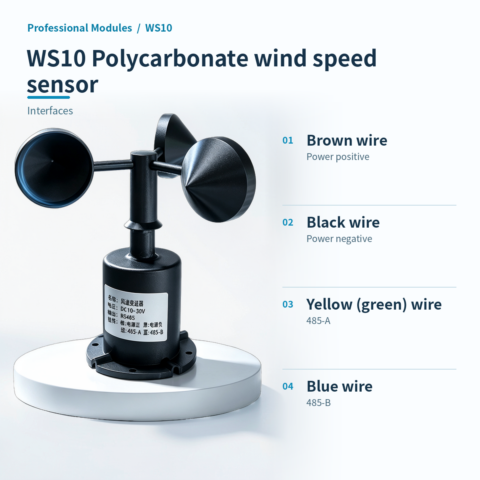
Uses standard ModBus-RTU communication protocol, supports RS485 interface, facilitating integration into existing monitoring systems.
High protection design
The polycarbonate housing is corrosion-resistant and rust-free. The bottom cable exit design prevents plug aging, maintaining long-term waterproof performance.
Sensitive response
Uses high-performance imported bearings with low rotation resistance, dynamic response time ≤1s, and start wind speed ≤0.2m/s.
Smart linkage
Optional HA small box Wi-Fi version, connects to Home Assistant, supports MQTT protocol for real-time data monitoring and automation linkage.
📍 Applications
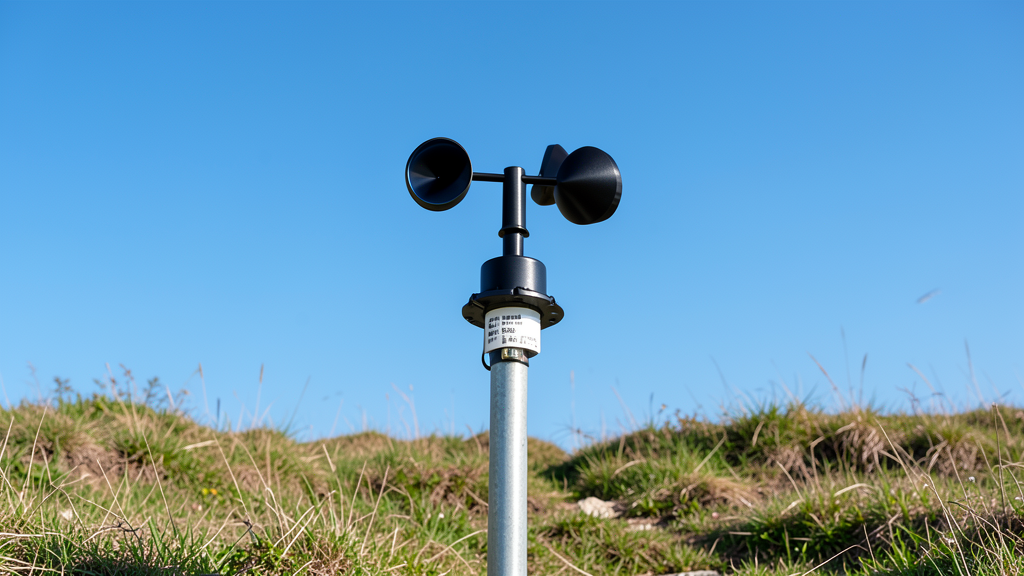
Meteorological and Environmental Monitoring
Deployed at meteorological or environmental monitoring stations for long-term wind speed data collection and analysis.

Transportation and Port Warning
Installed at airports, ports, or alongside highways for wind speed warnings to ensure transportation and aviation safety.
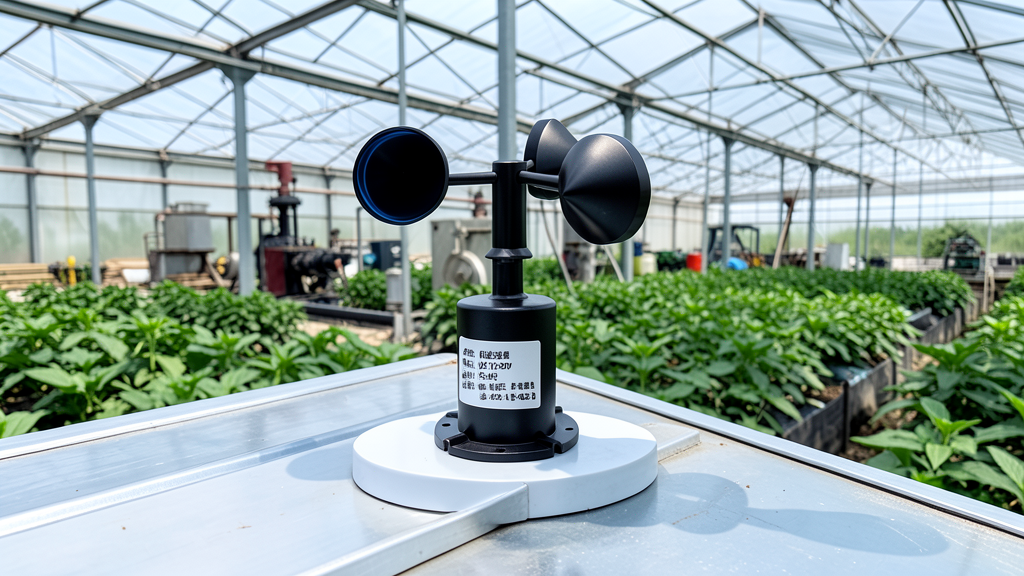
Agricultural Greenhouse Monitoring
Used for wind speed monitoring in agricultural greenhouses or farmland microclimates to assist ventilation and environmental management.

Research Lab Measurement
Applied in ocean research or laboratory fluid dynamics experiments to provide precise wind speed measurement data.
📊 Product specifications
🏠 HA integration · Five steps to Home Assistant
Connect to Home Assistant over Wi-Fi to manage device entities and automations.
Connect Wi-Fi and power
The HA version includes Wi-Fi and creates an access point when powered on. Connect a phone or computer to the device hotspot beginning with HA (password: 12345678).
Configure the device network
After connecting to the HA-xxxx hotspot, the setup page opens automatically. If it does not, open 192.168.4.1 in a browser. Connect the device to the 2.4 GHz network used by the HA host.
Discover the device in HA
Open the devices and management page in Home Assistant. Find the automatically discovered device under the ESP integration and select Configure to add it. Device entities are created automatically, without manually writing configuration.
Create automation scenes
Add device entity cards to the HA dashboard and create automations and scene interactions as needed.
Reset the device
If the device cannot reconnect to its configured network for about two to three minutes, it resets automatically. You can also select RESET in the HA interface.
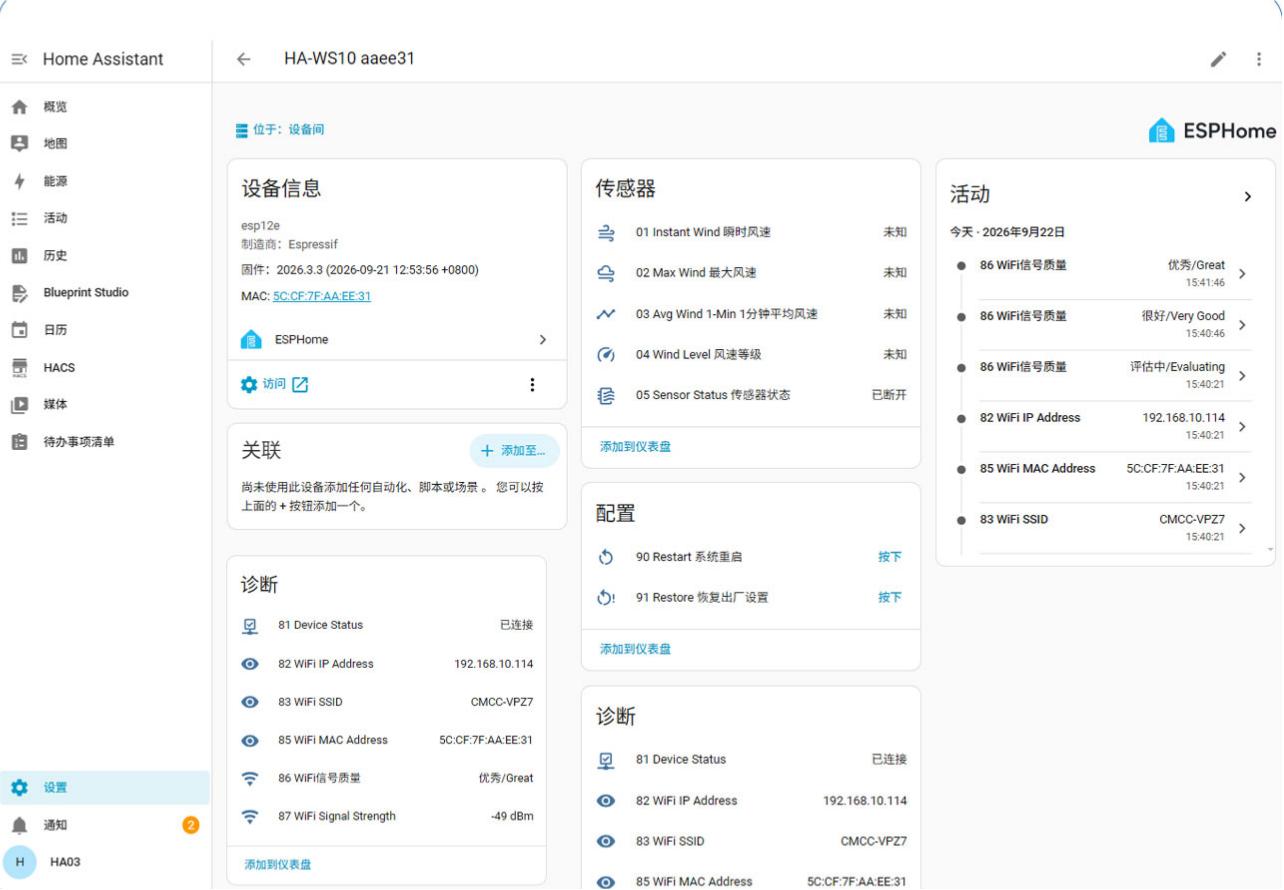
HA configuration
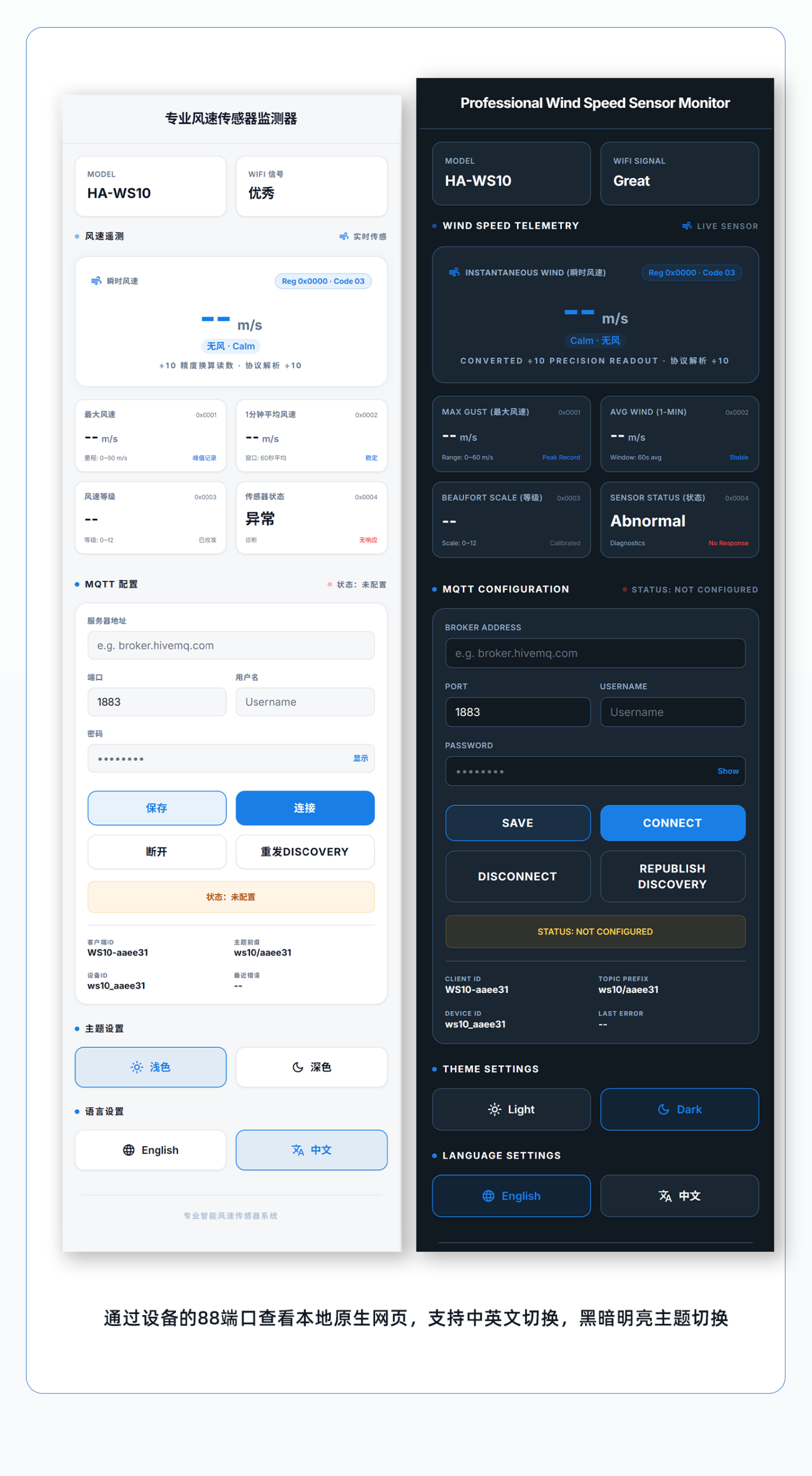
Module IP:88 web access control without a host system
🔌 Wiring
AI standard wiring diagram
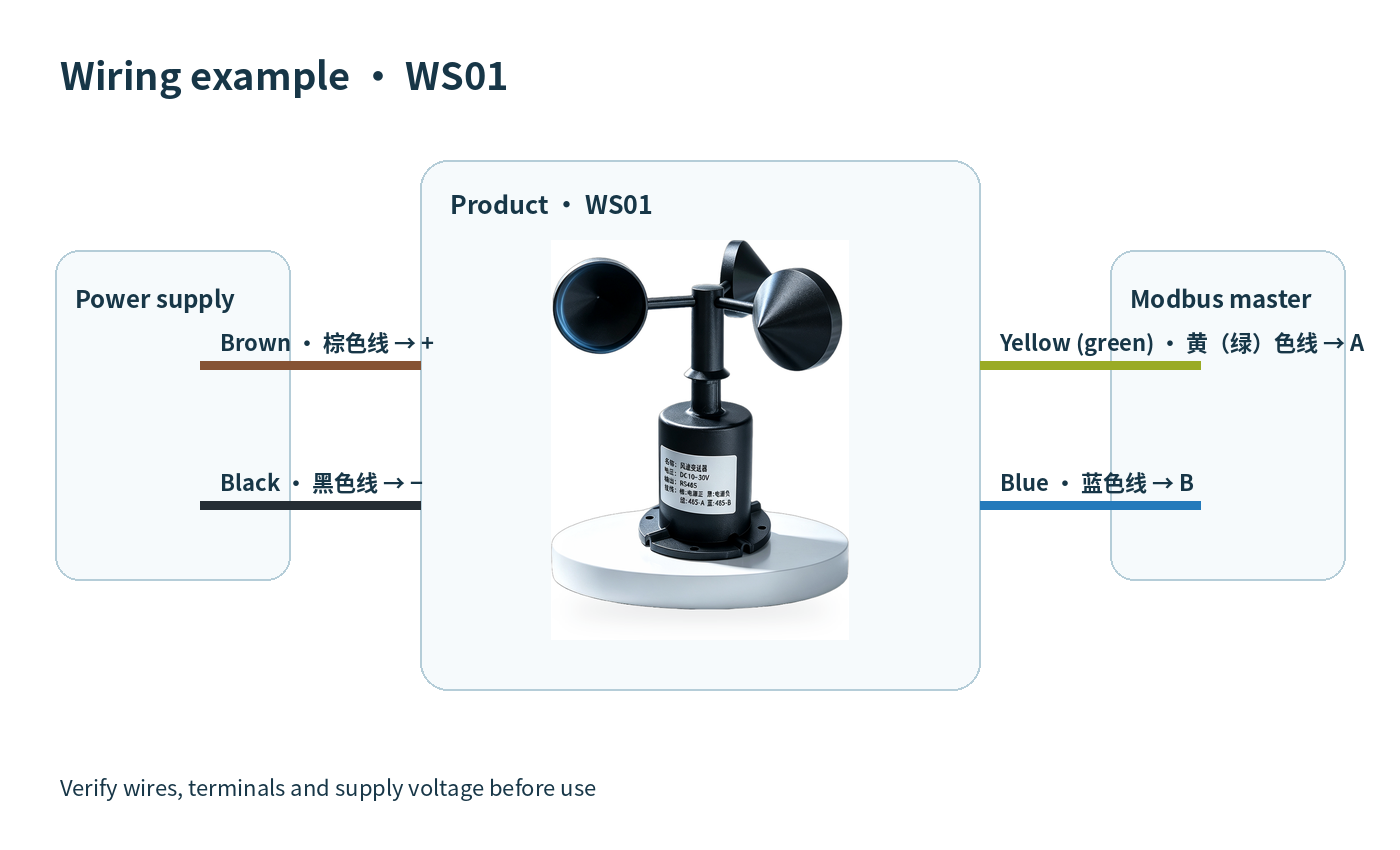
External HA module wiring diagram
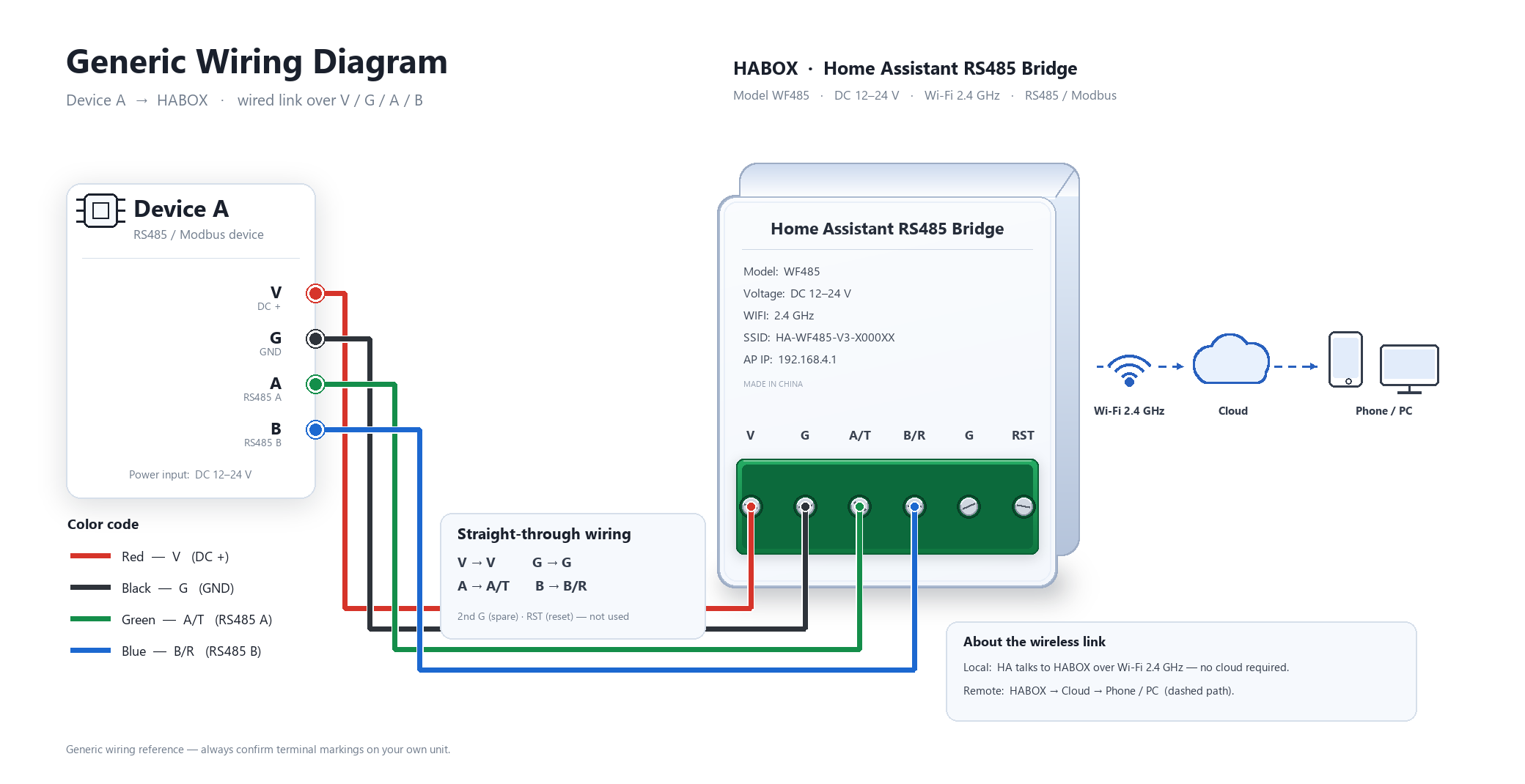
📡 Communication protocol · Communication Protocol
This product adopts the standard Modbus-RTU communication protocol and supports 03 (read), 04 (read), and 06 (write) function codes. In the data area, the high byte of the 16-bit data comes first, and it includes a CRC16 check code.
**Register Address Table:**
Frame structure
Request: 0x01 0x03 0x00 0x00 0x00 0x01 0x84 0x0A

Response: 0x01 0x03 0x02 0x00 0x56 0x38 0x7A

Explanation: Data parsing: Current wind speed value 0x0056 (hexadecimal) = 86 (decimal). Since the data is 10 times the true value, the actual wind speed = 8.6m/s.
Data value notes
- Data Area 16bits, high byte first
- Data is 10 times the true value
| Version | Standard, HAWS10 |
|---|
Only logged in customers who have purchased this product may leave a review.



Reviews
There are no reviews yet.