

- Description
- Additional information
- Reviews (0)
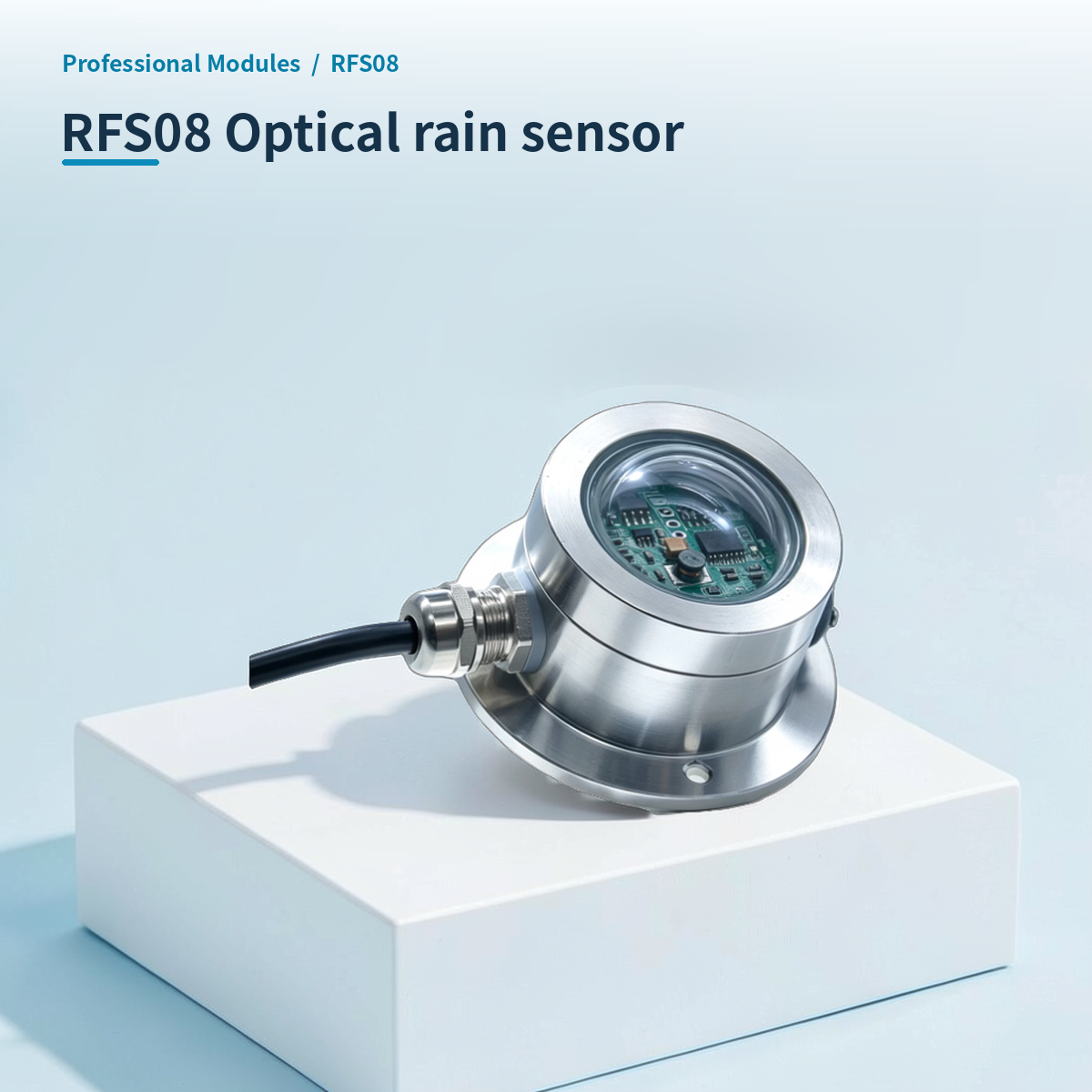
⚡ Why choose Optical rain sensor · RFS08?
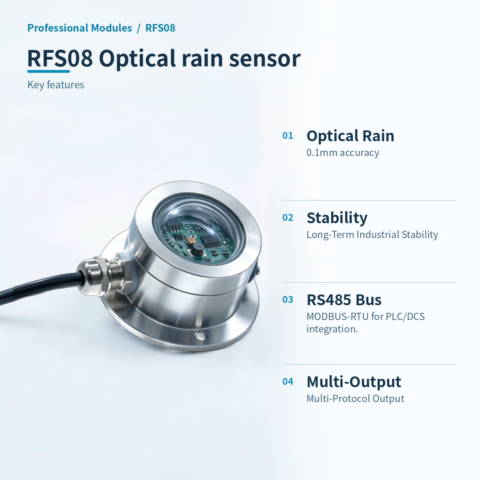
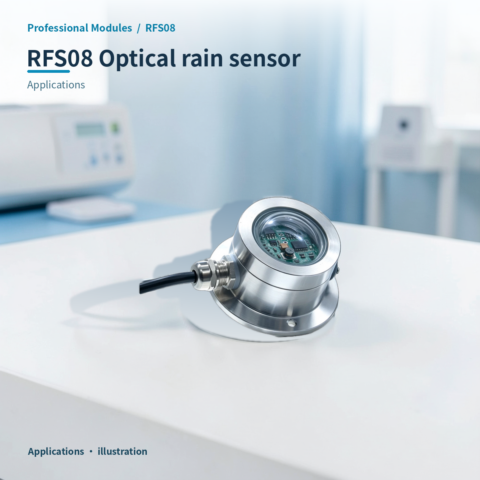
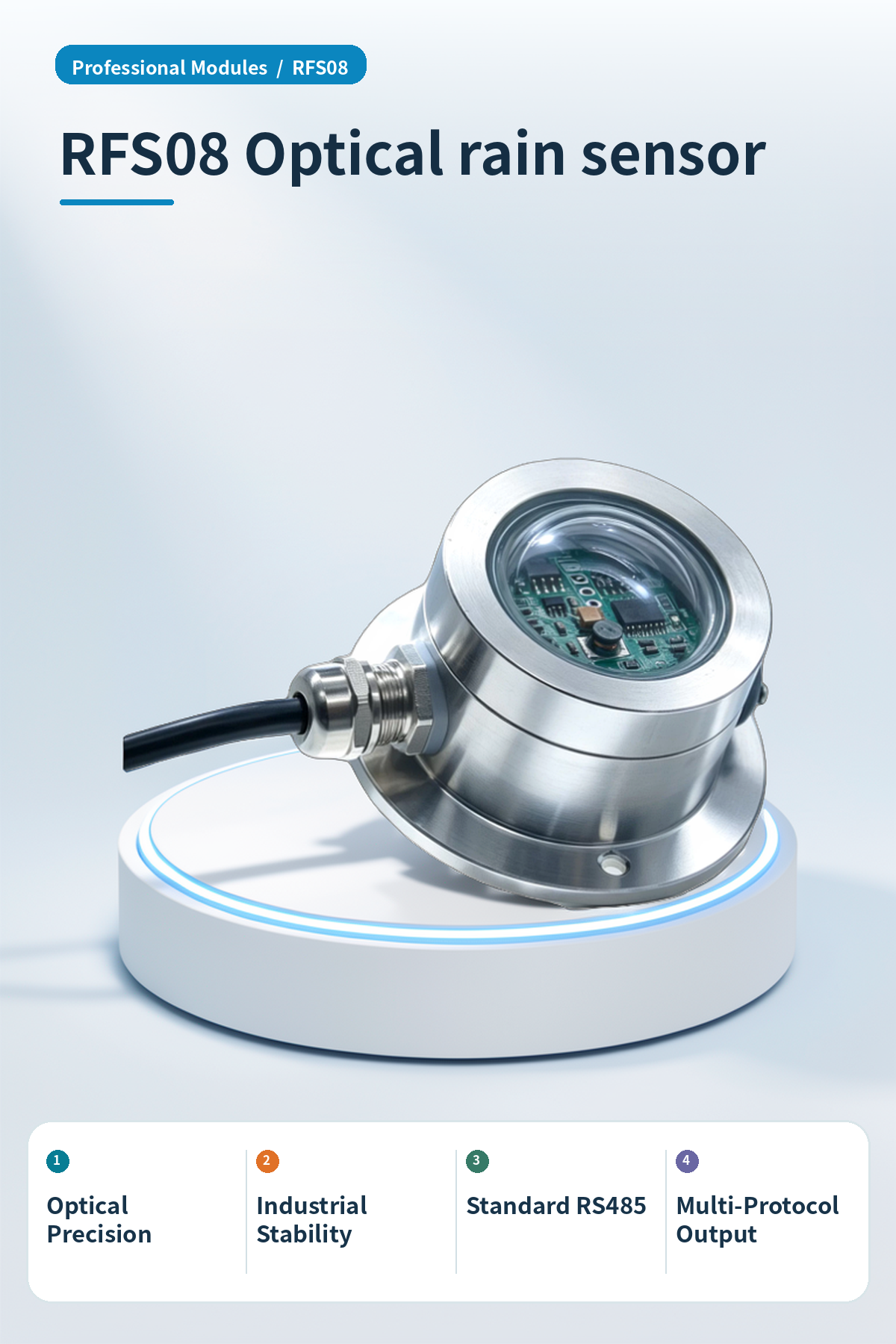
High-precision optical rain sensor, supports RS485 Modbus-RTU protocol for industrial systems.
Optical Precision
Optical principle with high-precision sensor core ensures accurate rainfall data, performance metrics 0.1mm.
Industrial Stability
High reliability and long-term stability for industrial deployment.
Standard RS485
Standard RS485 bus, MODBUS-RTU for PLC/DCS integration.
Multi-Protocol Output
Custom RS232, CAN, 4-20mA, ZIGBEE, Lora, WIFI, GPRS, NB-IOT outputs.
Stainless steel protective housing
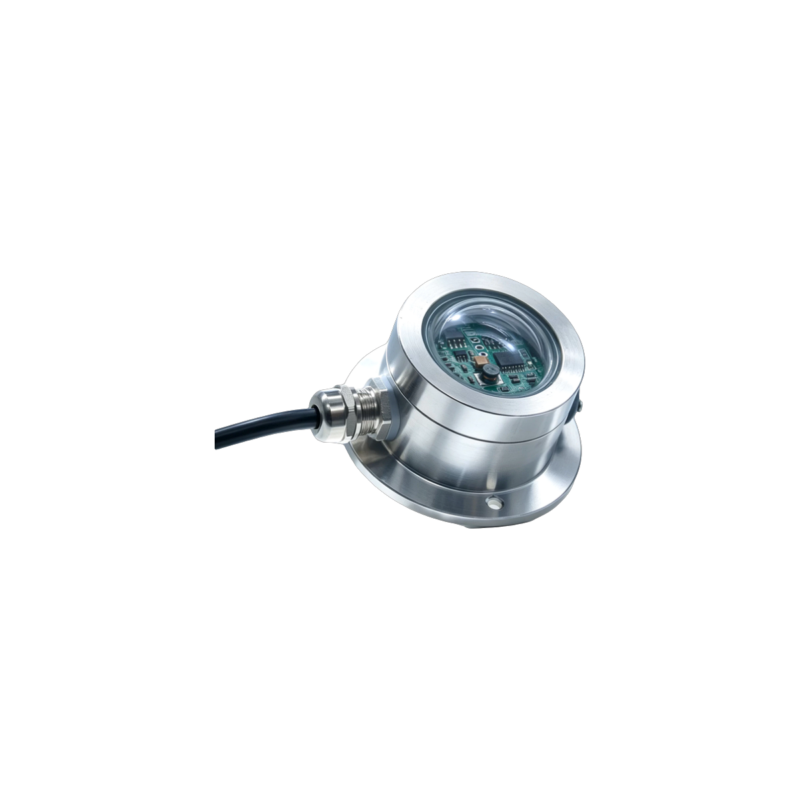
Stainless steel housing with a transparent dome sensor, built for harsh outdoor environments.
Wide temperature range adaptation
Operating temperature -30℃~85℃, humidity 5%RH~90%RH, suits various climates.
High instantaneous rainfall range
Max instantaneous rainfall 24mm/Min, typical accuracy ±5% (@25℃), for heavy rain monitoring.
📍 Applications
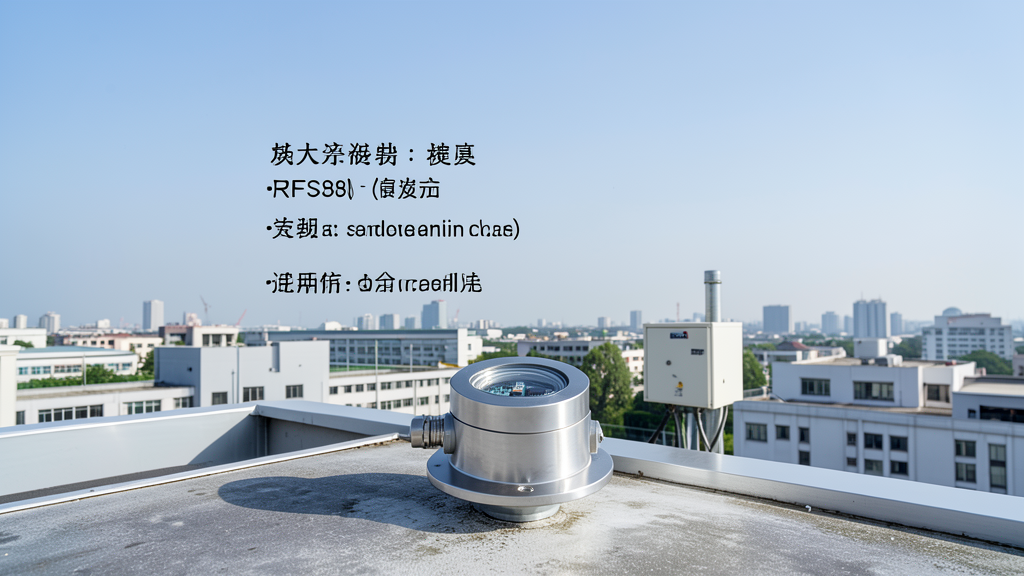
Industrial and Research Monitoring
Rainfall detection for industrial parks and research, providing high-precision data support.

Agricultural Weather Monitoring
Meteorological monitoring for farmland and greenhouses, supporting precision irrigation management.
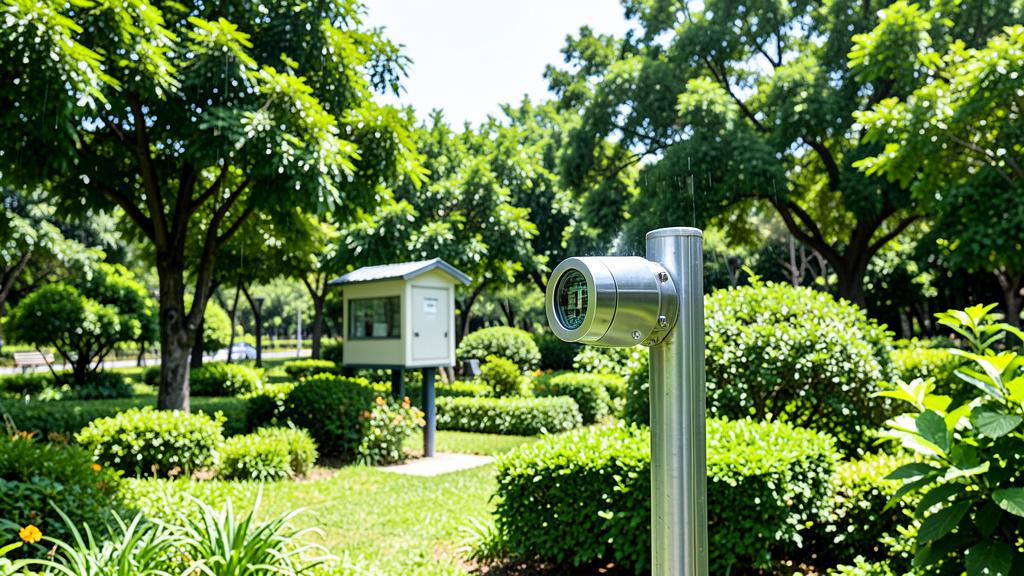
Landscape Ecology Maintenance
Greening maintenance and environmental monitoring for parks and gardens, optimizing care via rainfall data.
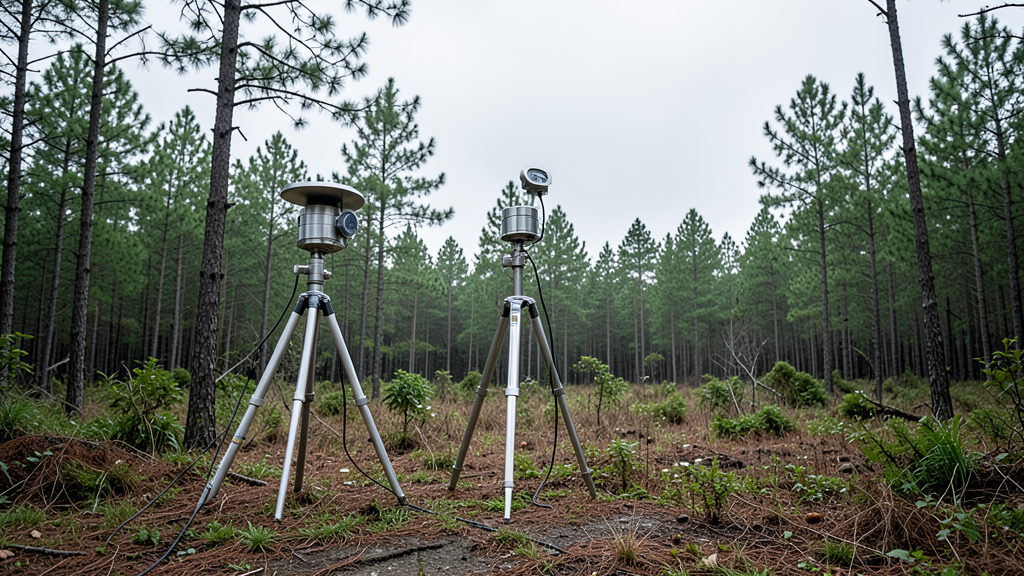
Field Meteorological Collection
Rainfall and meteorological data collection for fields and forests, supporting long-term field deployment.
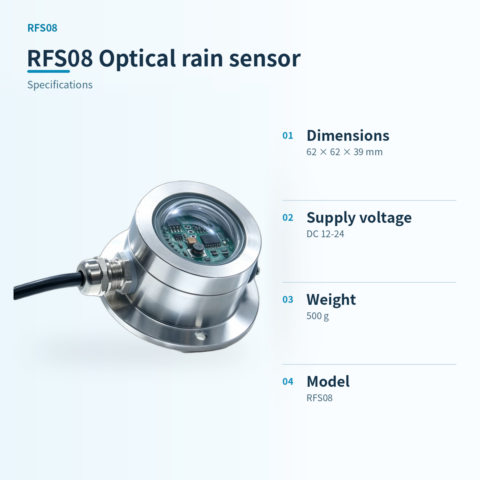
📊 Product specifications
🏠 HA integration · Five steps to Home Assistant
Connect to Home Assistant over Wi-Fi to manage device entities and automations.
Connect Wi-Fi and power
The HA version includes Wi-Fi and creates an access point when powered on. Connect a phone or computer to the device hotspot beginning with HA (password: 12345678).
Configure the device network
After connecting to the HA-xxxx hotspot, the setup page opens automatically. If it does not, open 192.168.4.1 in a browser. Connect the device to the 2.4 GHz network used by the HA host.
Discover the device in HA
Open the devices and management page in Home Assistant. Find the automatically discovered device under the ESP integration and select Configure to add it. Device entities are created automatically, without manually writing configuration.
Create automation scenes
Add device entity cards to the HA dashboard and create automations and scene interactions as needed.
Reset the device
If the device cannot reconnect to its configured network for about two to three minutes, it resets automatically. You can also select RESET in the HA interface.
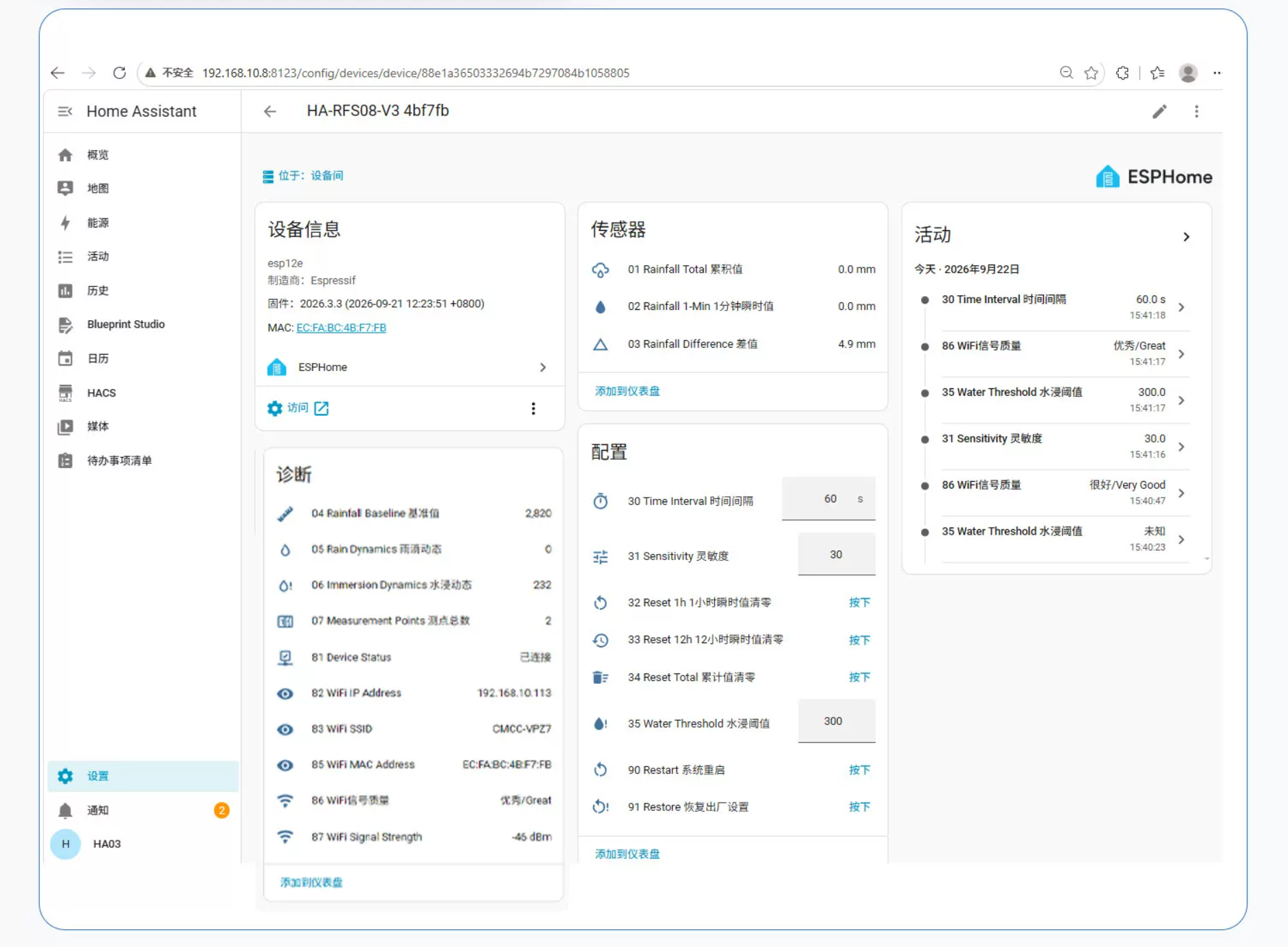
HA configuration
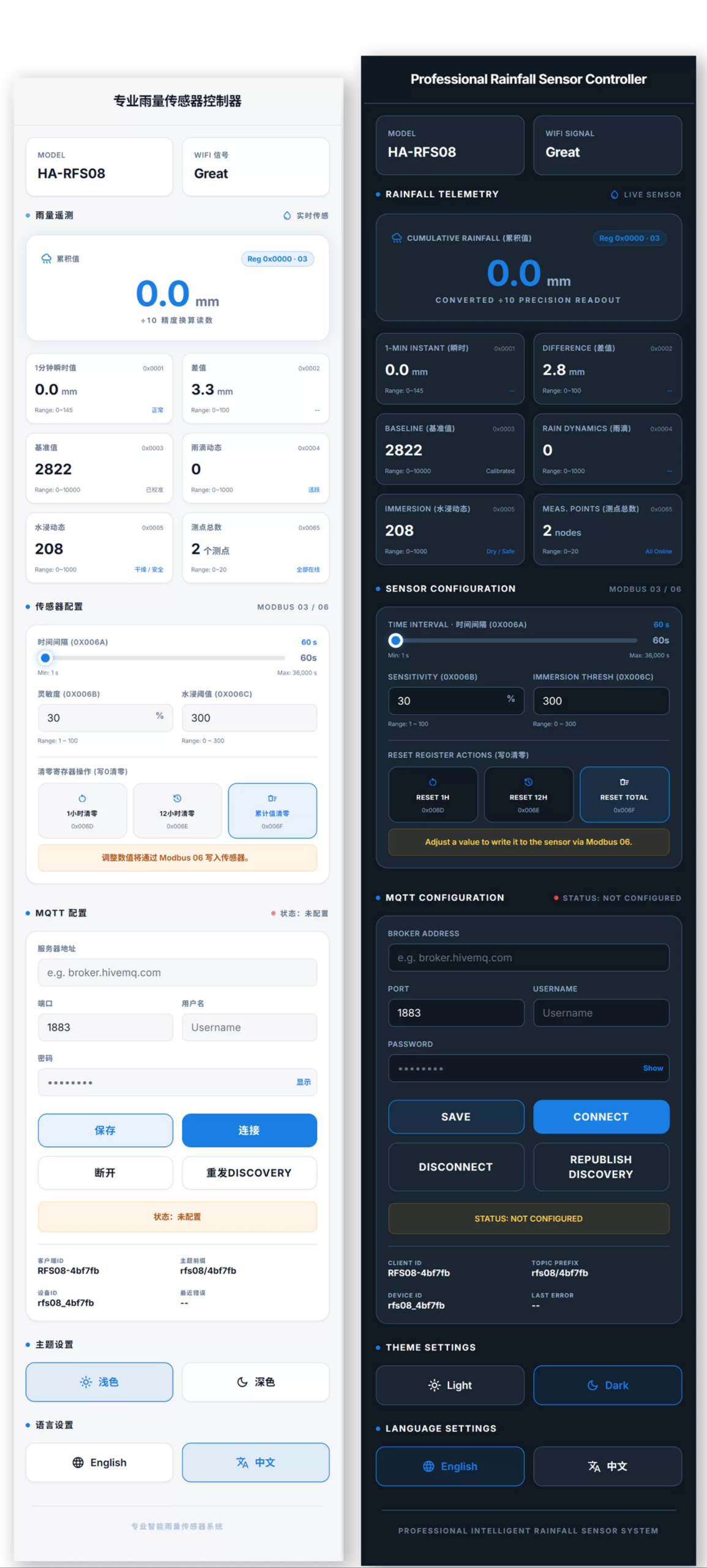
Module IP:88 web access control without a host system
🔌 Wiring
AI standard wiring diagram
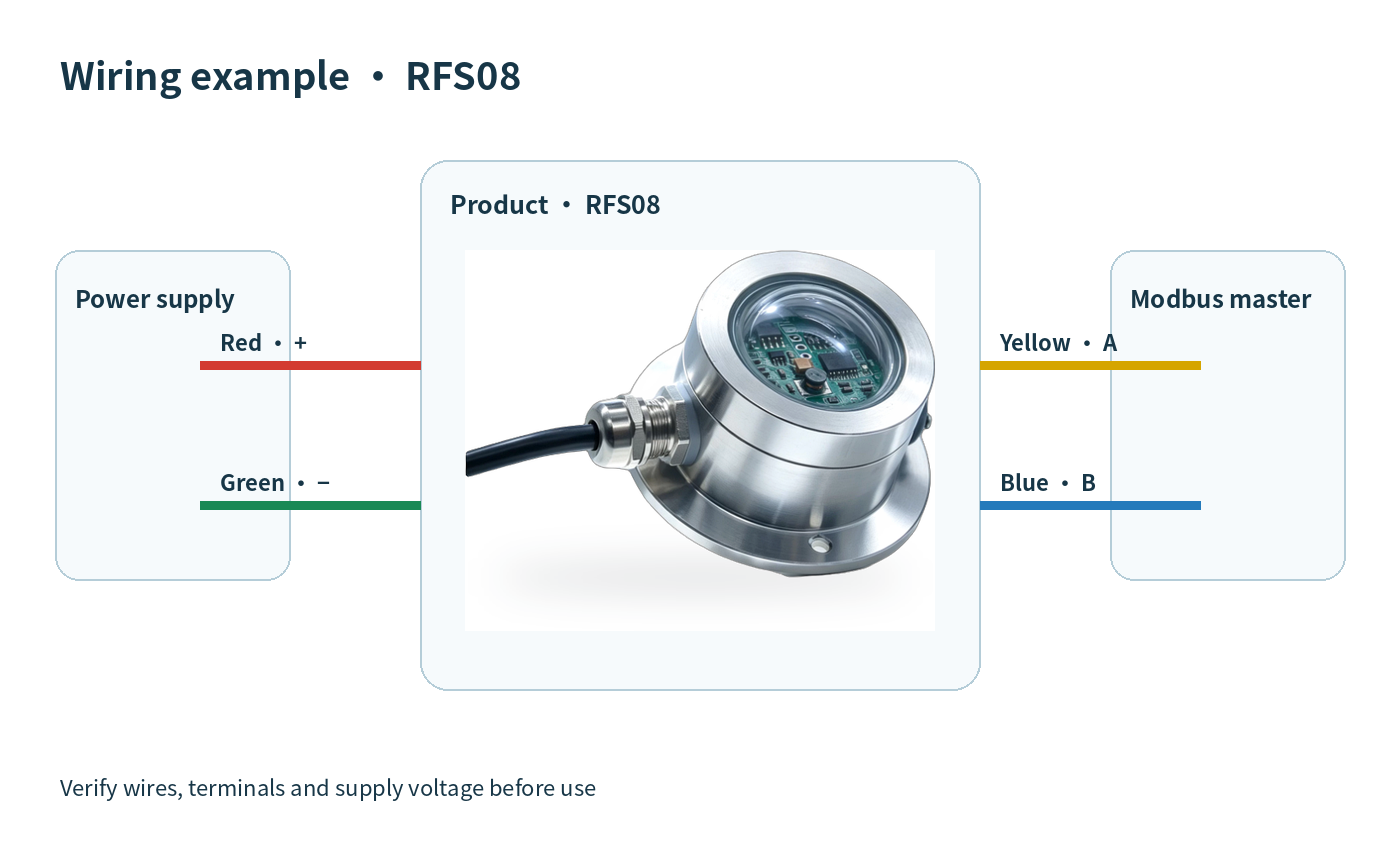
External HA module wiring diagram
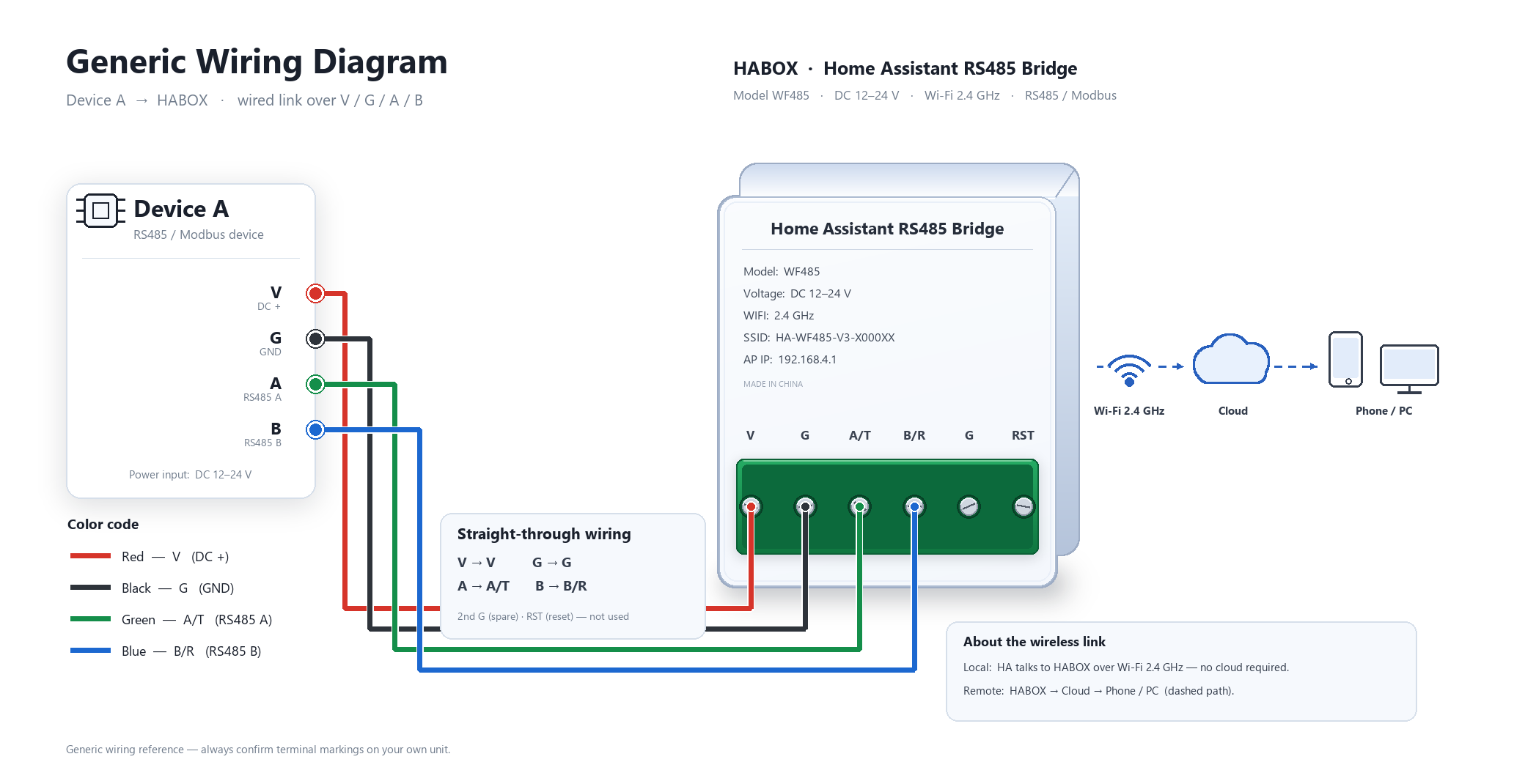
## 6, Installation & Wiring
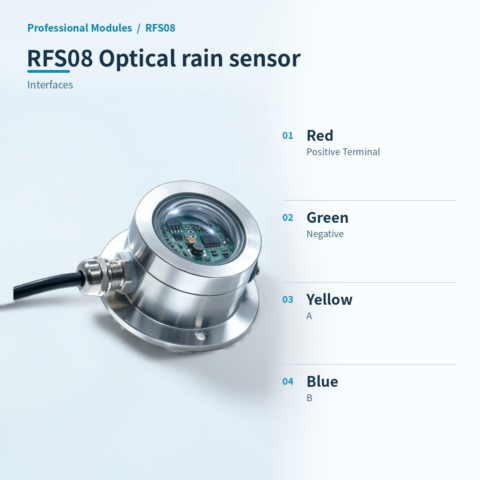
> **Note: Power off before wiring as shown.** If the product has no leads, wire colors are for reference.
**RS485 Wiring**
* **Power Positive**: Connect to DC6~24V positive.
* **Power Negative**: Connect to negative.
* **RS485 Signal**: A+ to converter A+, B- to converter B-.
* **Data Transfer**: Connect to PC or data logger via RS485 to USB converter.
📡 Communication protocol · Communication Protocol
This product uses standard Modbus-RTU protocol format. All commands and responses are 16-base data.
*(Address: 01, Function Code: 03, Byte Count: 02, Data: 0079, Checksum: 79A6)*
Request: 01 03 00 00 00 01 84 0A

Explanation: Address: 01, Function code: 03, Start address: 0000, Data length: 0001, Checksum: 840AResponse: 01 03 02 00 79 79 A6
Explanation: Address: 01, Function Code: 03, Byte Count: 02, Data: 0079, Checksum: 79A6Request: FA 03 00 66 00 01 71 9E
Response: 01 03 02 00 01 79 84
Explanation: FA is the generic address for 250; 0066 is the device address register. The first byte 01 indicates the actual device address is 1.Request: 01 06 00 66 00 02 E8 14
Response: 02 06 00 66 00 02 E8 27
Explanation: Address changes take effect immediately. Synchronize the host query address.Request: 01 03 00 67 00 01 35 D5Request: 01 06 00 67 00 05 F8 16
Explanation: Changes take effect immediately. The device stops responding; update the host baud rate to reconnect.Request: 01 06 00 6B 00 64 F9 FD
Explanation: After successful operation, parameters take effect immediately.Data value notes
- Baud rate encoding: 1=2400, 2=4800, 3=9600, 4=19200, 5=38400, 6=115200.
- Correction value range: -1000 to +1000 (negative values use two's complement).
| Version | Standard, HARFS08 |
|---|
Only logged in customers who have purchased this product may leave a review.





Reviews
There are no reviews yet.