

- Description
- Additional information
- Reviews (0)
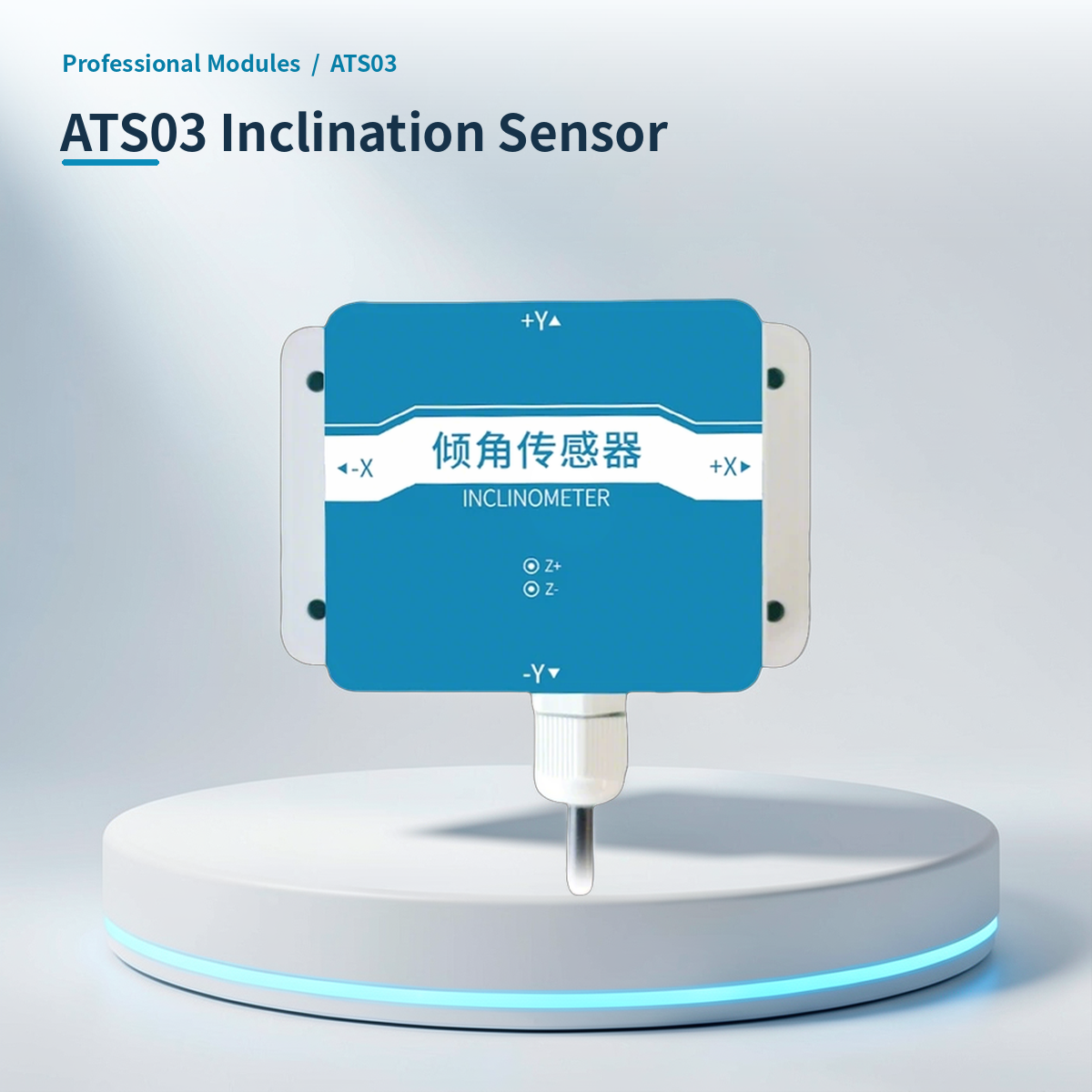
⚡ Why choose ATS03 Dual-Axis Inclination Sensor – RS485 Modbus RTU, IP65 Protection?
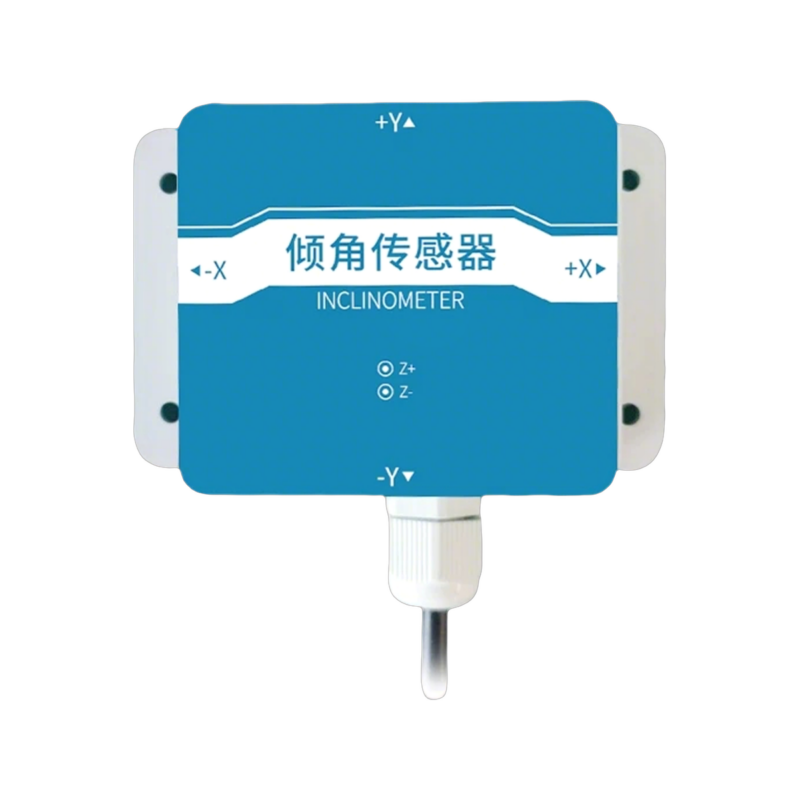
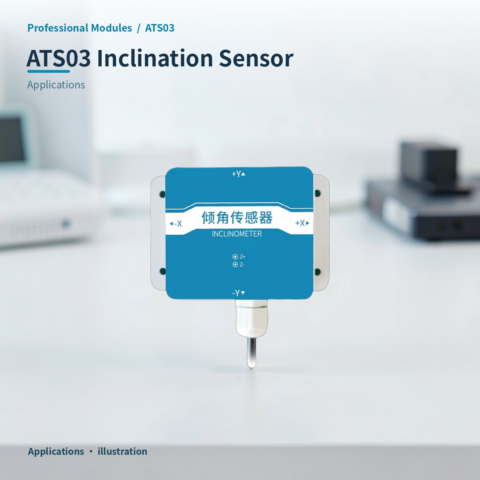
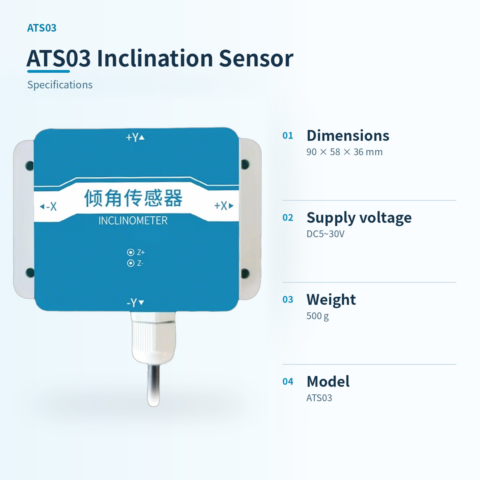
HAATS03 dual-axis tilt sensor, used for industrial structural tilt monitoring and weighing compensation.
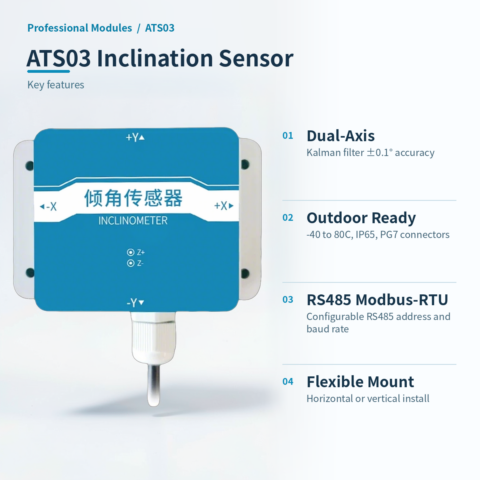
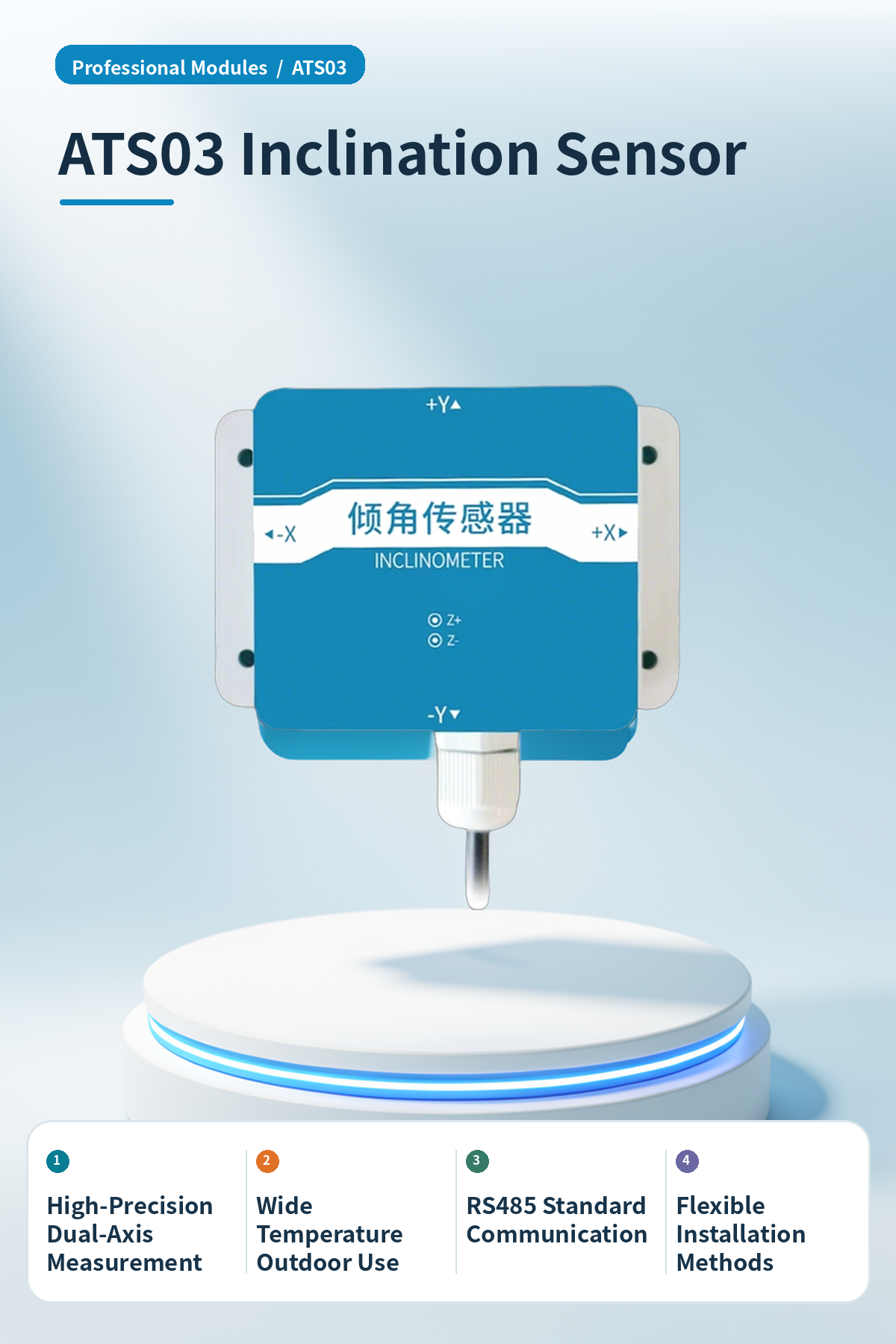
High-Precision Dual-Axis Measurement
Uses Kalman filtering algorithm with triaxial gyroscopes and accelerometers, achieving static accuracy of ±0.1° on X/Y axes to ensure precise and stable angle data.
Wide Temperature Range Outdoor Application
Operating temperature range from -40℃ to 80℃, IP65 protection rating, equipped with PG7 waterproof connectors, suitable for long-term outdoor industrial environments.
RS485 Standard Communication
Supports standard Modbus-RTU protocol, dedicated 485 circuit, configurable communication address and baud rate for easy integration with PLCs or host computers.
Flexible Installation Methods
Supports horizontal default installation and vertical installation (configuration and calibration required), adapting to monitoring needs for different structural surfaces.
Home Assistant Integration
Supports optional HA version, allowing direct integration into Home Assistant smart home or industrial monitoring platforms to achieve data visualization.
Strong Anti-Interference Stability
Uses three-stage filtering to process data, offering strong resistance to external interference and high long-term stability, suitable for continuous monitoring scenarios.
📍 Applications
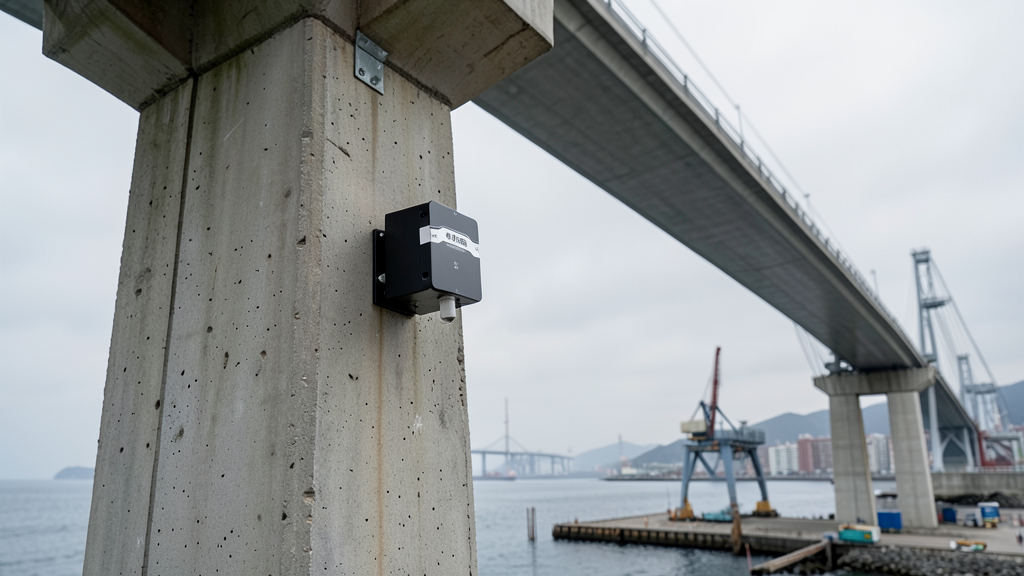
Bridge Structural Health Monitoring
Installed on bridge towers or girders to monitor structural tilt changes in real time and provide early warning of potential structural risks.
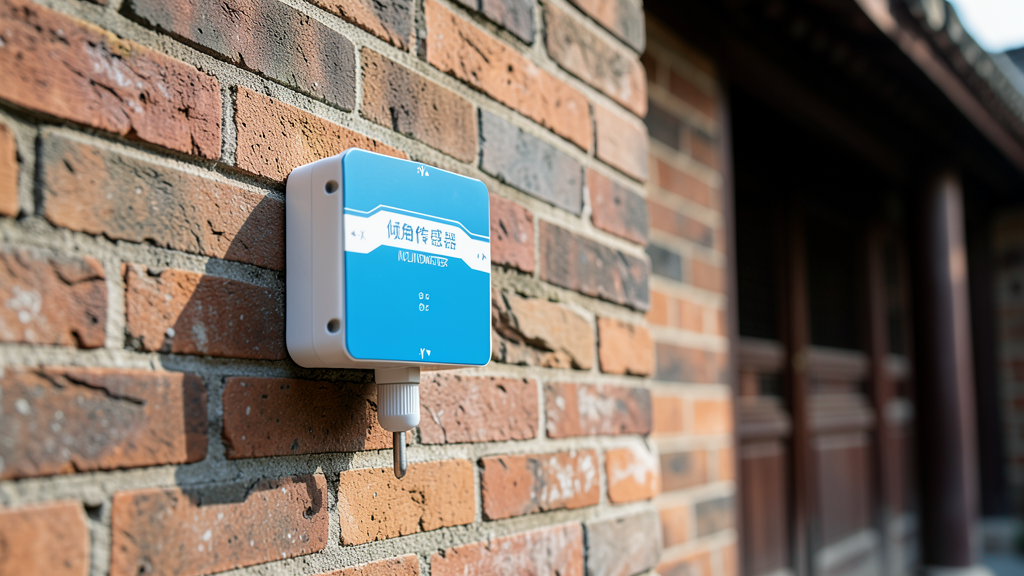
Ancient Building Preservation Monitoring
Used for tilt monitoring of walls in dilapidated or ancient buildings, assessing structural stability through long-term data recording to support preservation decisions.
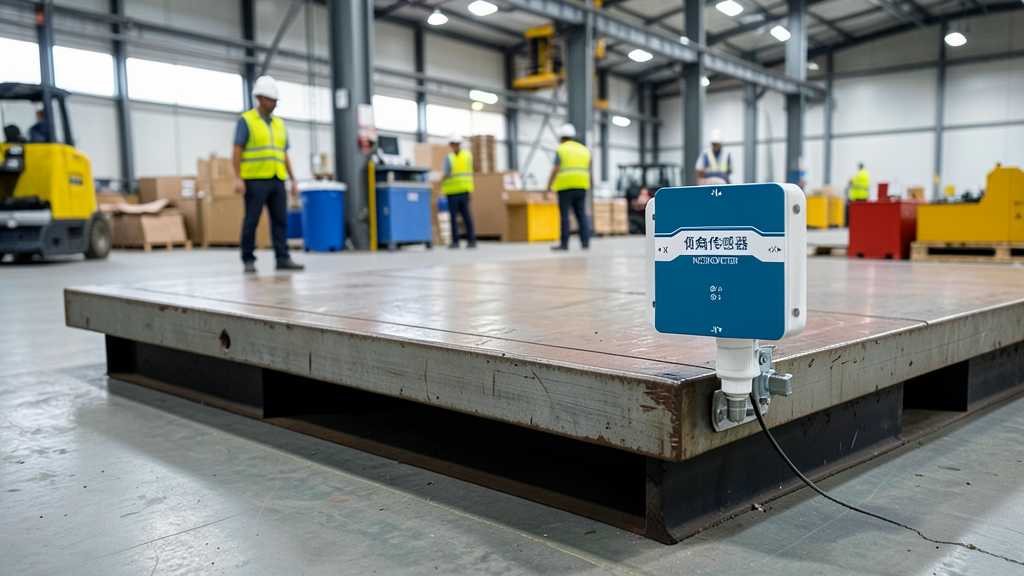
Industrial Weighing Tilt Compensation
Detects platform tilt angles in industrial weighing systems, providing compensation data to improve weighing accuracy.
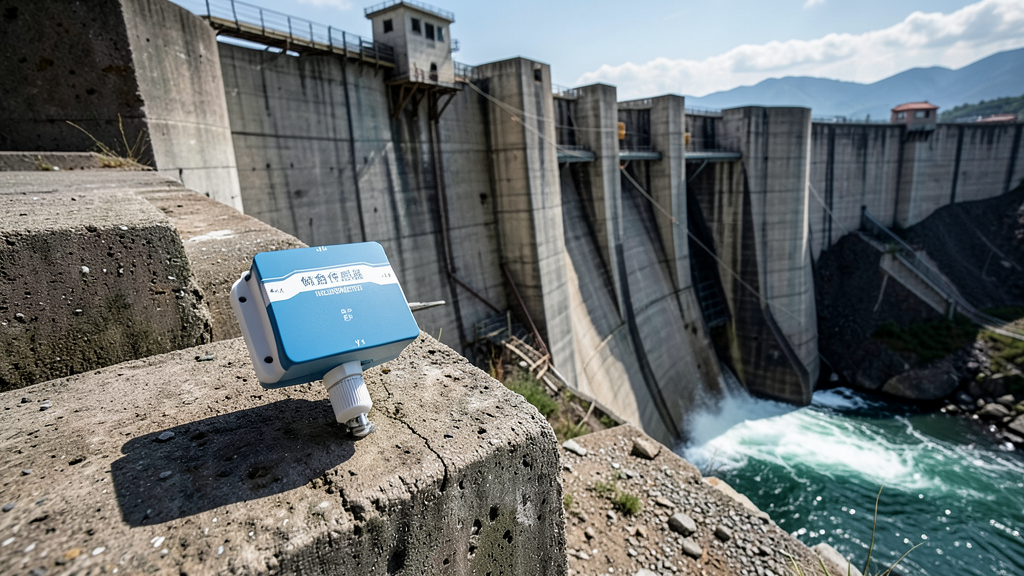
Dam and Tunnel Structural Monitoring
Deployed on dam bodies or tunnel inner walls to monitor long-term structural displacement and tilt, ensuring infrastructure safety.
📊 Product specifications
🏠 HA integration · Five steps to Home Assistant
Connect to Home Assistant over Wi-Fi to manage device entities and automations.
Connect Wi-Fi and power
The HA version includes Wi-Fi and creates an access point when powered on. Connect a phone or computer to the device hotspot beginning with HA (password: 12345678).
Configure the device network
After connecting to the HA-xxxx hotspot, the setup page opens automatically. If it does not, open 192.168.4.1 in a browser. Connect the device to the 2.4 GHz network used by the HA host.
Discover the device in HA
Open the devices and management page in Home Assistant. Find the automatically discovered device under the ESP integration and select Configure to add it. Device entities are created automatically, without manually writing configuration.
Create automation scenes
Add device entity cards to the HA dashboard and create automations and scene interactions as needed.
Reset the device
If the device cannot reconnect to its configured network for about two to three minutes, it resets automatically. You can also select RESET in the HA interface.
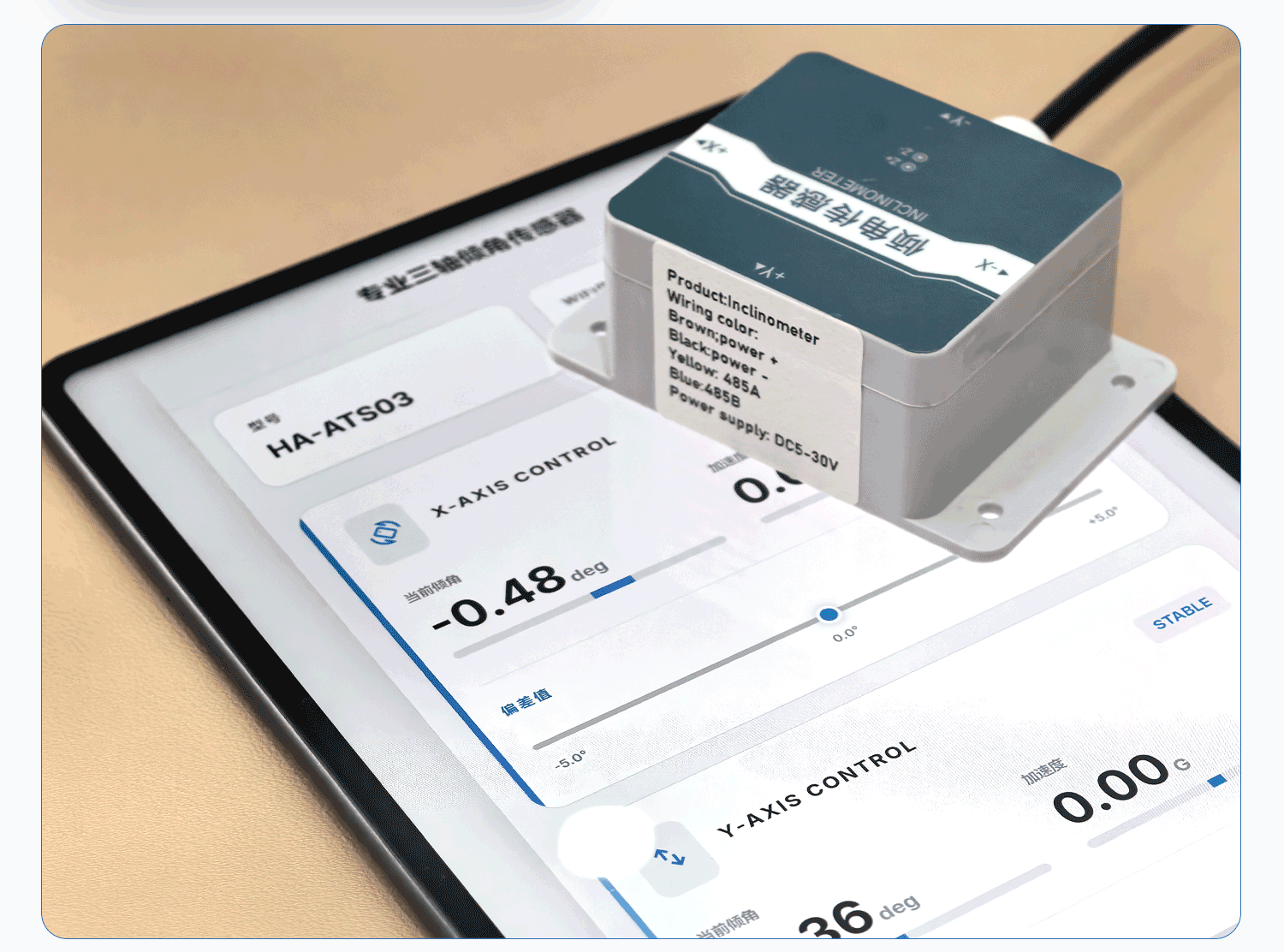
HA configuration
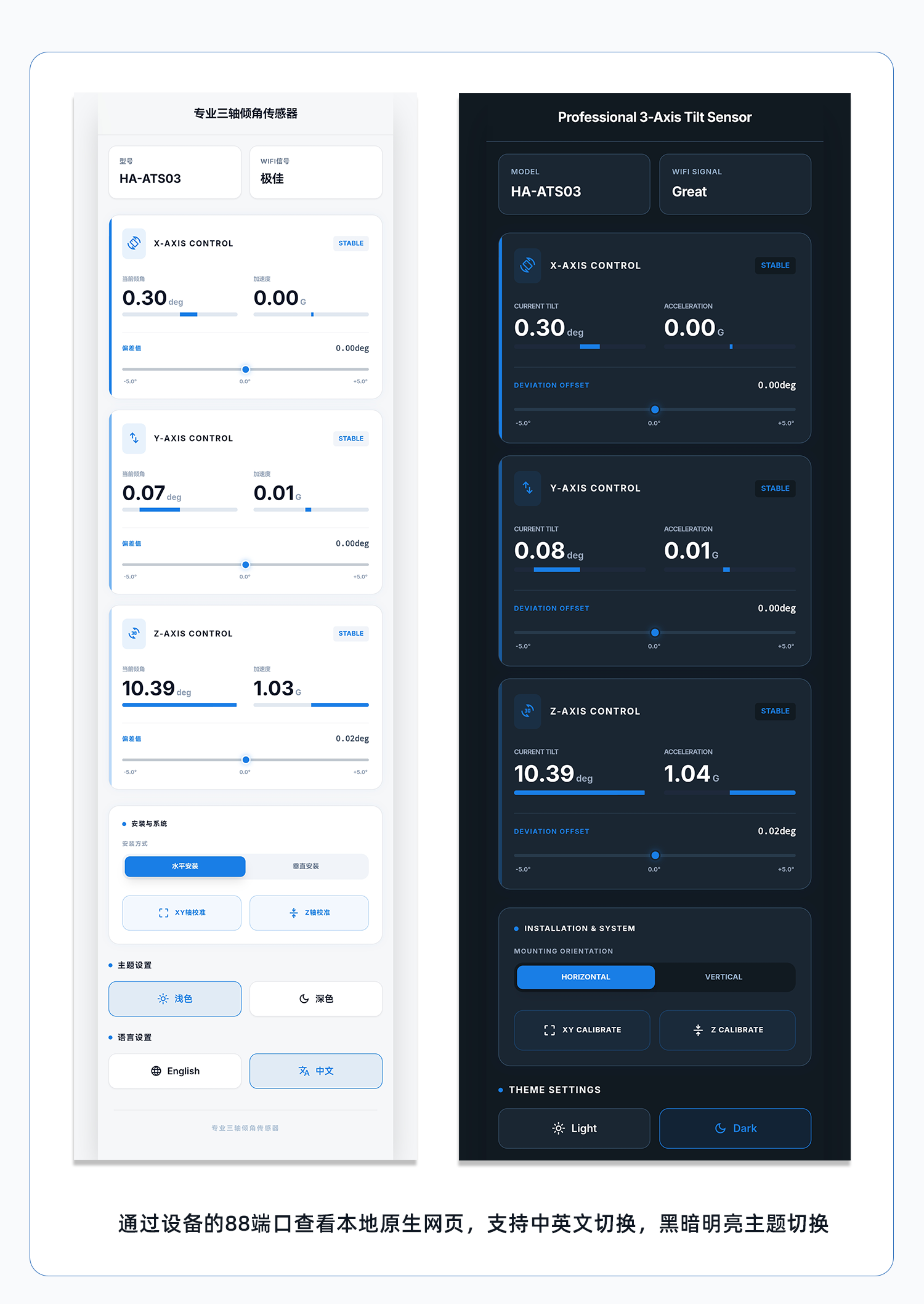
Module IP:88 web access control without a host system
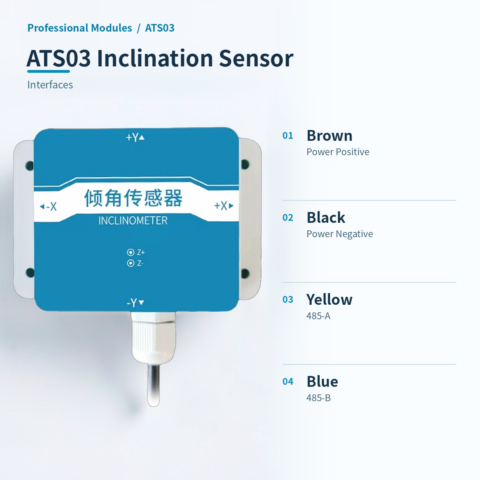
🔌 Wiring
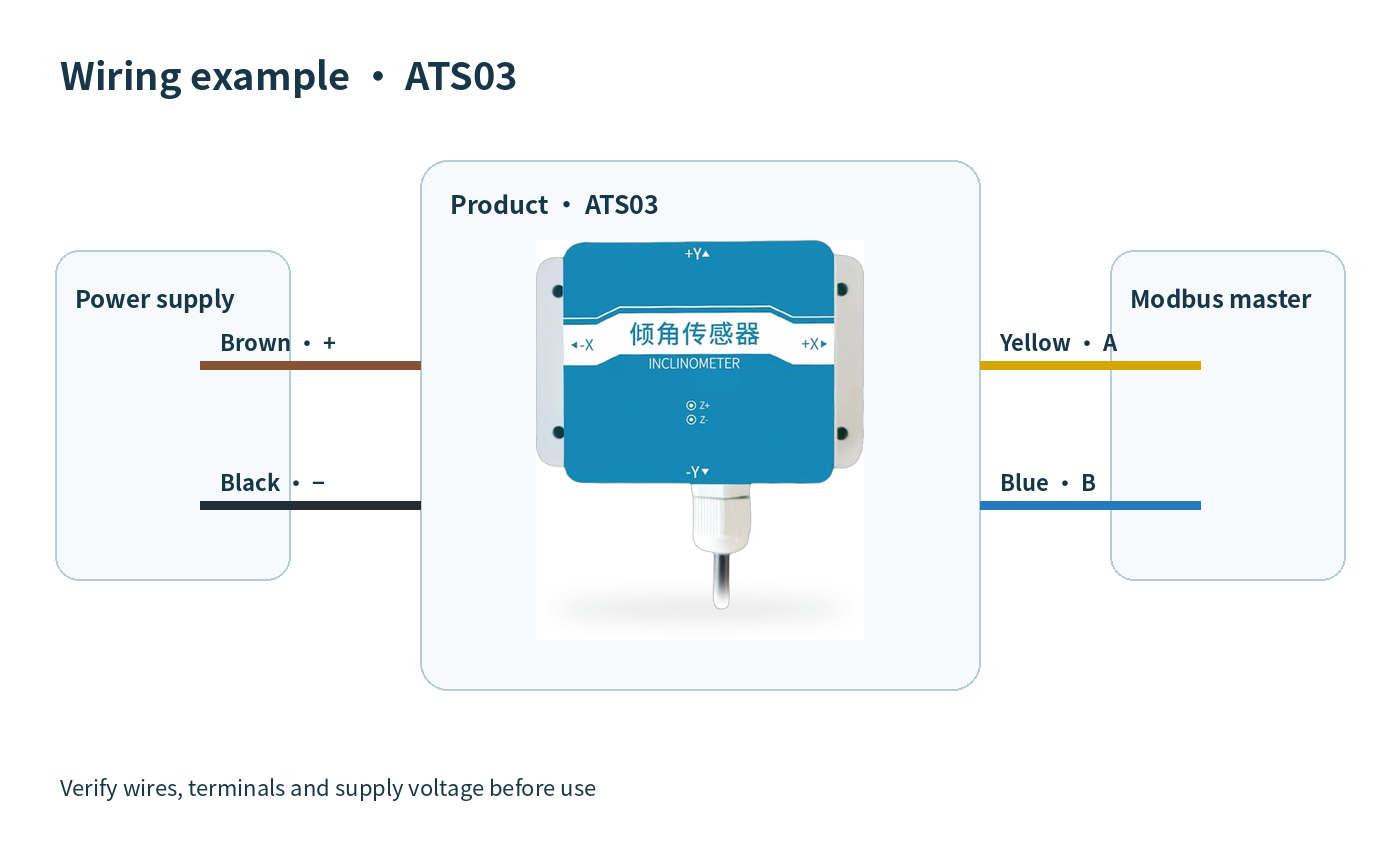
AI standard wiring diagram
📡 Communication protocol · Modbus-RTU Angle Sensor Communication Protocol and Configuration Description
This device uses a dedicated 485 circuit, supports the standard Modbus-RTU communication protocol, and features a wide angle measurement range with good linearity. It supports three-stage filtering with strong anti-interference capability. It features an ABS housing and PG7 waterproof connector. Default communication parameters are a baud rate of 4800 bit/s and address 0x01. The documentation includes data frame format definitions, a core register address table, and a communication example for reading the X-axis angle.
Register address (partial core)
Register address definition
Request: 0x01 0x03 0x00 0x00 0x00 0x01 0x84 0x0A

Response: 0x01 0x03 0x02 0x04 0x7E 0x3A 0xA4

Explanation: The X-axis angle data is 047EH (hexadecimal) = 1150, divided by 100, resulting in X-axis angle = 11.50°.
Data value notes
- Initial structure: ≥ 4 bytes of time
- Address code: 1 bytes (factory default 0x01)
- Function code: 1 bytes
- Data area: N bytes (Note: high byte first for 16-bit data)
- Error check: 16-bit CRC code (low byte first, high byte last)
- End structure: time of ≥ 4 bytes
- Master inquiry frame structure: Address code (1 bytes) + Function code (1 bytes) + Register start address (2 bytes) + Register length (2 bytes) + Checksum low byte (1 bytes) + Checksum high byte (1 bytes)
- Slave response frame structure: Address code (1 bytes) + Function code (1 bytes) + Valid byte count (1 bytes) + Data area 1 (2 bytes) + Data area 2 (2 bytes) + … + Checksum low byte (1 bytes) + Checksum high byte (1 bytes)
- Default baud rate is 4800 bit/s, default address is 0x01
- Baud rate: configurable, factory default for RS485 version is 4800 bit/s
- Warning: It is strictly prohibited to use this device as a safety device, emergency stop device, or in any situation where equipment failure could result in personal injury.
- Usage restrictions: This device is limited to use within its design purpose and authorized scope. The relevant instructions in the technical manual must be carefully read and understood before installation, operation, or maintenance.
- Troubleshooting 1: The computer has multiple COM ports, and the selected port is incorrect.
- Troubleshooting 2: Device address is incorrect, or there are devices with duplicate addresses (factory default is all 0x01).
- Troubleshooting 3: Baud rate, check method, data bits, or stop bits are incorrect.
- Troubleshooting4: The 485 bus is disconnected, or the A and B lines are reversed.
| Version | Standard, HAATS03 |
|---|
Only logged in customers who have purchased this product may leave a review.




Reviews
There are no reviews yet.