

- Description
- Additional information
- Reviews (0)
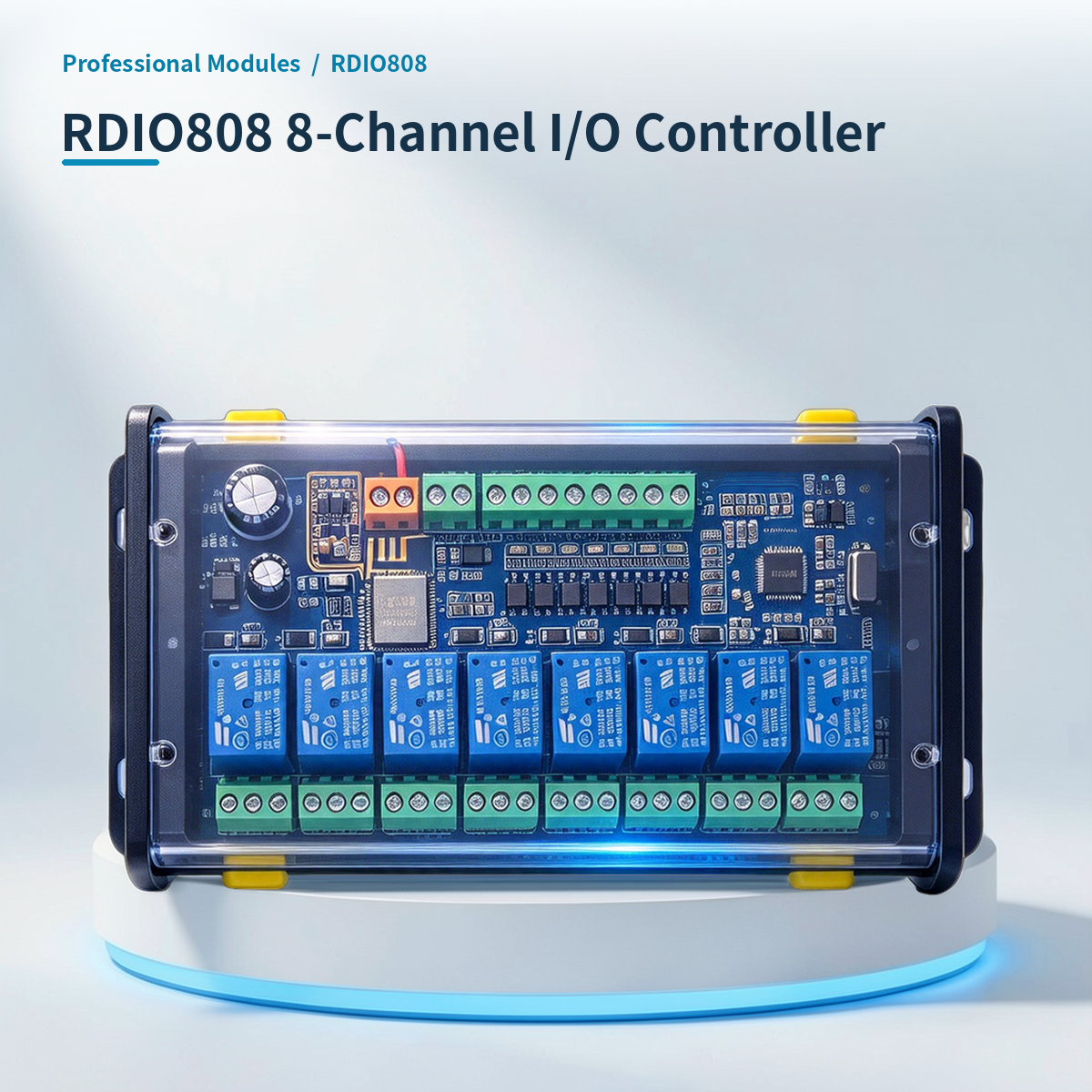
⚡ Why choose 8-Channel I/O Controller · RDIO808?
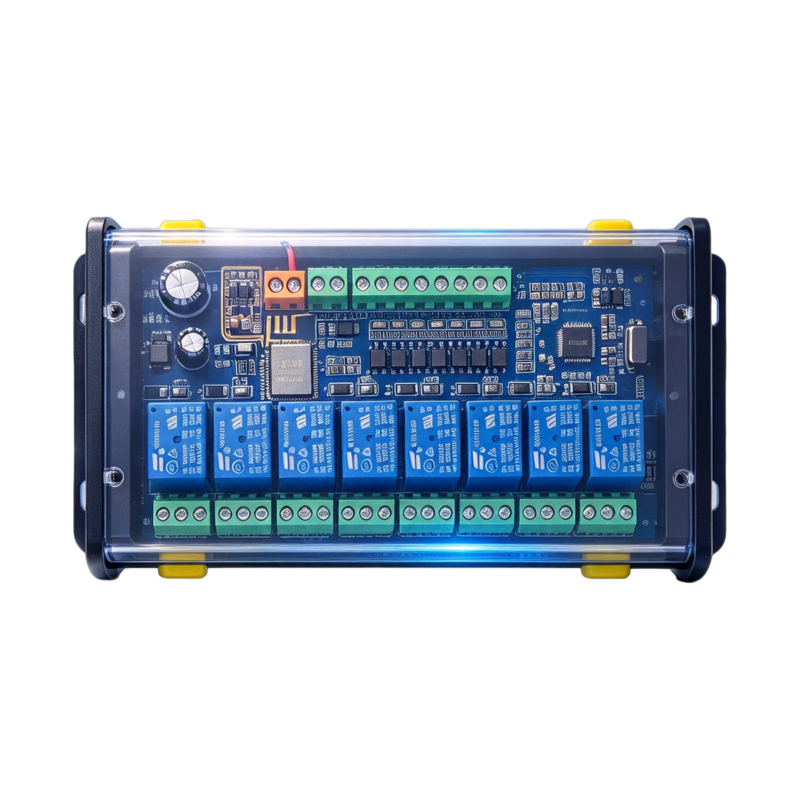
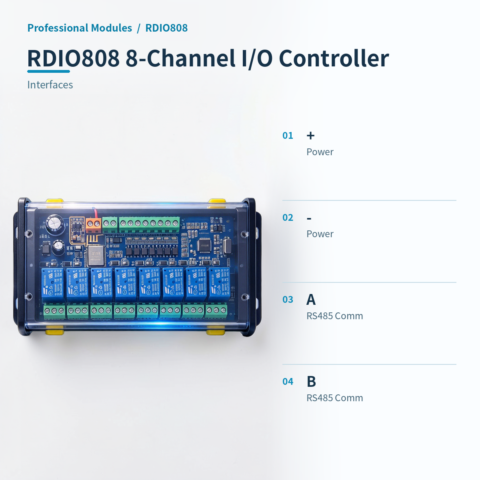
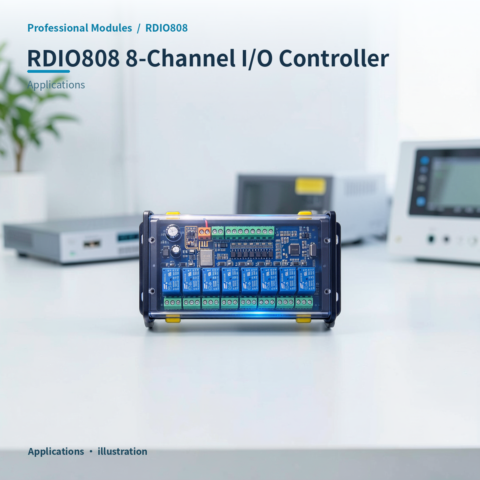
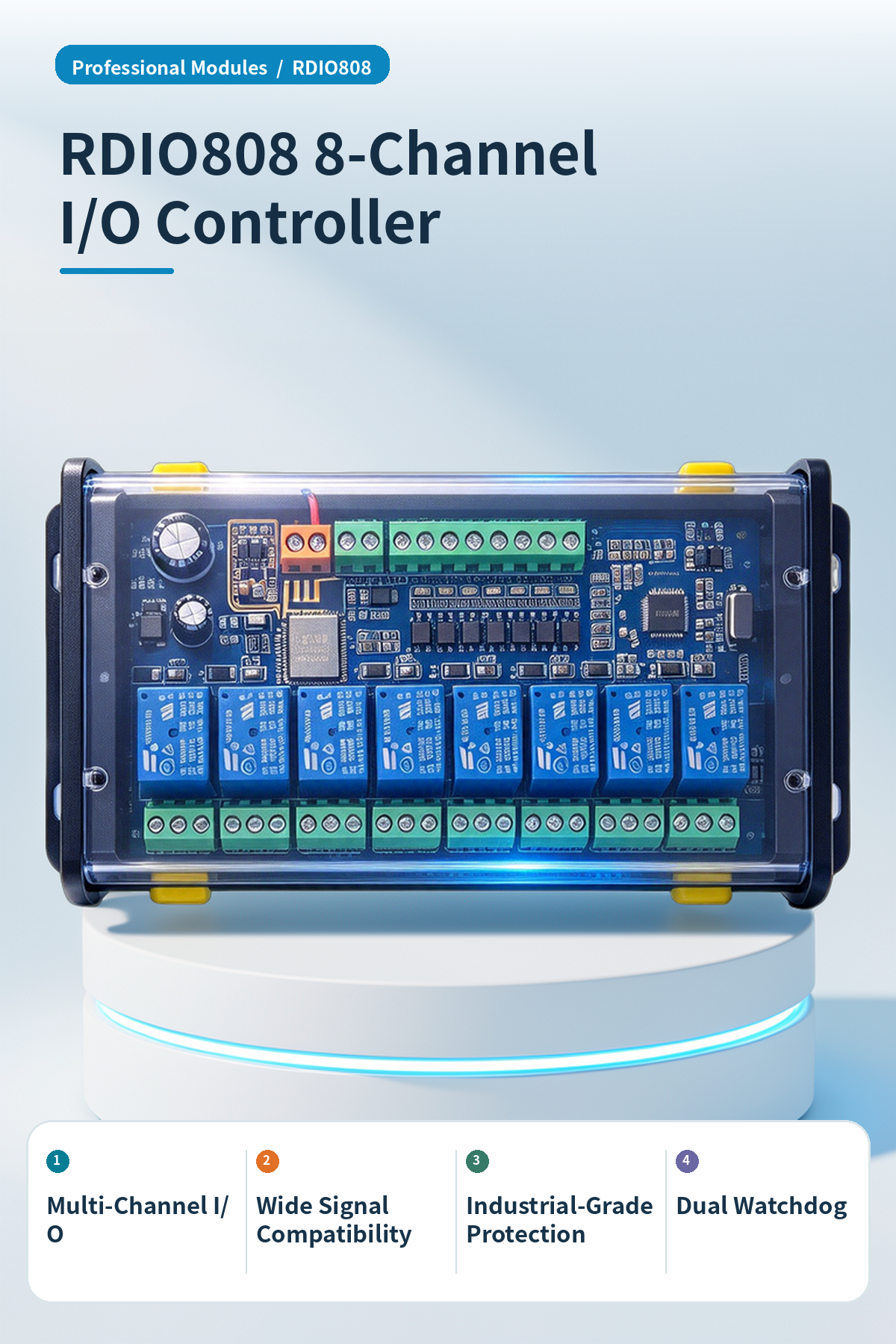
RDIO808 is an industrial digital I/O module supporting Modbus RTU communication and relay control.
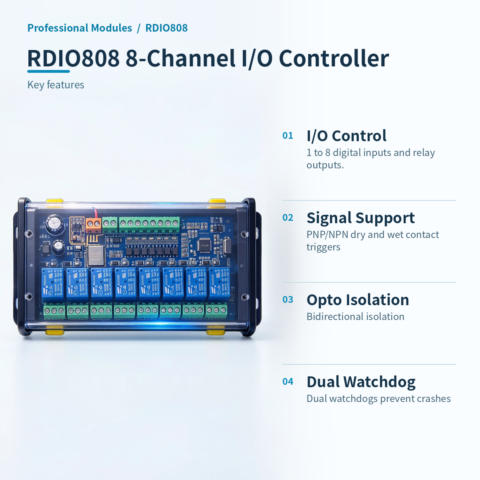
Multi-channel I/O
Supports 1~8 digital inputs and relay outputs for multi-channel control.
Wide Signal Compatibility
PNP/NPN trigger support, compatible with dry and wet contact signals.
Industrial-Grade Protection
Bidirectional optocoupler isolation, voltage 3000V, ESD and surge protection.
Dual Watchdog
Dual hardware and software watchdogs ensure stable operation and prevent crashes.
Status: Active Upload
Actively uploads data on input changes for real-time host synchronization.
Parameter power-loss retention
Supports modifying communication address and baud rate. Settings auto-save after power loss; no reconfiguration needed after restart.
HA smart integration
Optional HA version supports MQTT protocol, enabling seamless Home Assistant integration for smart lighting and curtain linkage.
📍 Applications

Industrial Automation
Signal acquisition and relay control for automated production line monitoring.
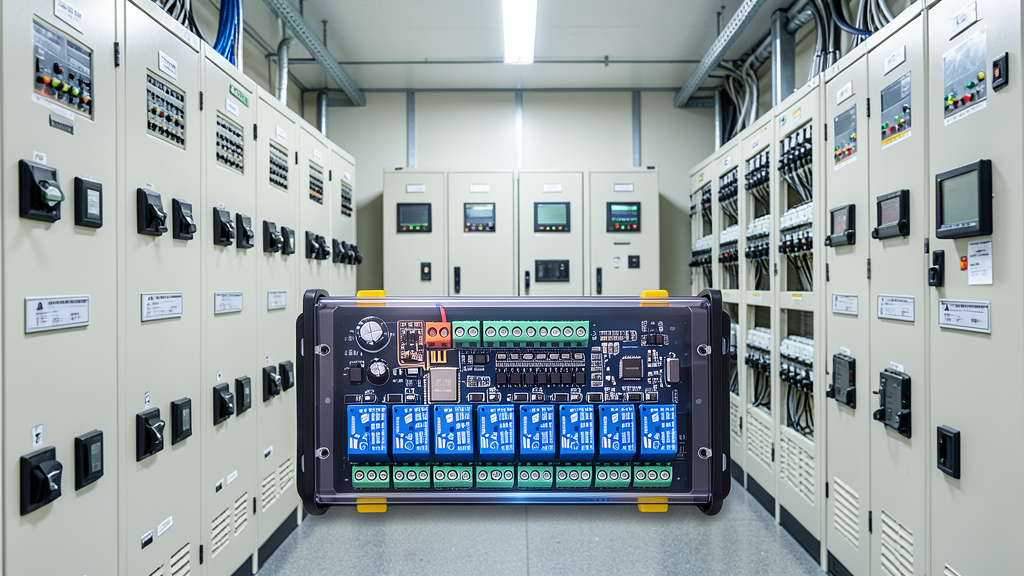
Power Systems
Remote switch control for power cabinet status monitoring and stability.
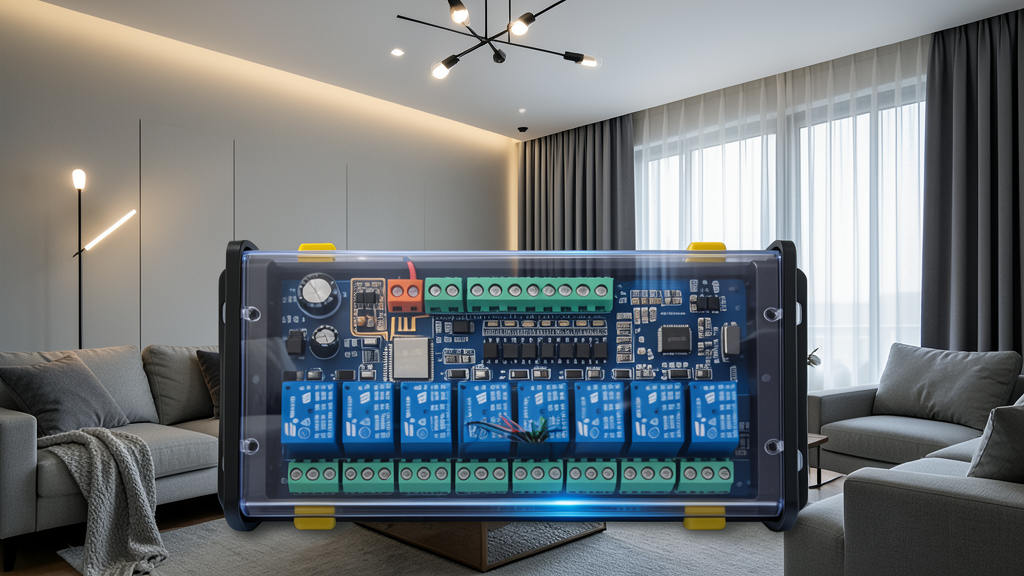
Smart Home
Home Assistant integration for smart lighting and remote appliance control.
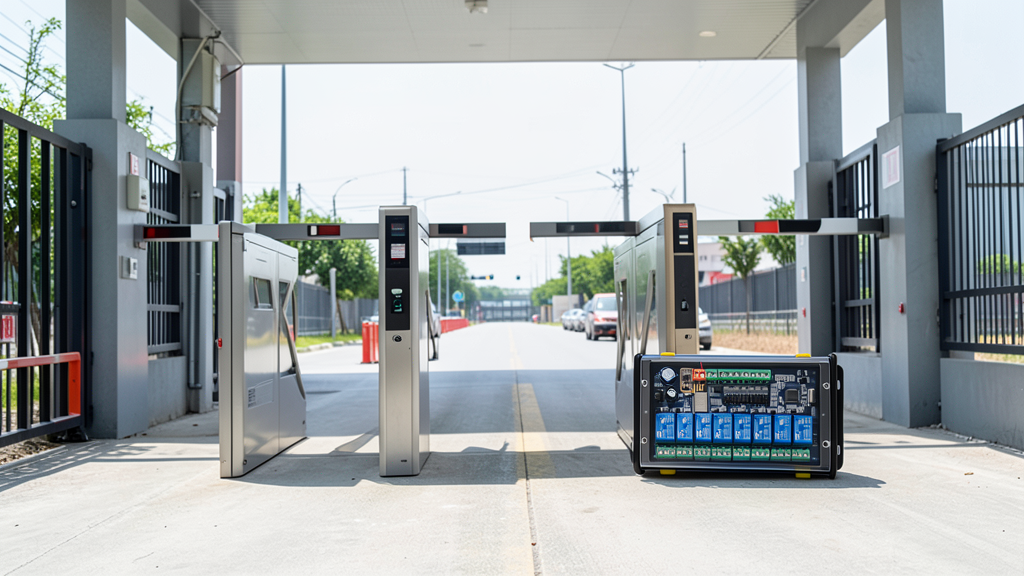
Security Traffic
Access control and alarm signal integration for security and traffic management.
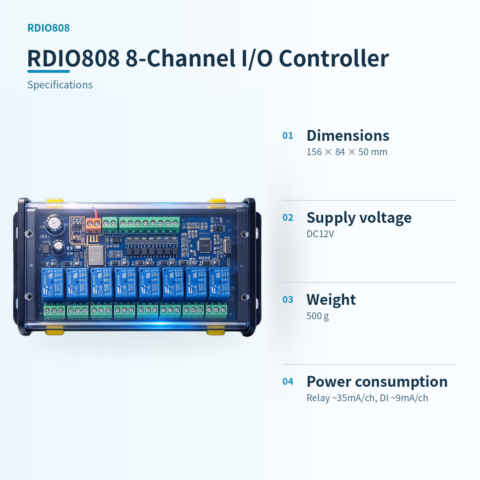
📊 Product specifications
🏠 HA integration · Five steps to Home Assistant
Connect to Home Assistant over Wi-Fi to manage device entities and automations.
Connect Wi-Fi and power
The HA version includes Wi-Fi and creates an access point when powered on. Connect a phone or computer to the device hotspot beginning with HA (password: 12345678).
Configure the device network
After connecting to the HA-xxxx hotspot, the setup page opens automatically. If it does not, open 192.168.4.1 in a browser. Connect the device to the 2.4 GHz network used by the HA host.
Discover the device in HA
Open the devices and management page in Home Assistant. Find the automatically discovered device under the ESP integration and select Configure to add it. Device entities are created automatically, without manually writing configuration.
Create automation scenes
Add device entity cards to the HA dashboard and create automations and scene interactions as needed.
Reset the device
If the device cannot reconnect to its configured network for about two to three minutes, it resets automatically. You can also select RESET in the HA interface.
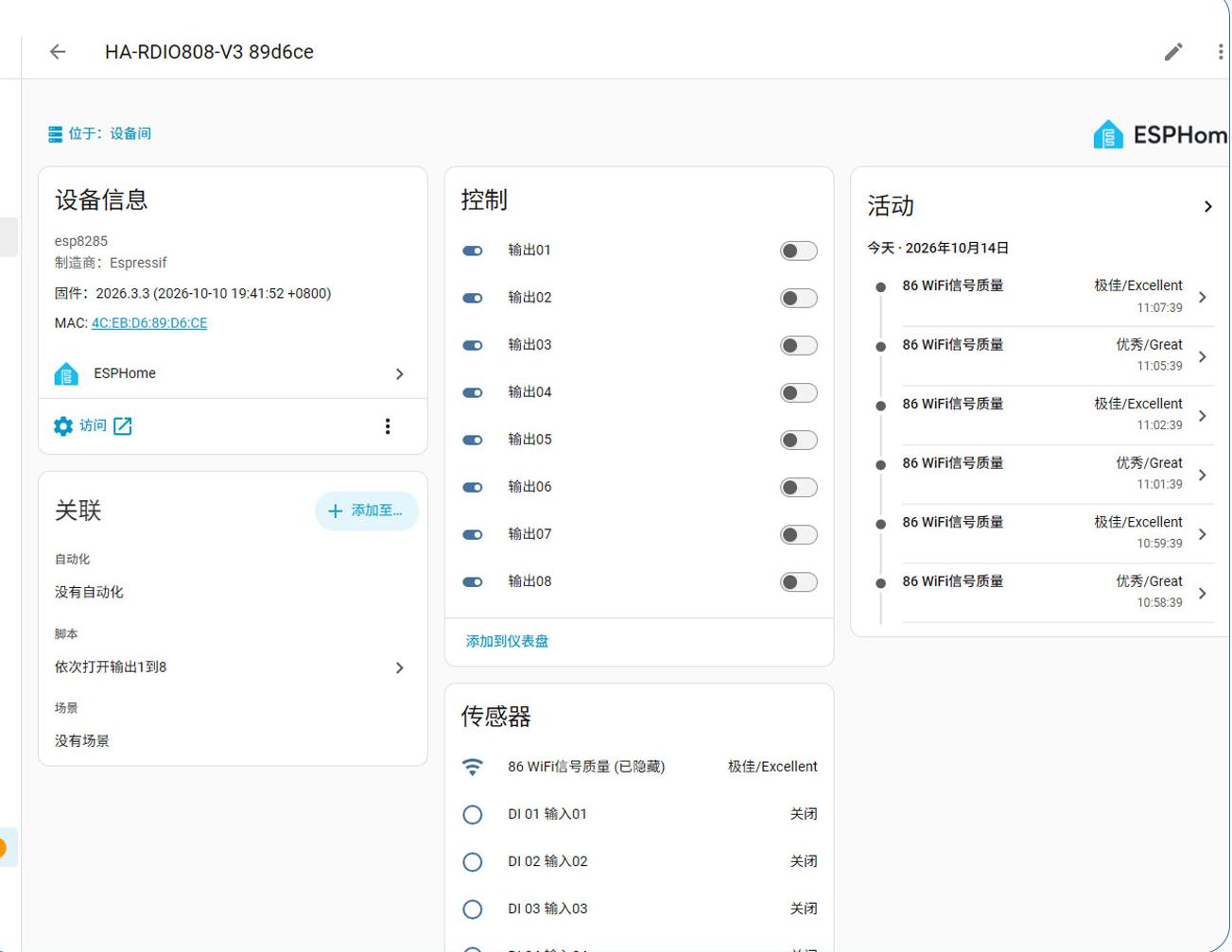
HA 配置界面
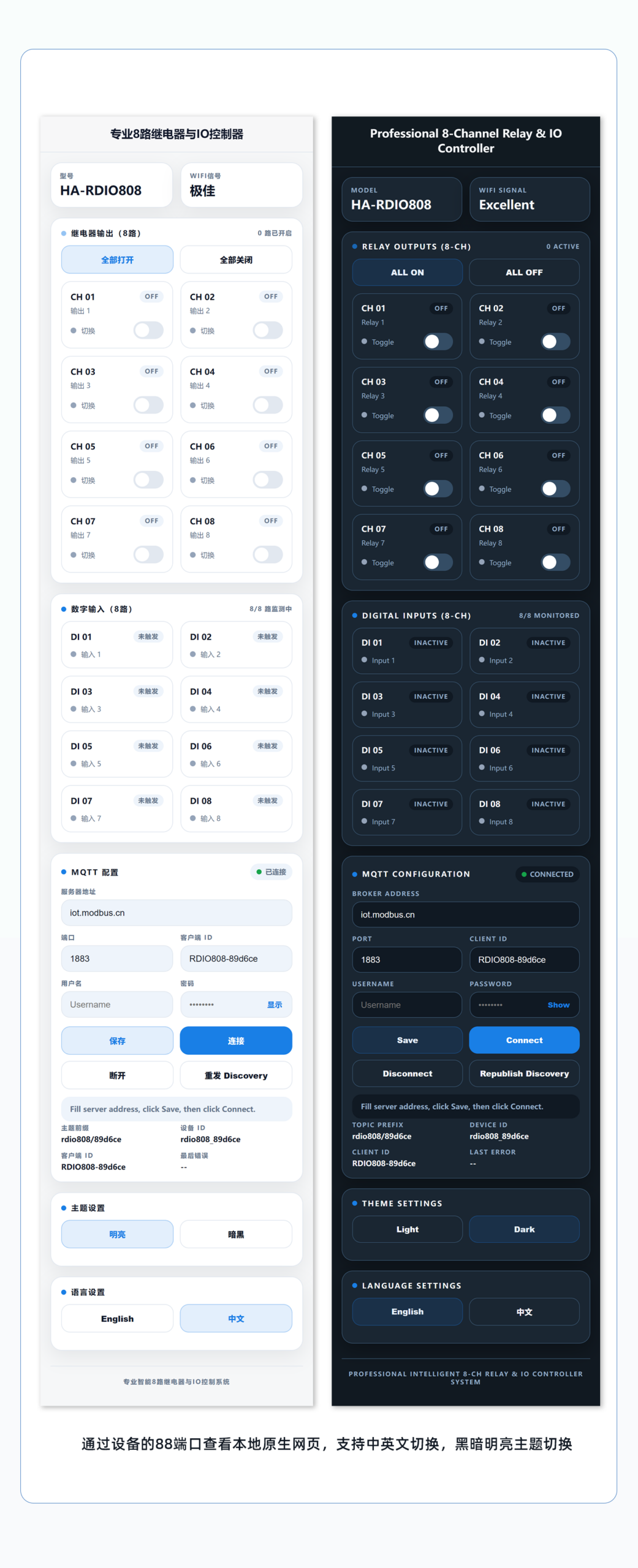
本模块 IP:88 端口网页免系统访问控制截图
🔌 Wiring
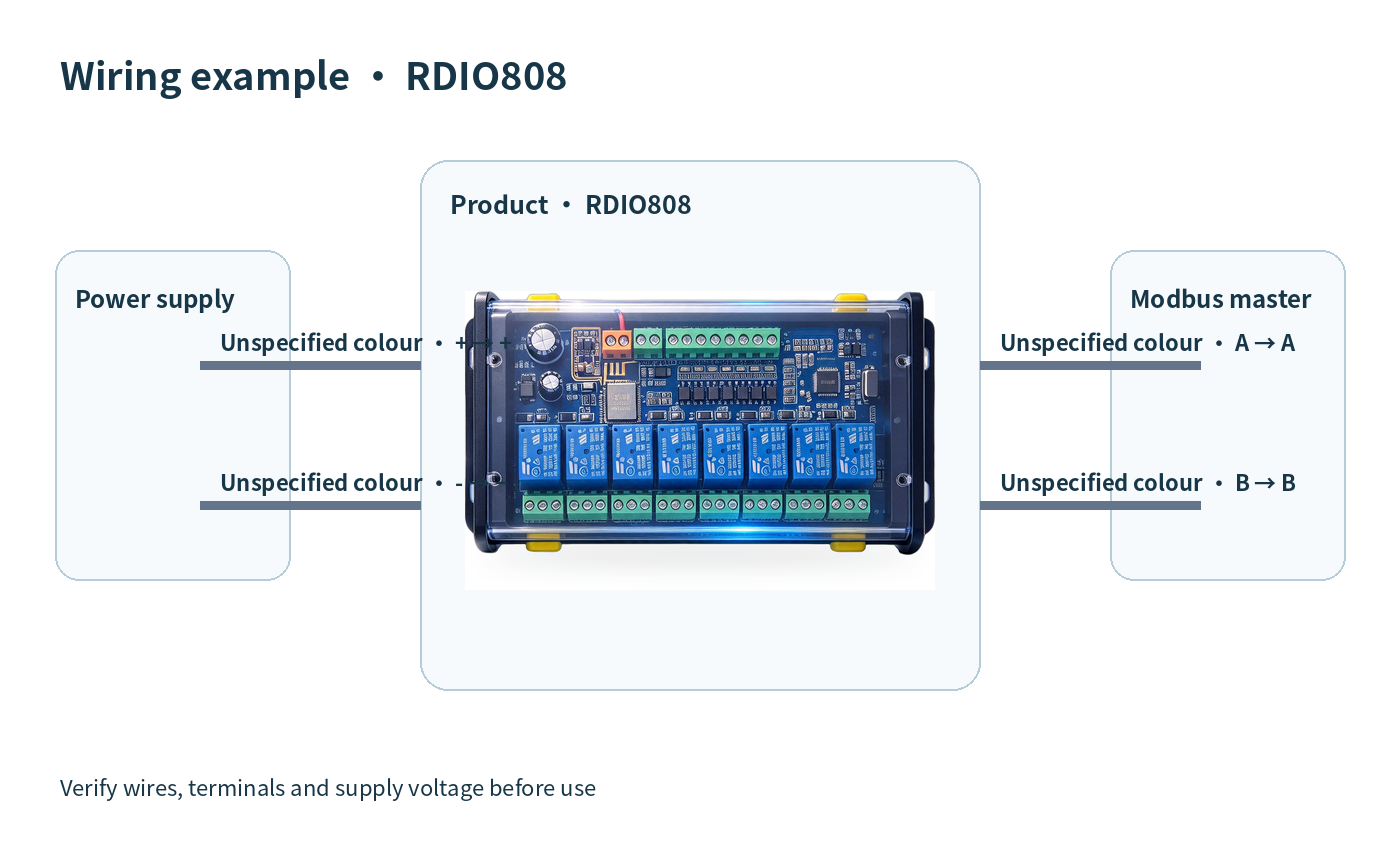
AI standard wiring diagram
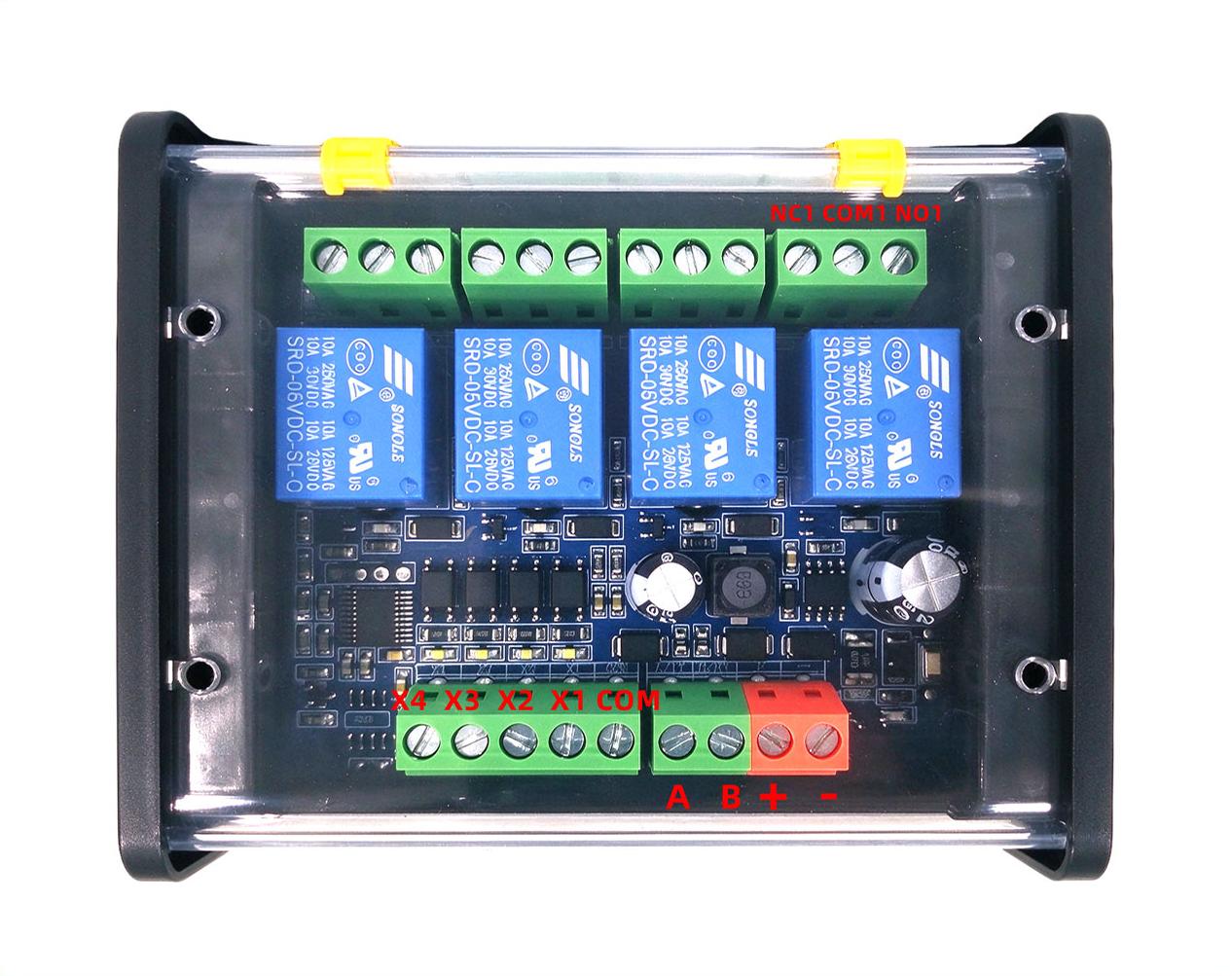
Engineer-supplied wiring diagram
📡 Communication protocol · Communication Protocol
Uses standard Modbus RTU. Supports function codes 0x01, 0x02, 0x03, 0x04, 0x05, 0x06, 0x0F, 0x10. Covers registers and command examples.
Supported Function Codes
Register Description
Request: 01 04 00 00 00 03 B0 0B

Response: 01 04 06 00 01 00 01 00 00 0C 93

Explanation: Analysis: Channel 1 triggered, channel 2 triggered, channel 3 not triggered.Request: 01 06 00 32 00 02 A9 C4
Response: 01 06 00 32 00 02 A9 C4
Explanation: Note: Power cycle required for changes to take effect.Request: 01 06 00 33 00 04 78 06
Response: 01 06 00 33 00 04 78 06
Explanation: Note: Power cycle required for changes to take effect.Data value notes
- Coil Registers: Write 1 to turn on, 0 to turn off.
- Discrete input register: 1 = triggered, 0 = not triggered.
- 0032H: RS485 bus address range 1~255.
- 0033H: Baud rate map 0:4800, 1:9600, 2:14400, 3:19200, 4:38400 (default), 5:56000, 6:57600, 7:115200.
- 0034H: Batch output control 0 all off, 1 all on.
| Version | Standard, HARDIO808 |
|---|
Only logged in customers who have purchased this product may leave a review.



Reviews
There are no reviews yet.