


- Description
- Additional information
- Reviews (0)
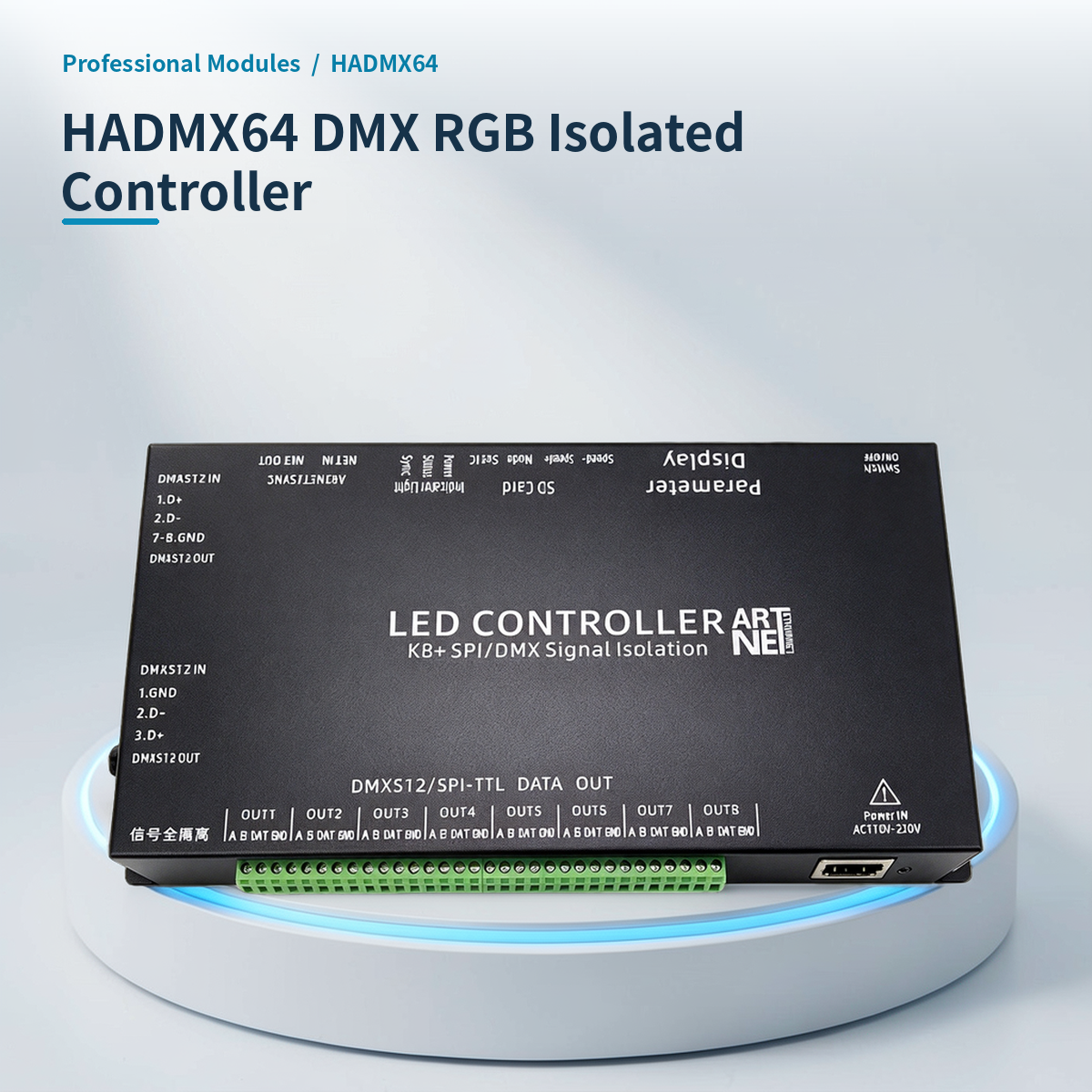
⚡ Why choose HADMX64 DMX RGB Isolated Controller 8-Channel SPI/Art-Net SD Card?
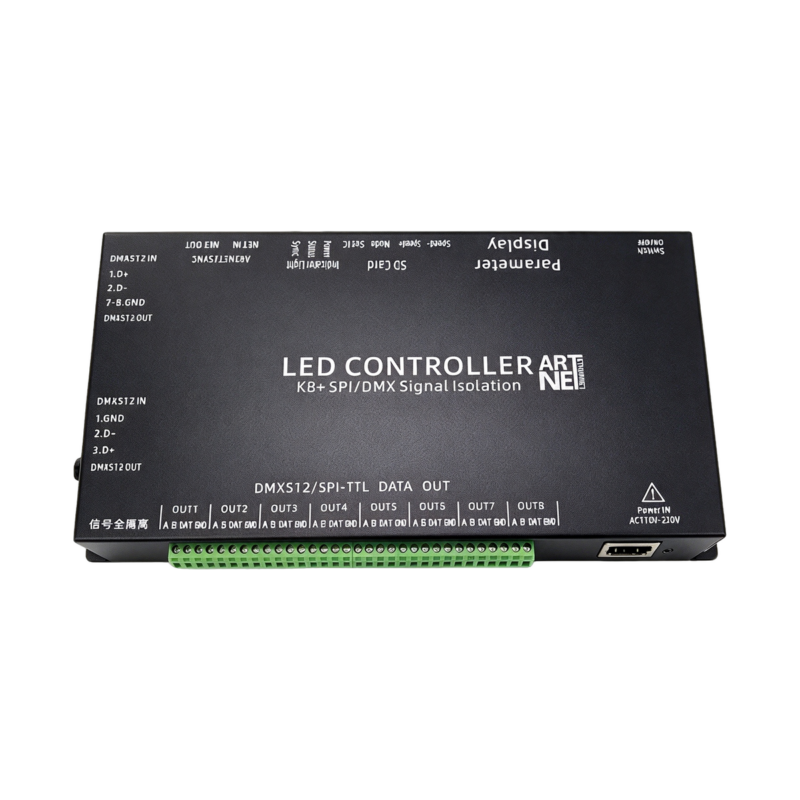
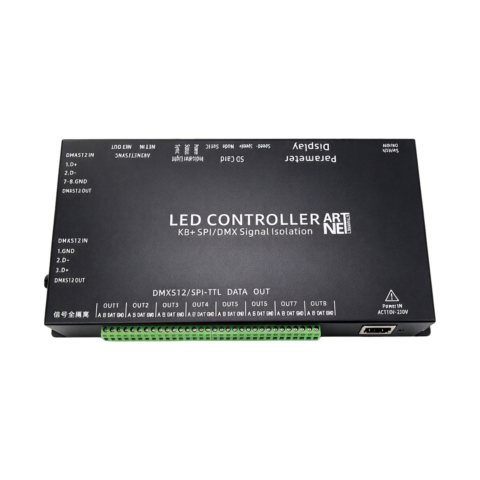
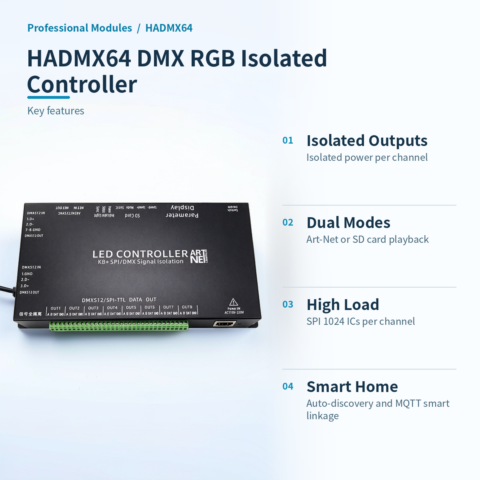
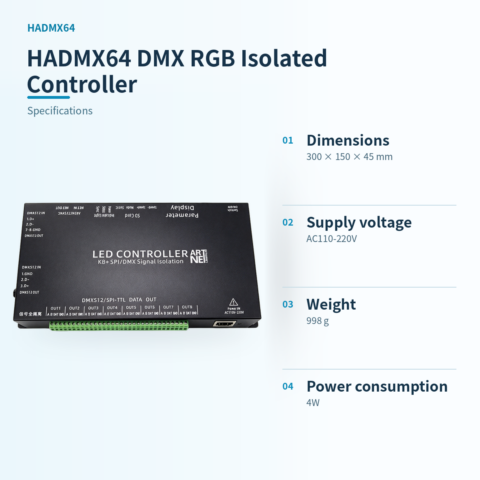
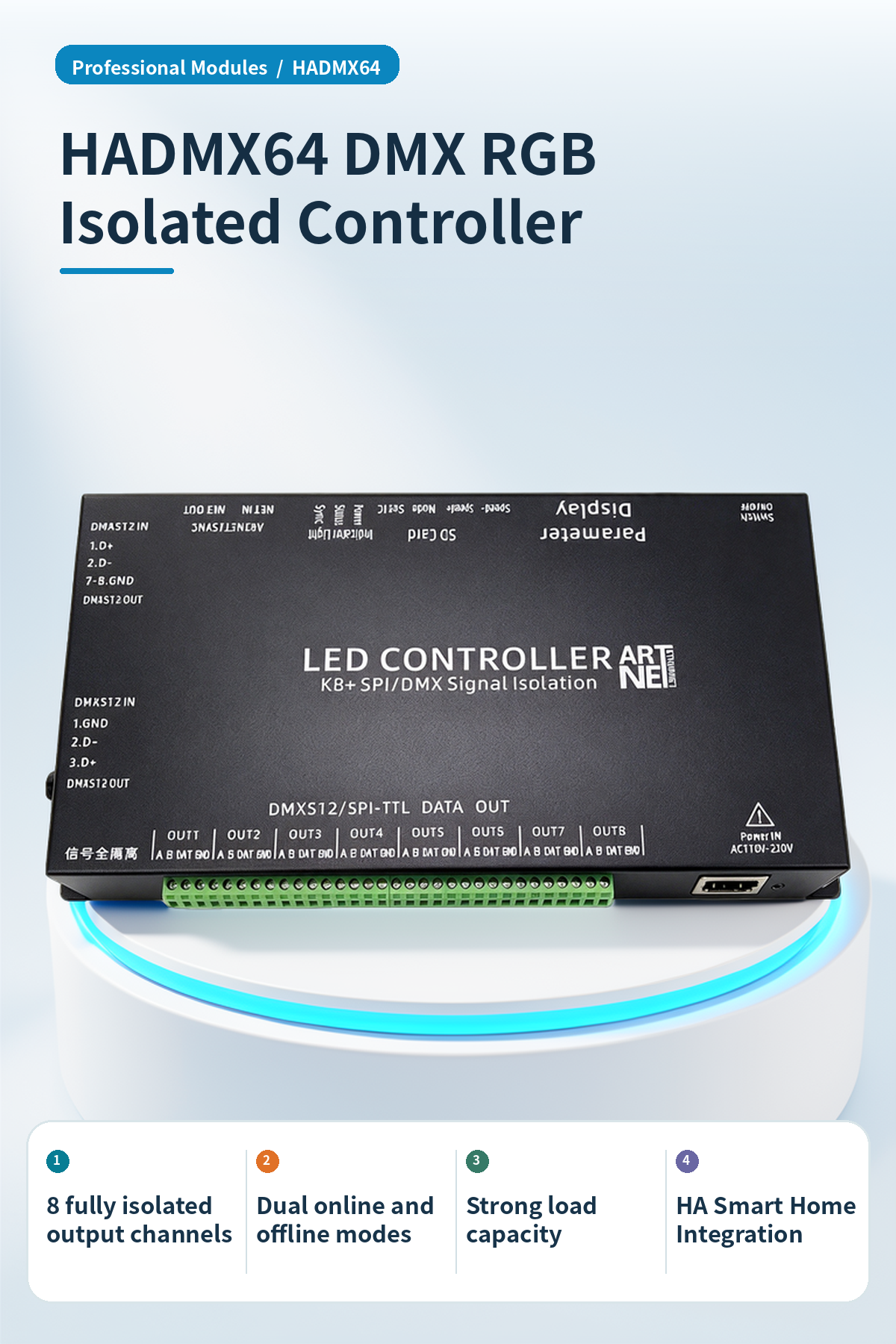
HADMX64 is a 8-channel fully isolated DMX/SPI controller, supporting online and SD card offline modes.
Full isolation anti-interference
8 channels with independent power and optical isolation. No shared ground, solving signal interference.
Dual-mode operation
Supports Art-Net online and SD card offline modes. Insert SD card for standalone playback; remove for real-time control via network cable.
Strong load capacity
Offline/console mode: SPI supports 1024 ICs per channel, DMX512 supports 170 ICs per channel; online mode: SPI supports 680 ICs per channel, meeting large-scale lighting project needs.
HA smart linkage
HA version includes 2.4G Wi-Fi, supports native ESP integration auto-discovery for Home Assistant, enabling remote scene linkage for lights and curtains via MQTT protocol.
Multi-protocol compatibility
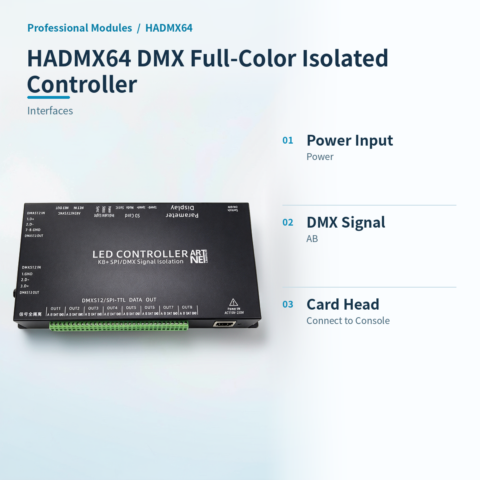
Supports SPI/TTL, DMX512/1990, and Art-Net. Connects to single-wire IC, DMX fixtures, or consoles via network cable.
Intuitive operation
Features a 4-digit display and SET/MODE/SPEED keys. Supports parameter setup, chip coding, and multi-unit daisy-chain sync.
📍 Applications
Stage Lighting Show
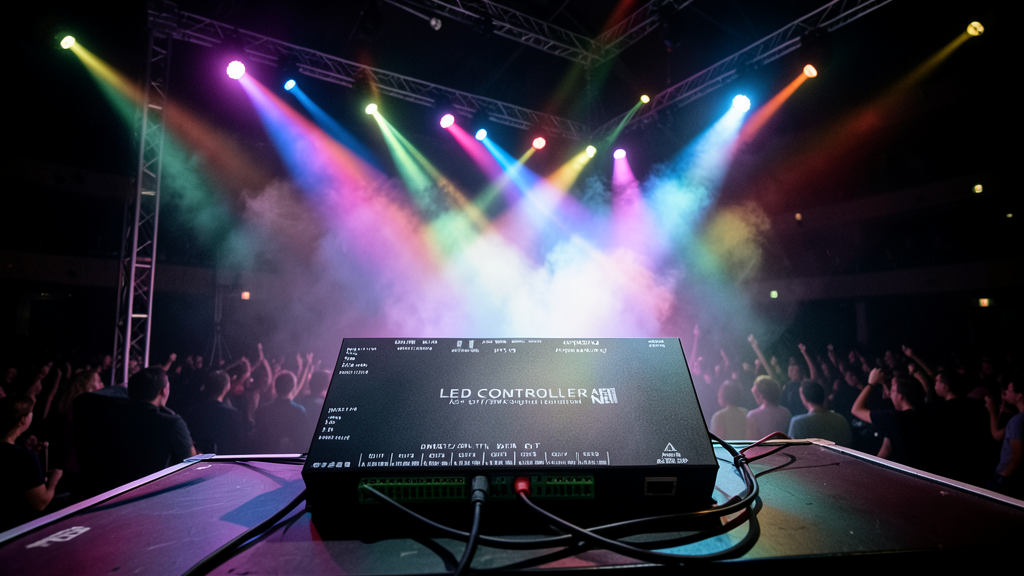
For bars, KTV, stages. Art-Net links Madrix/Resolume for real-time dynamic lighting control.
Outdoor Lighting Project
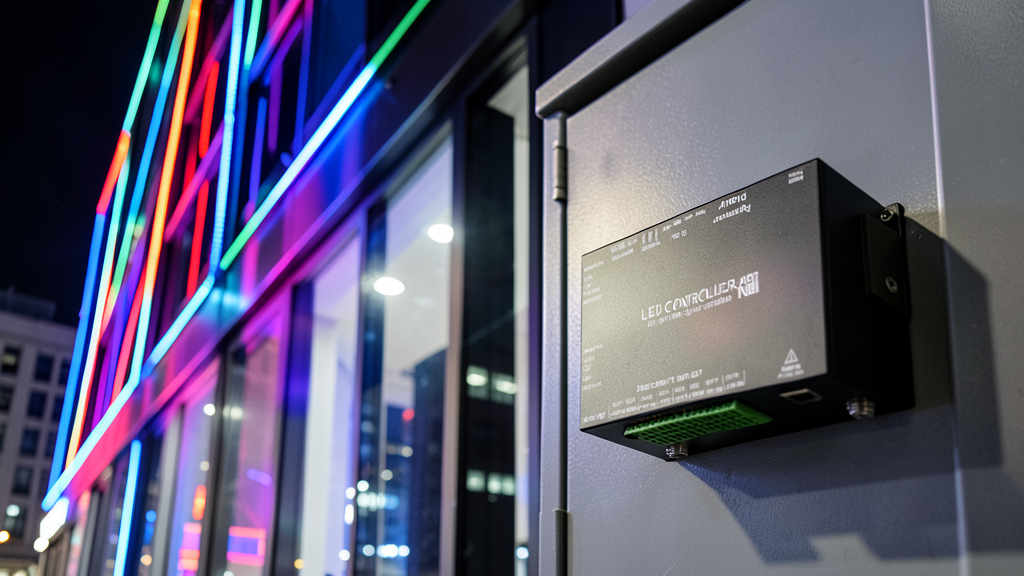
For large buildings or landscape lighting. Full isolation design solves signal interference and ground loops.
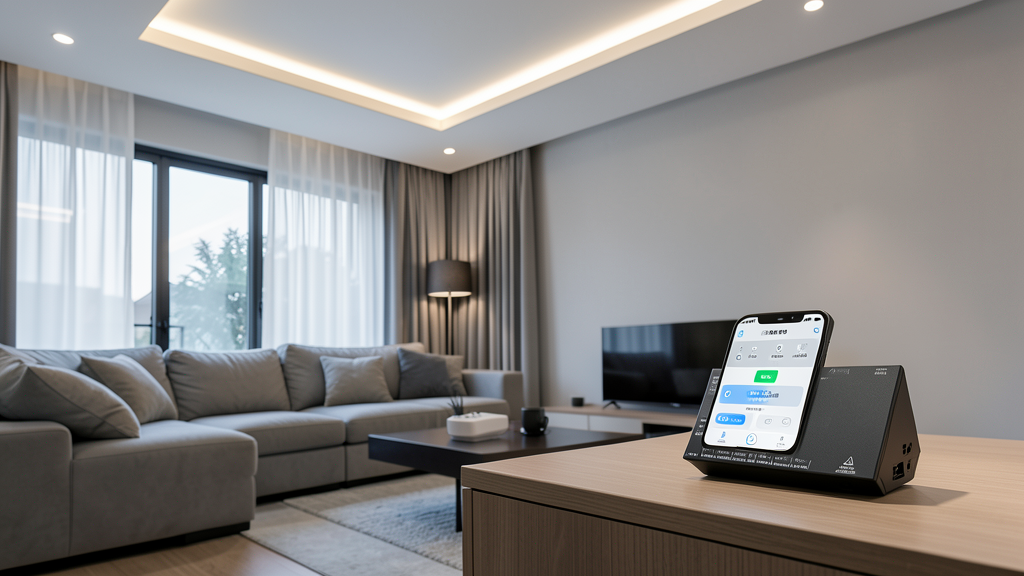
Smart Home Control
HA version connects to Home Assistant. Smart linkage and remote control for light strips, films, and curtains.
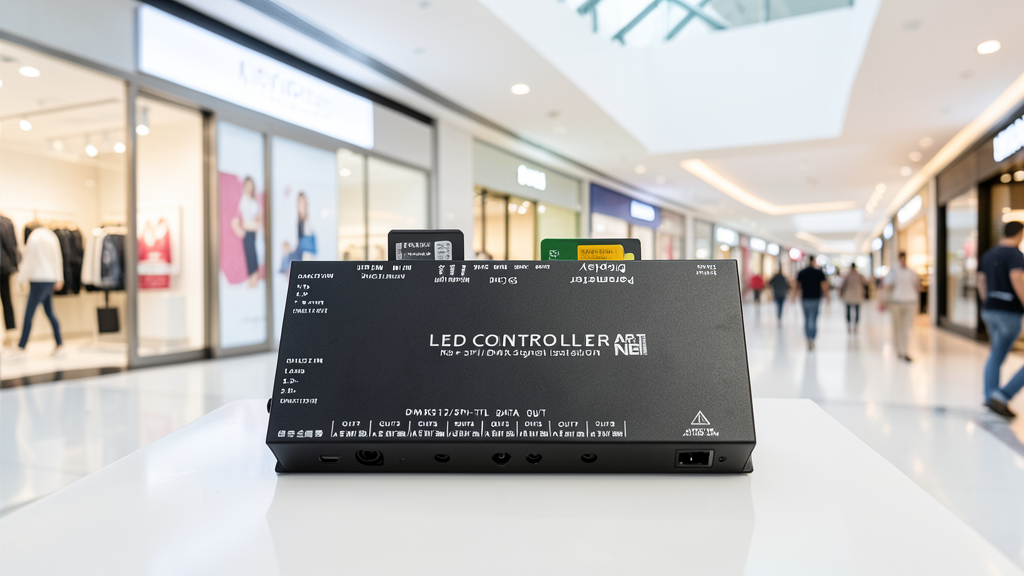
Ad Light Box Display
No PC needed. SD card offline operation. Ideal for mall light boxes and exhibitions requiring independent loops.
📊 Product specifications
🏠 HA integration · Five steps to Home Assistant
Connect to Home Assistant over Wi-Fi to manage device entities and automations.
Connect Wi-Fi and power
The HA version includes Wi-Fi and creates an access point when powered on. Connect a phone or computer to the device hotspot beginning with HA (password: 12345678).
Configure the device network
After connecting to the HA-xxxx hotspot, the setup page opens automatically. If it does not, open 192.168.4.1 in a browser. Connect the device to the 2.4 GHz network used by the HA host.
Discover the device in HA
Open the devices and management page in Home Assistant. Find the automatically discovered device under the ESP integration and select Configure to add it. Device entities are created automatically, without manually writing configuration.
Create automation scenes
Add device entity cards to the HA dashboard and create automations and scene interactions as needed.
Reset the device
If the device cannot reconnect to its configured network for about two to three minutes, it resets automatically. You can also select RESET in the HA interface.
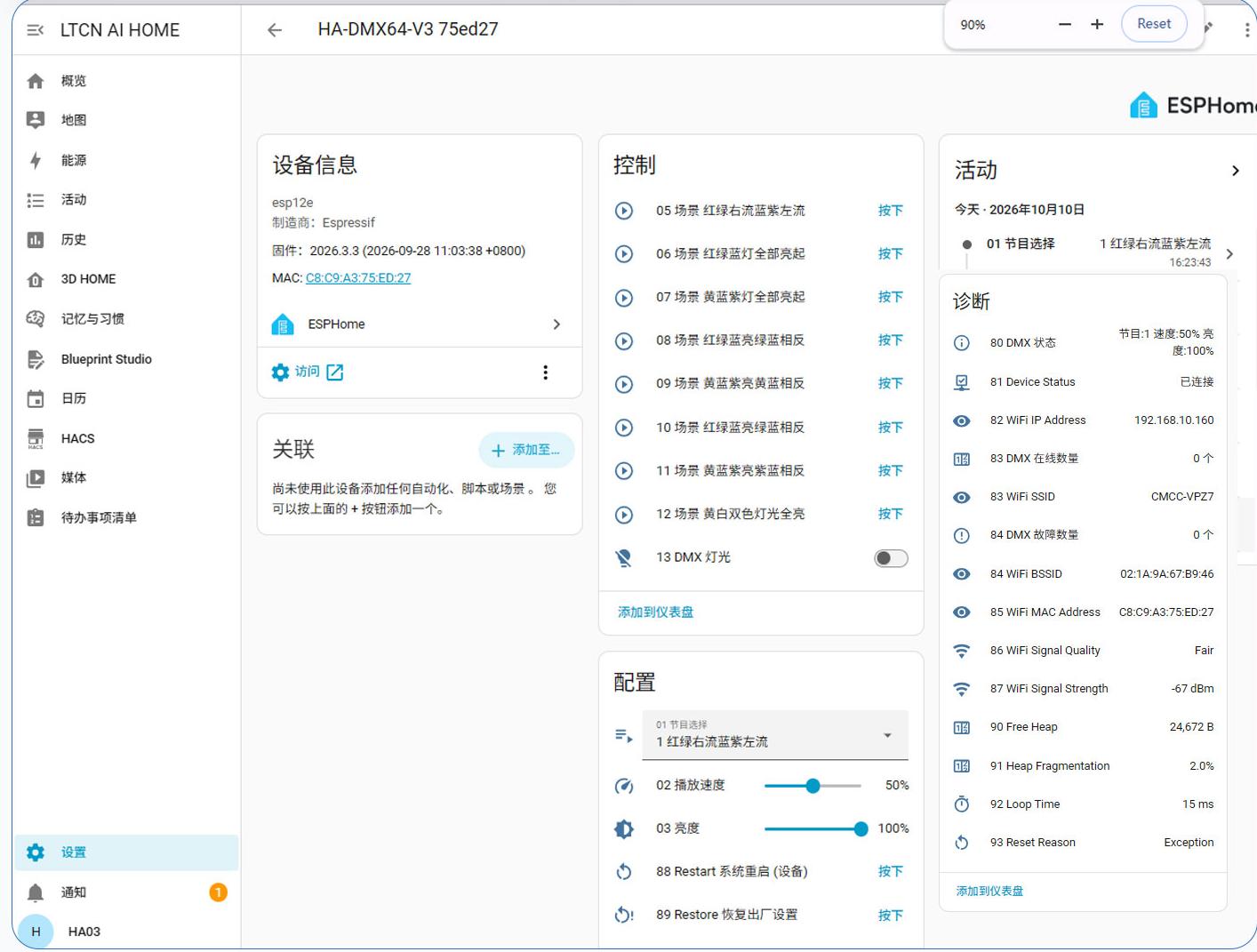
HA 配置界面
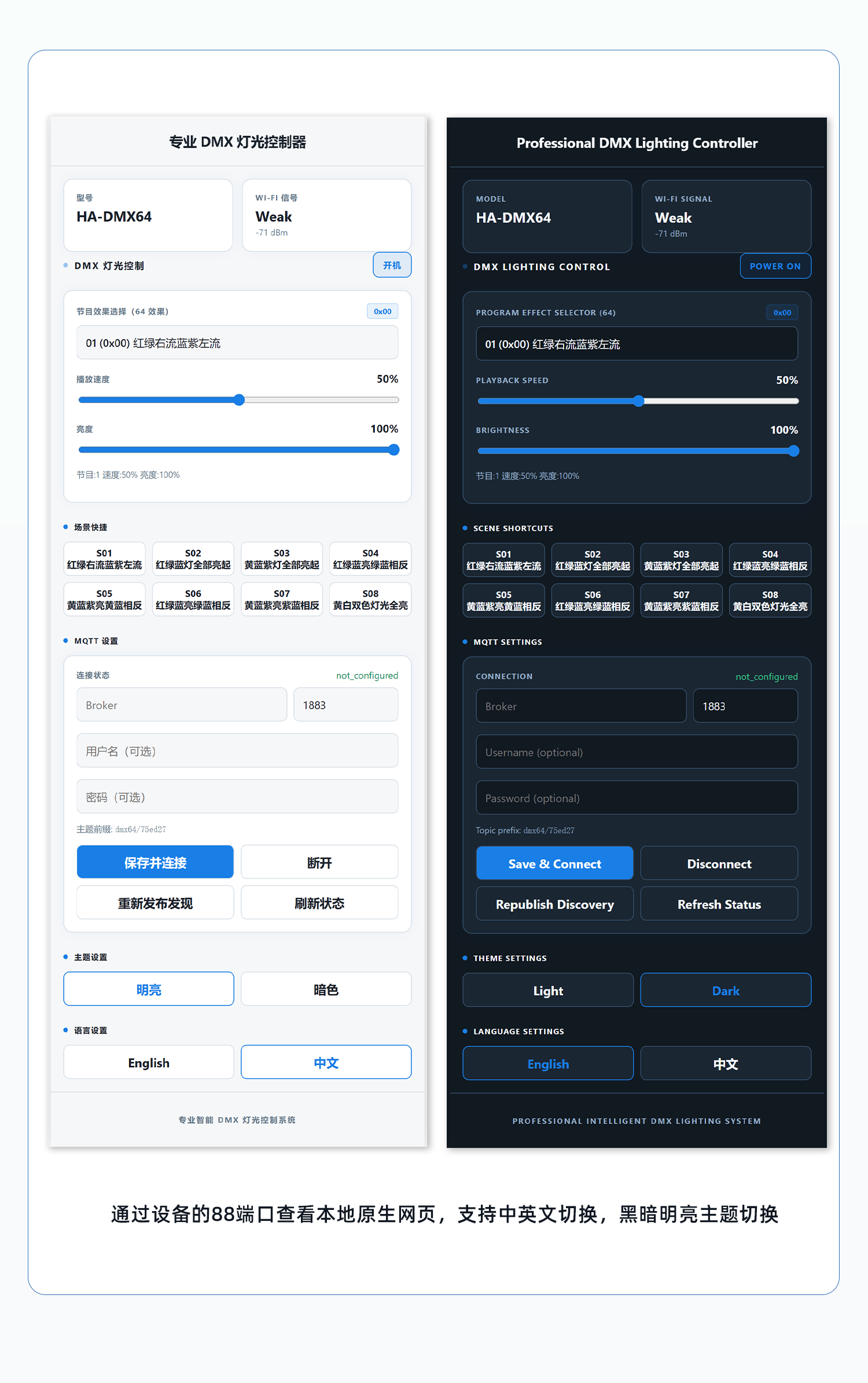
本模块 IP:88 端口网页免系统访问控制截图
🔌 Wiring
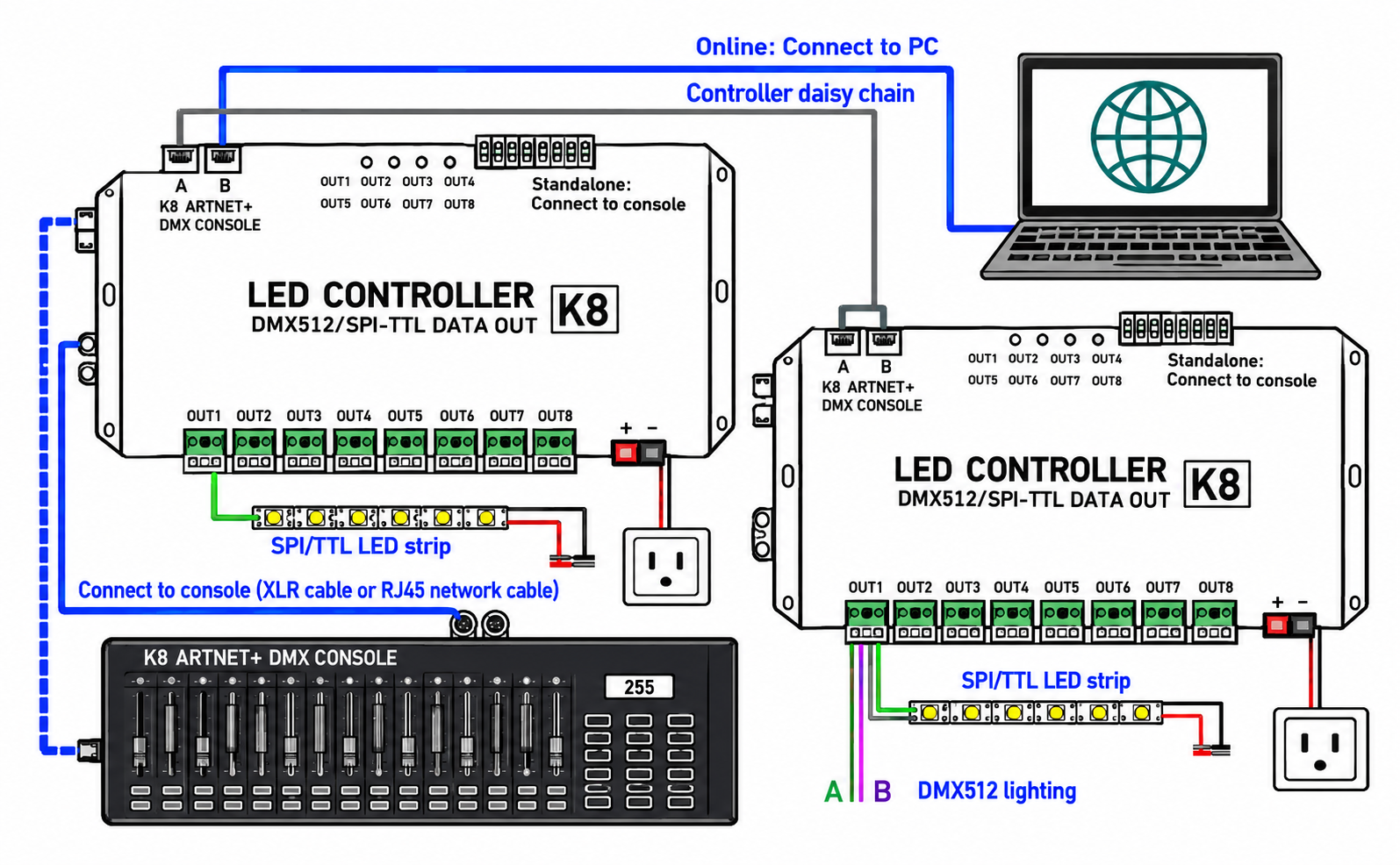
AI standard wiring diagram
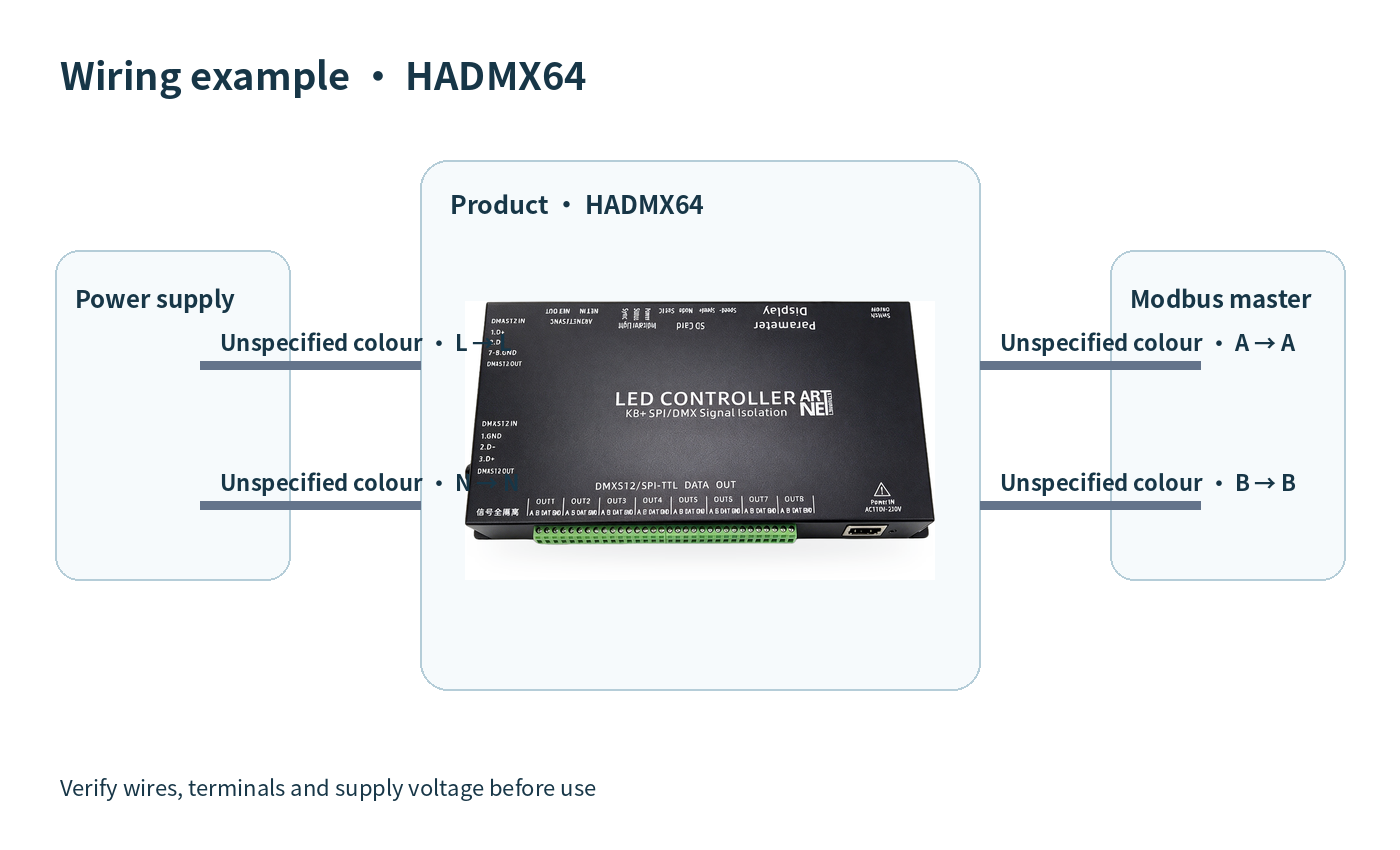
Engineer-supplied wiring diagram
| Version | Standard |
|---|
Only logged in customers who have purchased this product may leave a review.


Reviews
There are no reviews yet.