

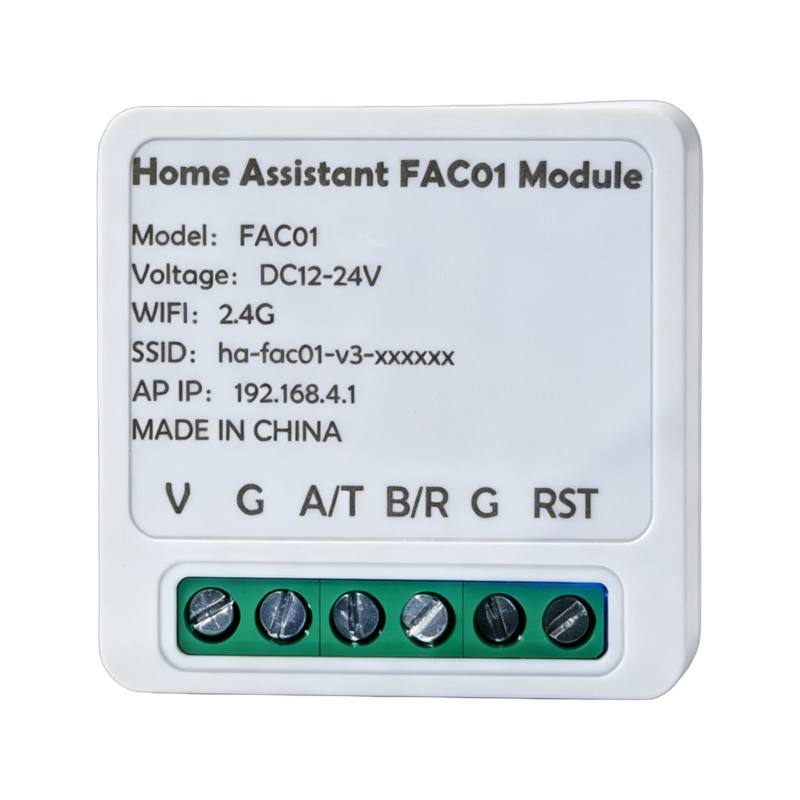
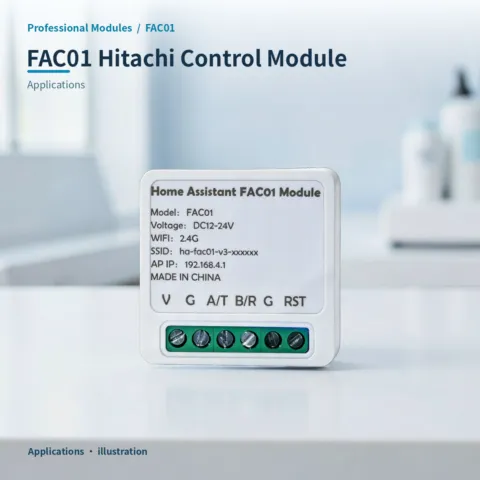
- Description
- Additional information
- Reviews (0)
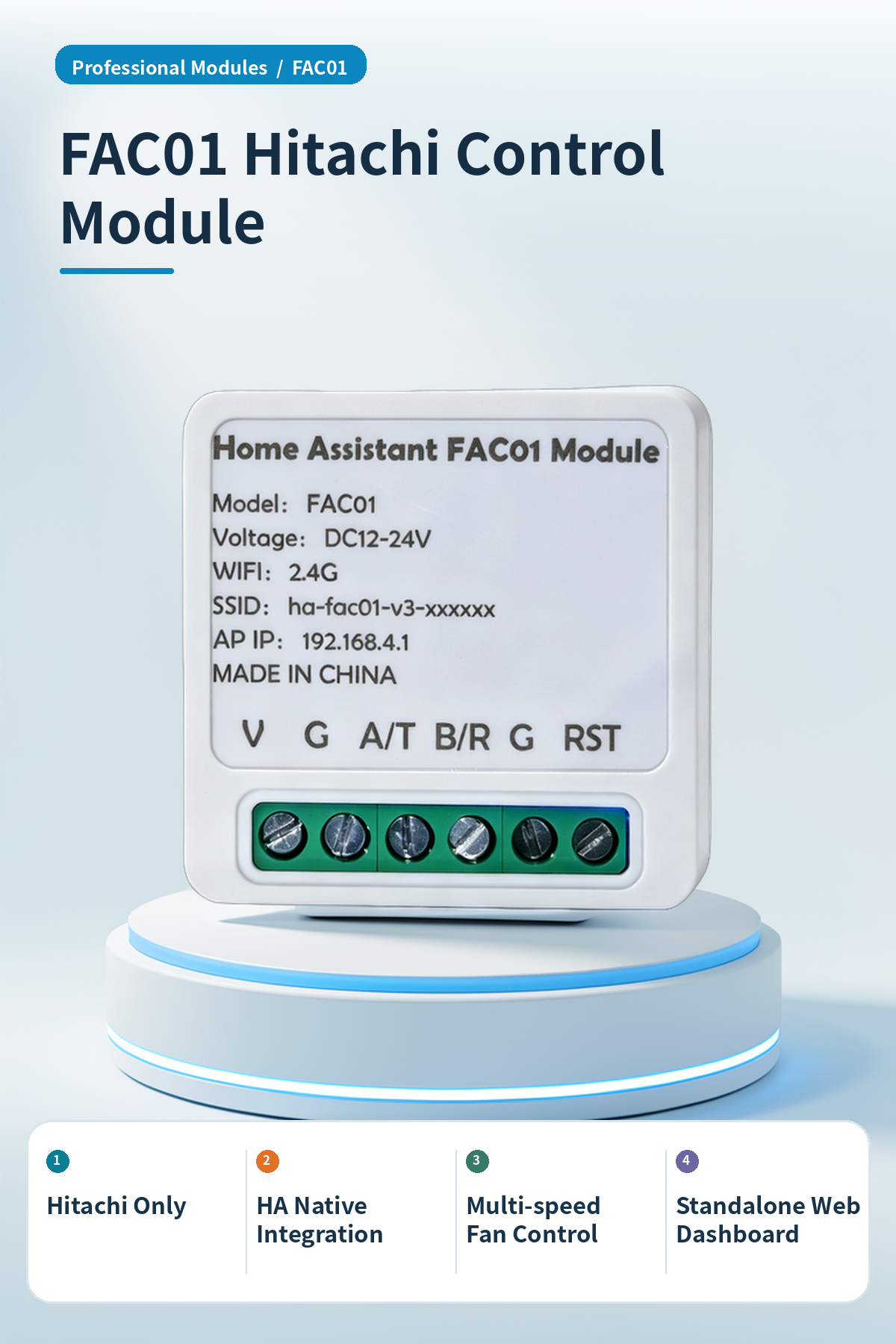
⚡ Why choose FAC01 Hitachi Ventilation Controller Module | 2.4G Wi-Fi MQTT Home Assistant Integration?
Hitachi HVAC smart module for HA control and scene automation.
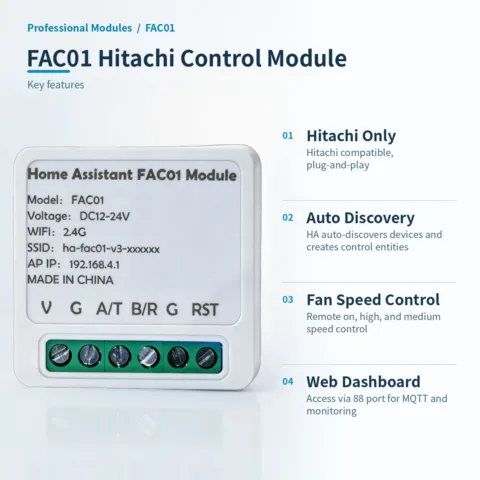
Hitachi Only
Designed for Hitachi controllers; plug-and-play without rewiring.
HA Native Integration
Auto-discovers devices via MQTT, creating entities for automation.
Multi-speed Fan Control
Remote control for on, high, and medium fan speeds.
Standalone Web Dashboard
Access local web via 88 port for MQTT setup and monitoring.
Wide Voltage Stable Power
DC 12-24V wide voltage input for stable operation.
2.4G Wi-Fi
Built-in 2.4G Wi-Fi module supports MQTT protocol.
📍 Applications
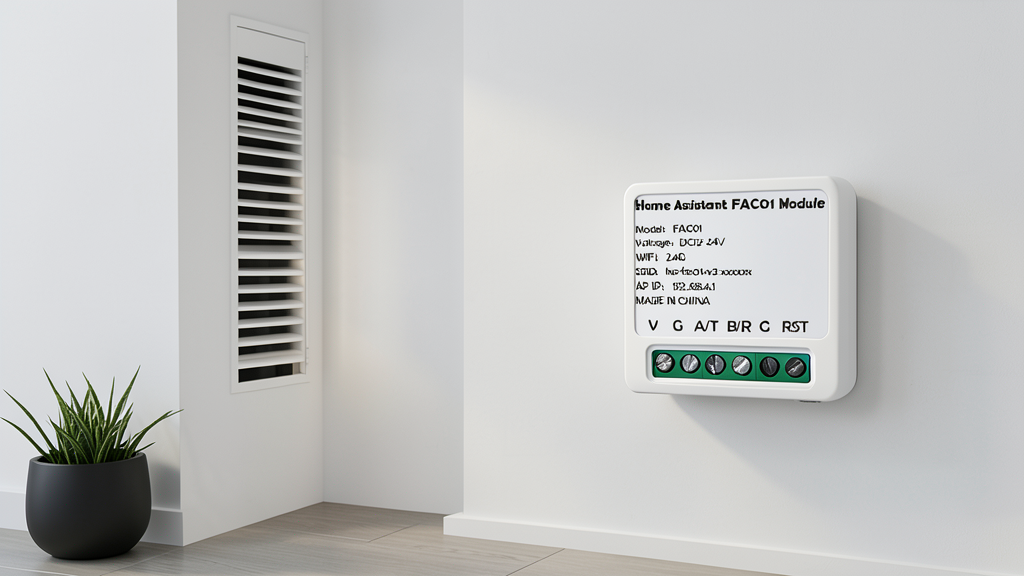
Smart Home
HA integration with sensors for remote control and scheduled ventilation.
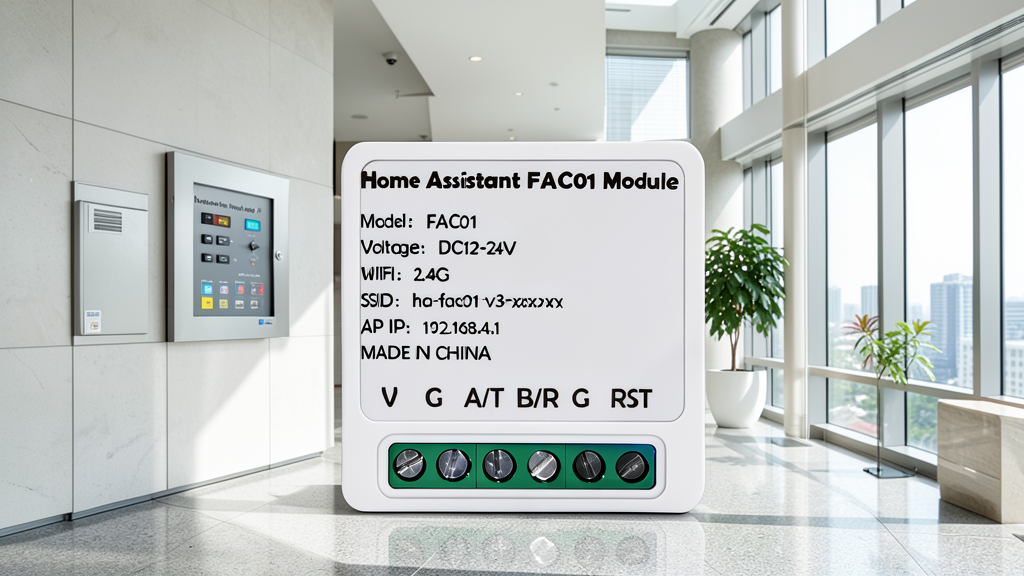
Office Building
Centralized control for energy saving and optimized office air quality.
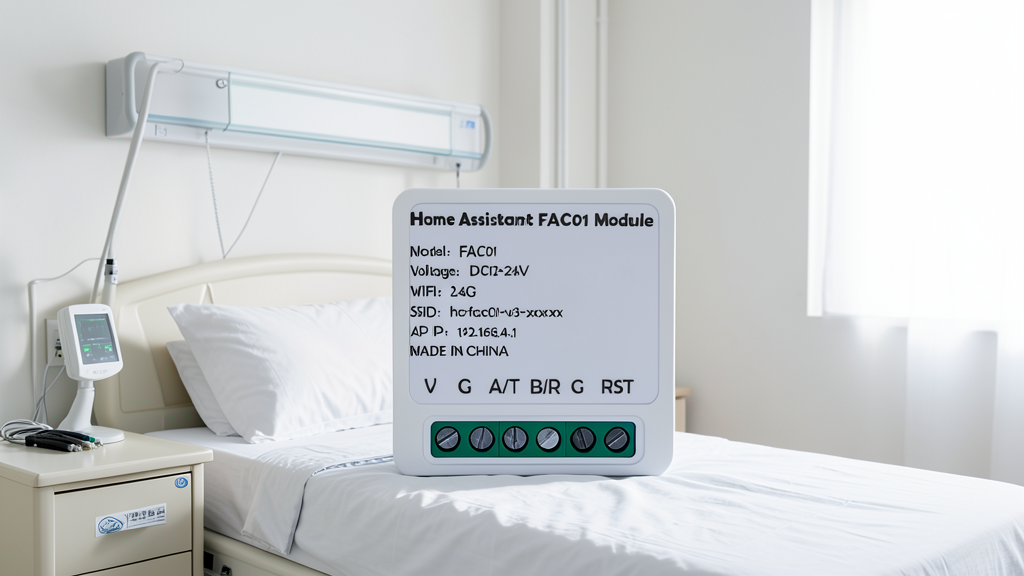
Medical Bedroom
Auto-starts ventilation when PM2.5 or CO2 levels exceed limits.
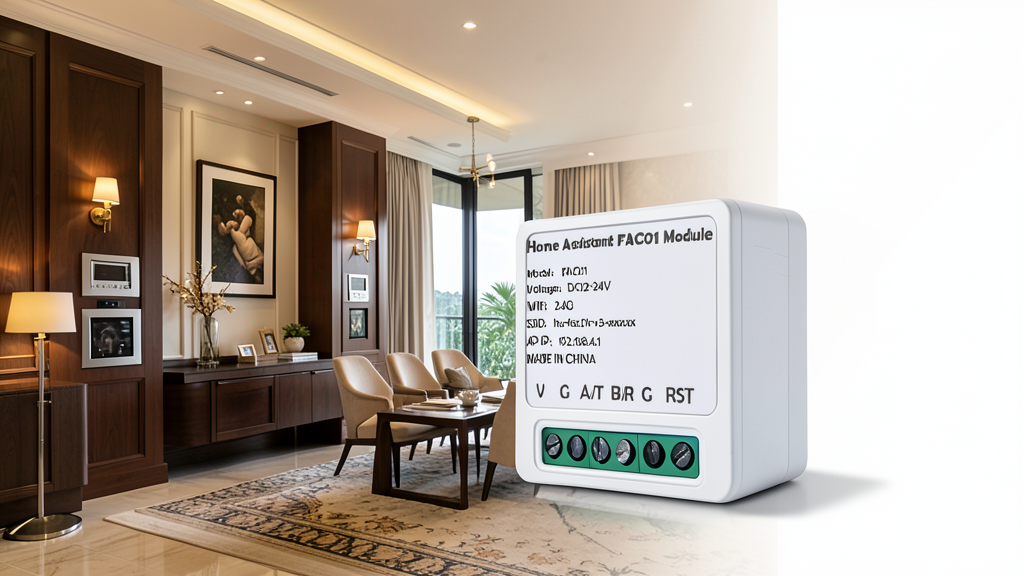
Villa Flat
Whole-home smart integration for a premium residential living experience.
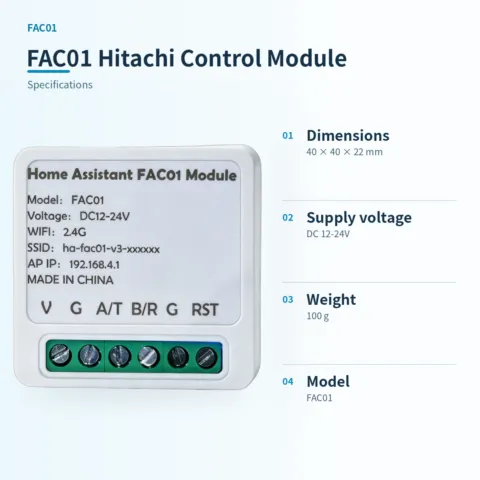
📊 Product specifications
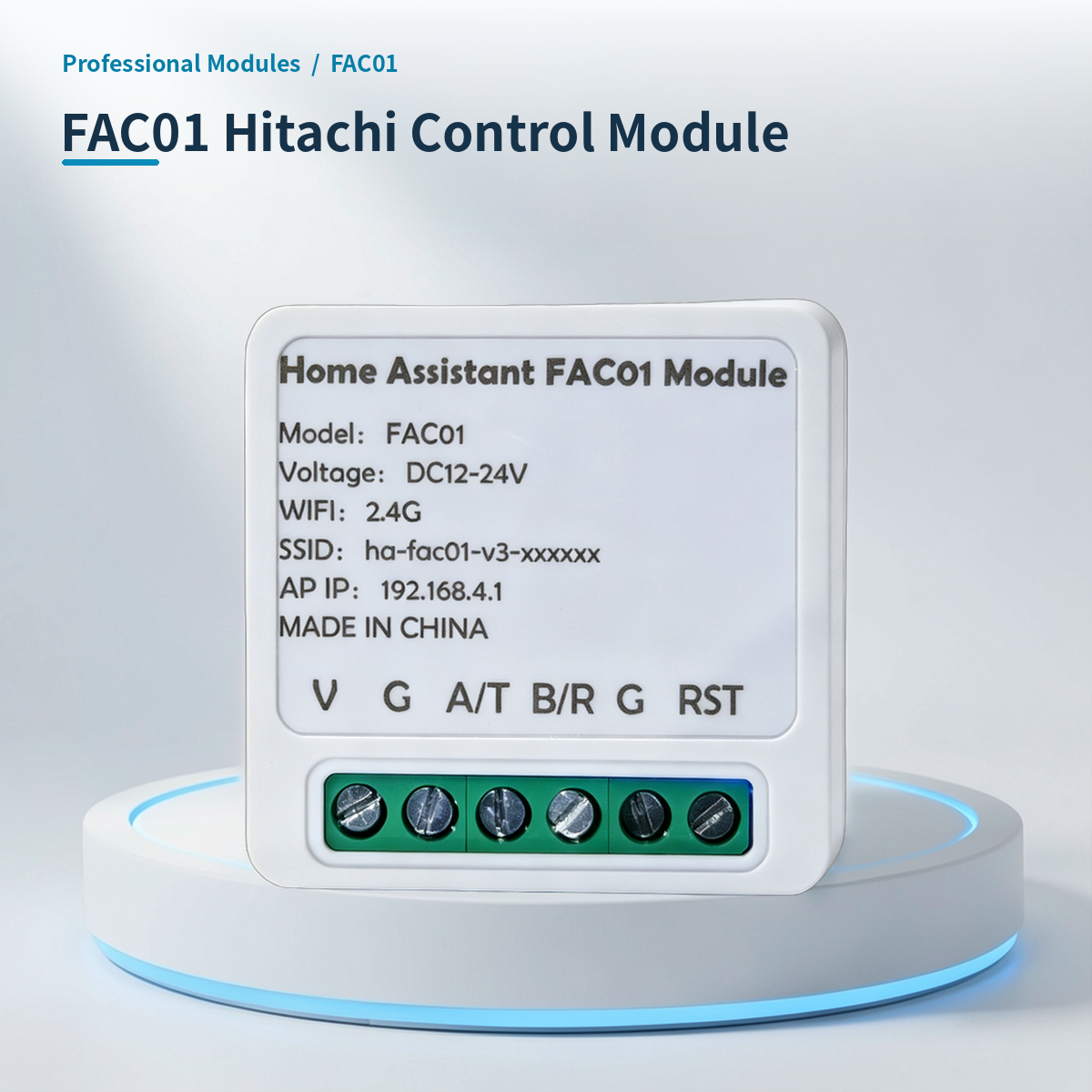
🏠 HA integration · Five steps to Home Assistant
Connect to Home Assistant over Wi-Fi to manage device entities and automations.
Connect Wi-Fi and power
The HA version includes Wi-Fi and creates an access point when powered on. Connect a phone or computer to the device hotspot beginning with HA (password: 12345678).
Configure the device network
After connecting to the HA-xxxx hotspot, the setup page opens automatically. If it does not, open 192.168.4.1 in a browser. Connect the device to the 2.4 GHz network used by the HA host.
Discover the device in HA
Open the devices and management page in Home Assistant. Find the automatically discovered device under the ESP integration and select Configure to add it. Device entities are created automatically, without manually writing configuration.
Create automation scenes
Add device entity cards to the HA dashboard and create automations and scene interactions as needed.
Reset the device
If the device cannot reconnect to its configured network for about two to three minutes, it resets automatically. You can also select RESET in the HA interface.
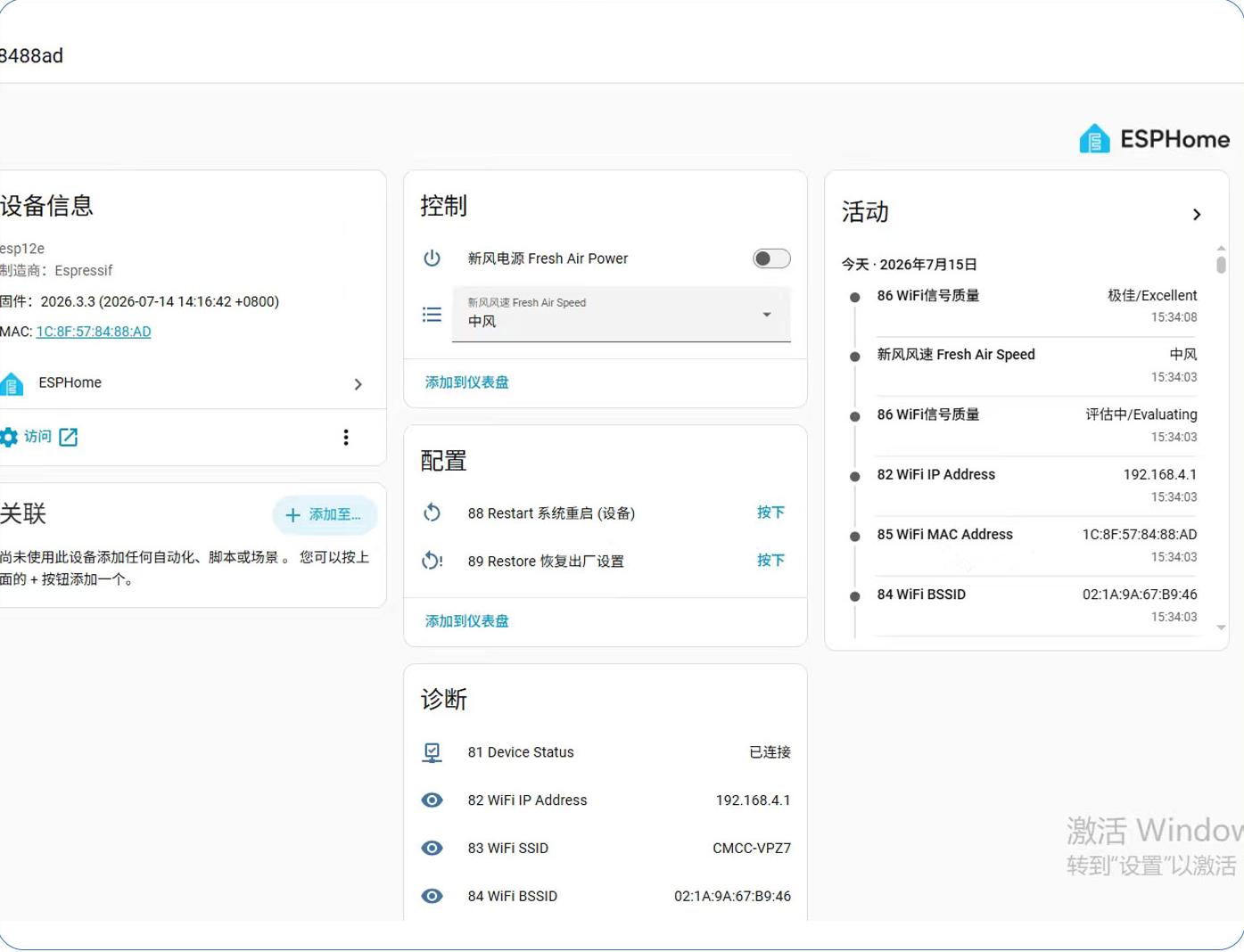
HA 配置界面
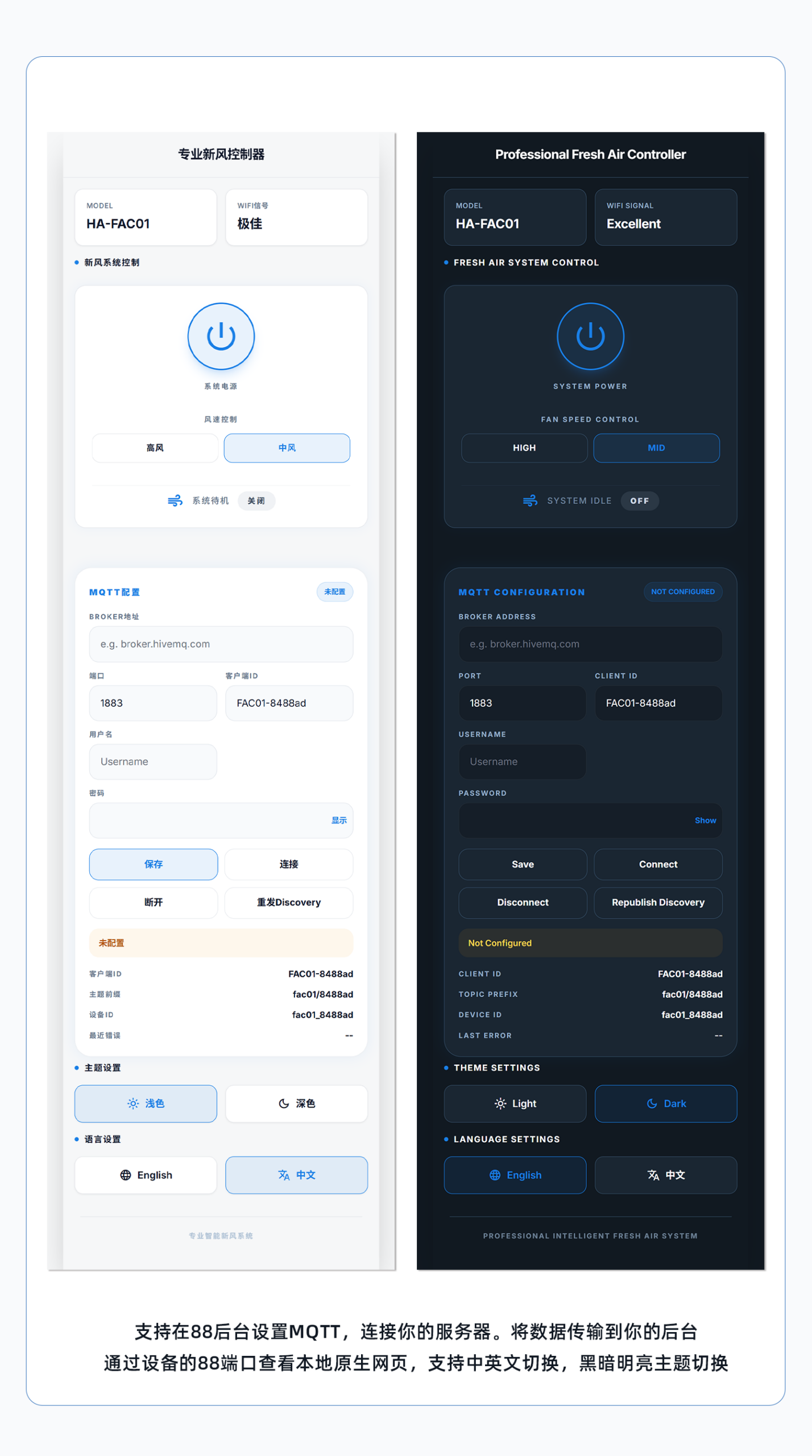
本模块 IP:88 端口网页免系统访问控制截图
🔌 Wiring
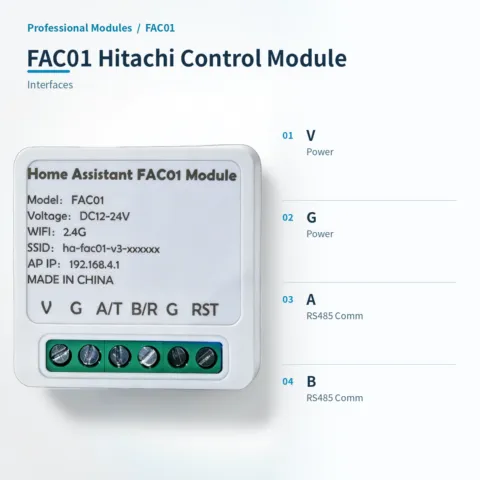
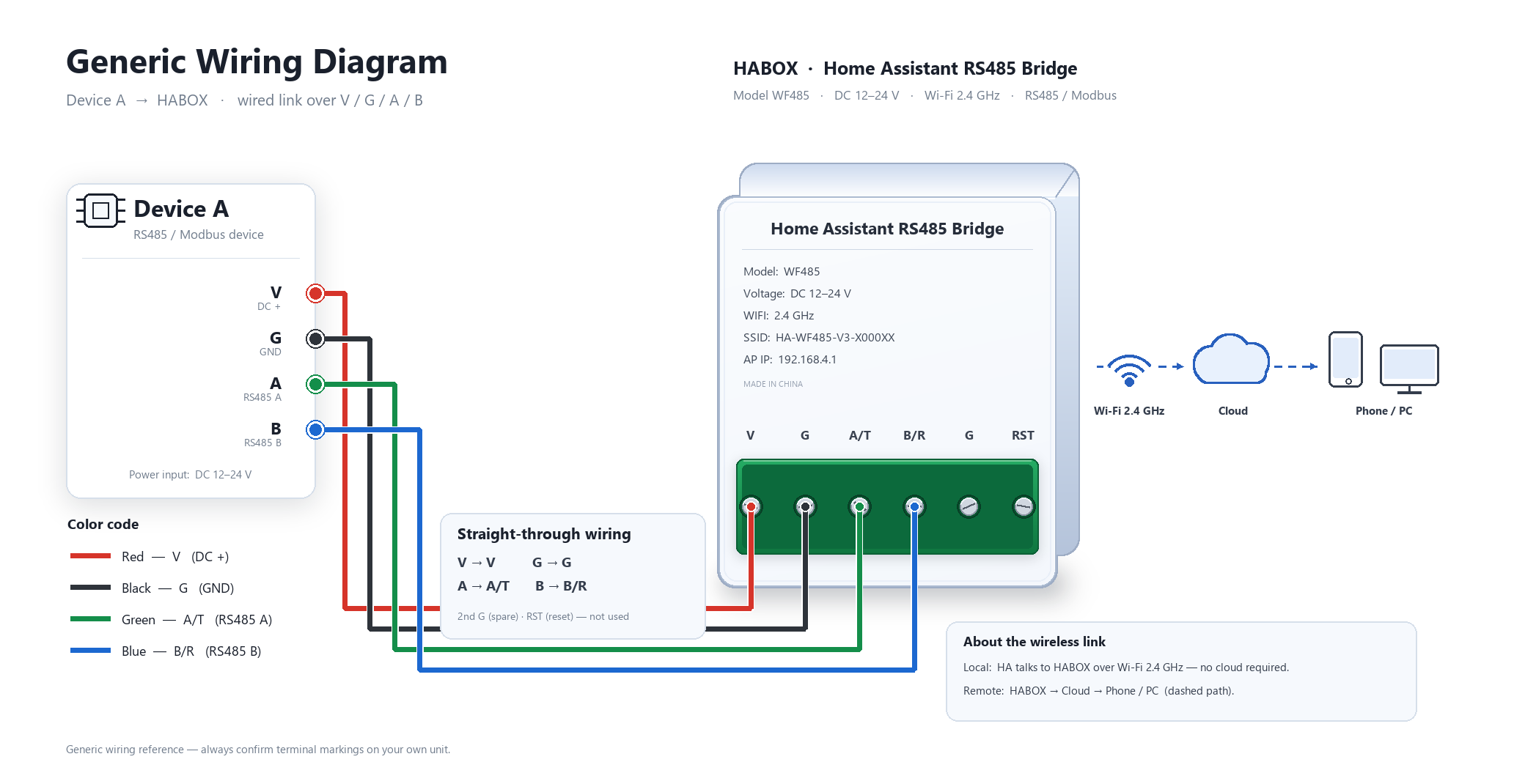
External HA module wiring diagram
| Version | Standard |
|---|
Only logged in customers who have purchased this product may leave a review.



Reviews
There are no reviews yet.