


- Description
- Additional information
- Reviews (0)
⚡ Why choose Wi-Fi Thread Border Router · TRD01?
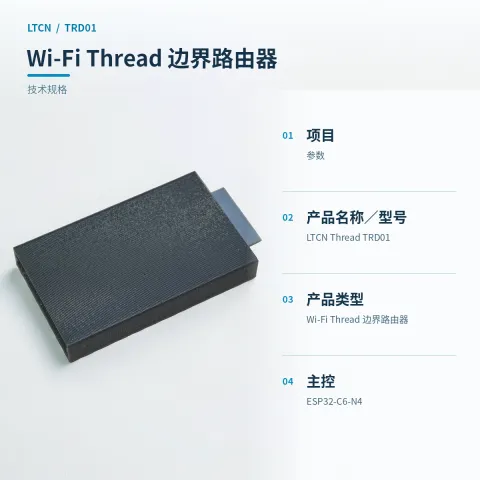
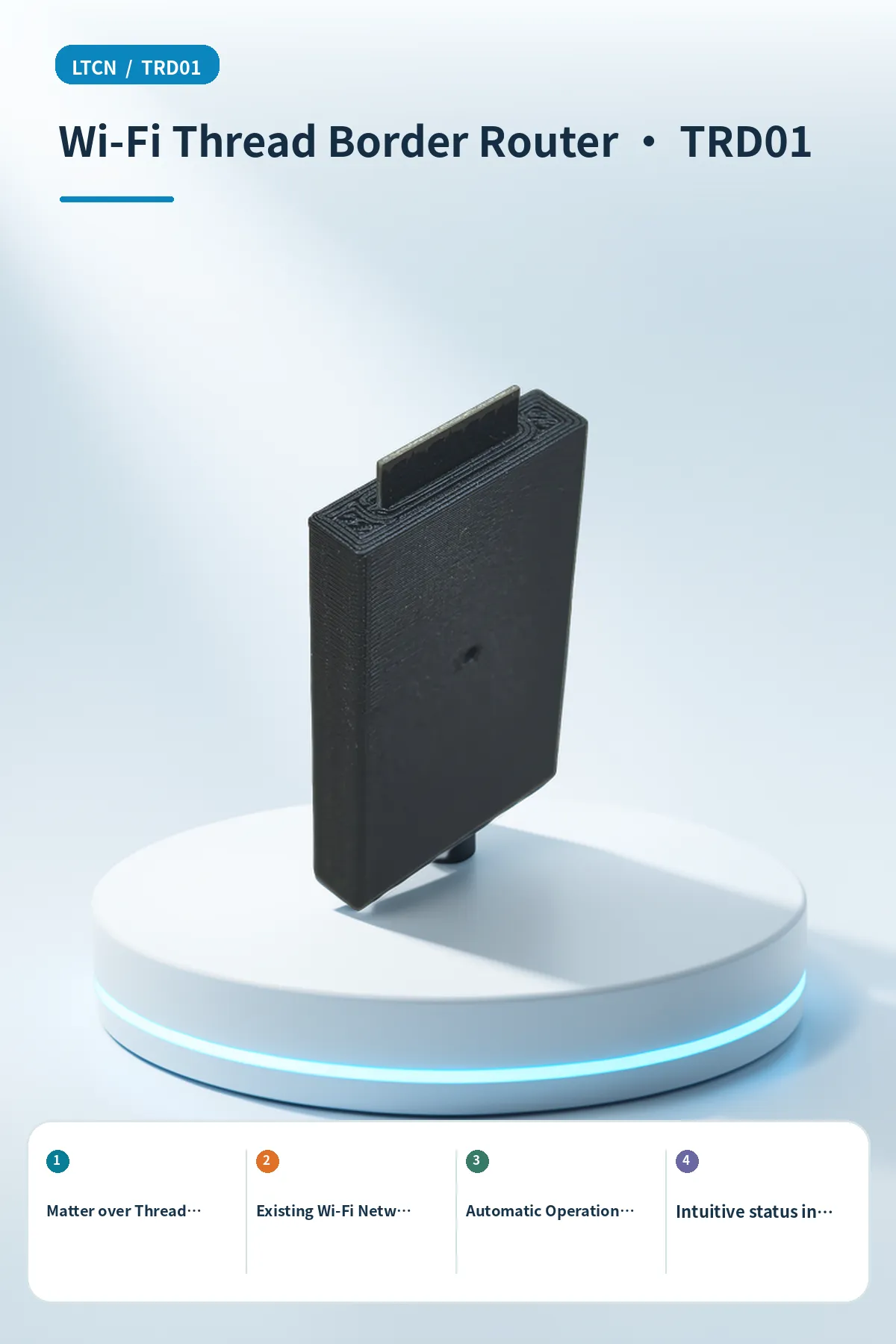
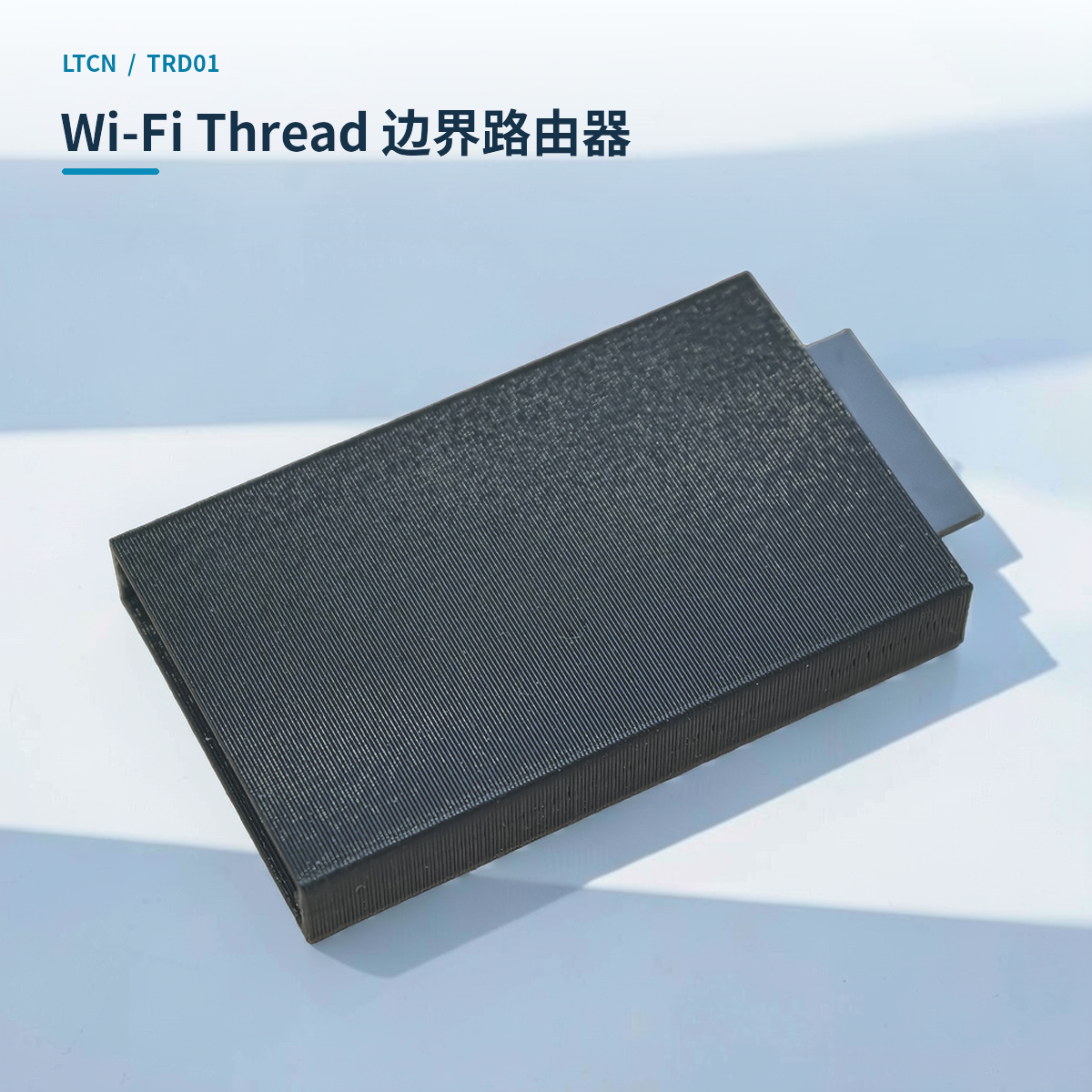
LTCN Thread TRD01 is a USB-powered Wi-Fi Thread border router.
Matter over Thread Border Routing
Acts as a Thread border router to help compatible platforms like Home Assistant discover and connect to Matter over Thread end devices.
Existing Wi-Fi Network Access
Connects to the local area network via the existing 2.4 GHz Wi-Fi in the home, requiring no additional Ethernet cabling; it operates with USB power and offers flexible placement.
Automatic Operation and Disconnection Reconnection
Automatically runs and remembers network information after initial provisioning; if the Wi-Fi connection is lost for a long time, it automatically enables the backup provisioning hotspot for reconfiguration.
Intuitive status indication
The RGB indicator light displays power-on, network configuration, connection, and fault statuses through different colors and blinking patterns, allowing users to quickly determine the device's operating status.
Convenient maintenance and reset
Provides a BOOT button for factory reset and a RESET/EN button for rebooting, supporting network configuration and configuration management via a web page or dedicated tools.
Compact and portable design
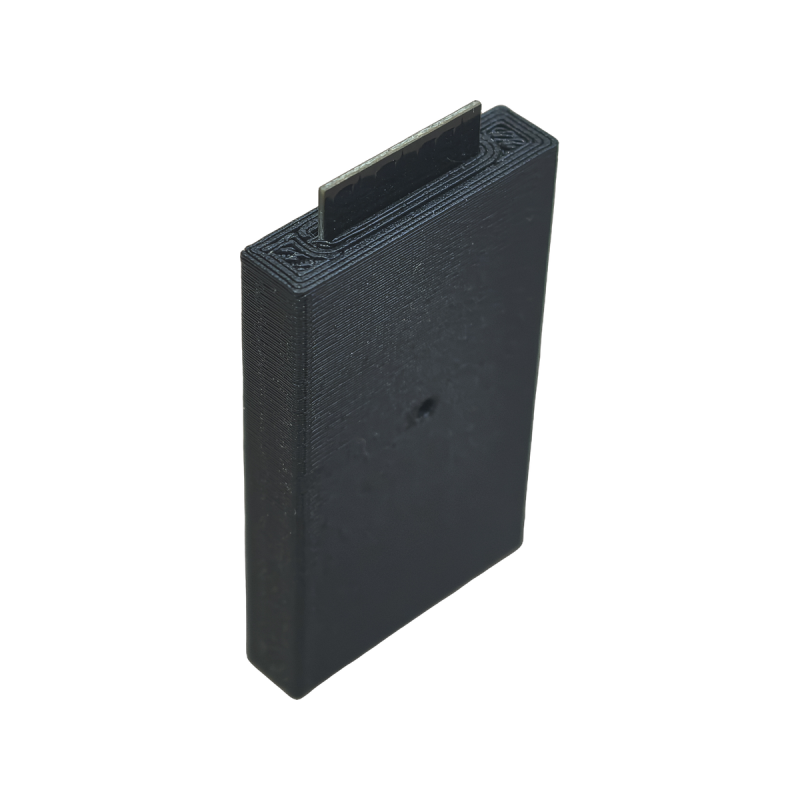
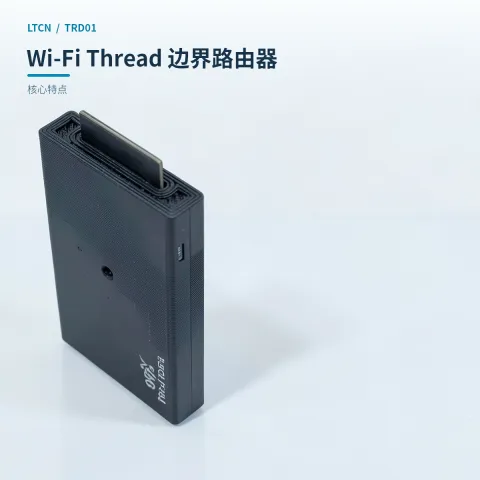
Features a black 3D-printed plastic housing with a compact size (55×30×7.5 mm) and a weight of only 20g, making it easy to deploy in different locations within a home.
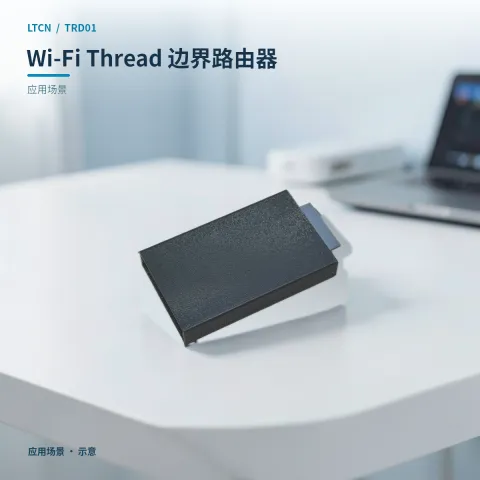
📍 Applications
Smart Home Hub Expansion
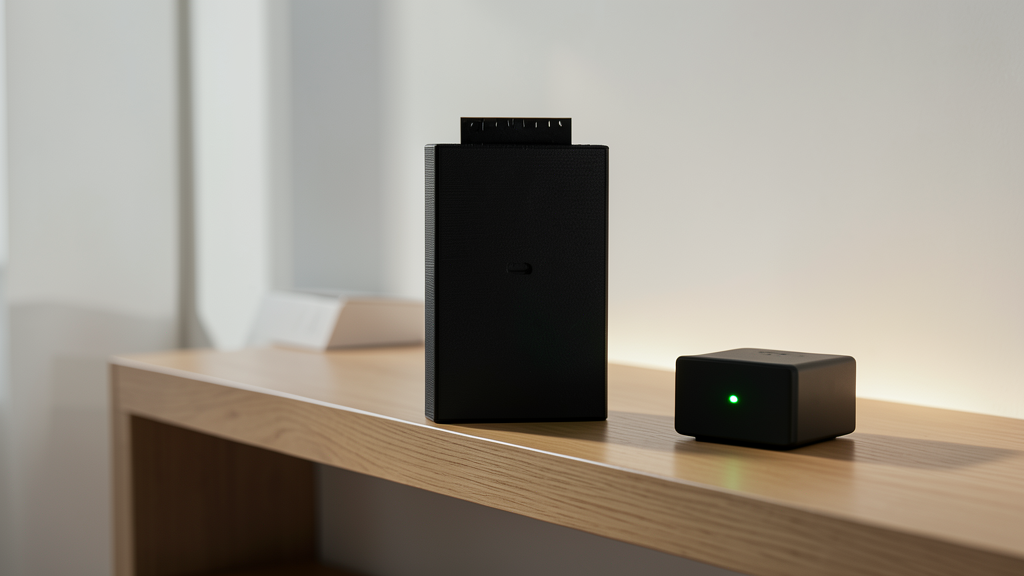
Provides network access for newly added Matter over Thread sensors or switches in homes with Home Assistant already deployed.

Wireless Coverage Blind Spot Reinforcement
Place in areas with good Wi-Fi signal but wide distribution of Thread devices to optimize Thread wireless coverage without wiring.
Smart Home System Testing
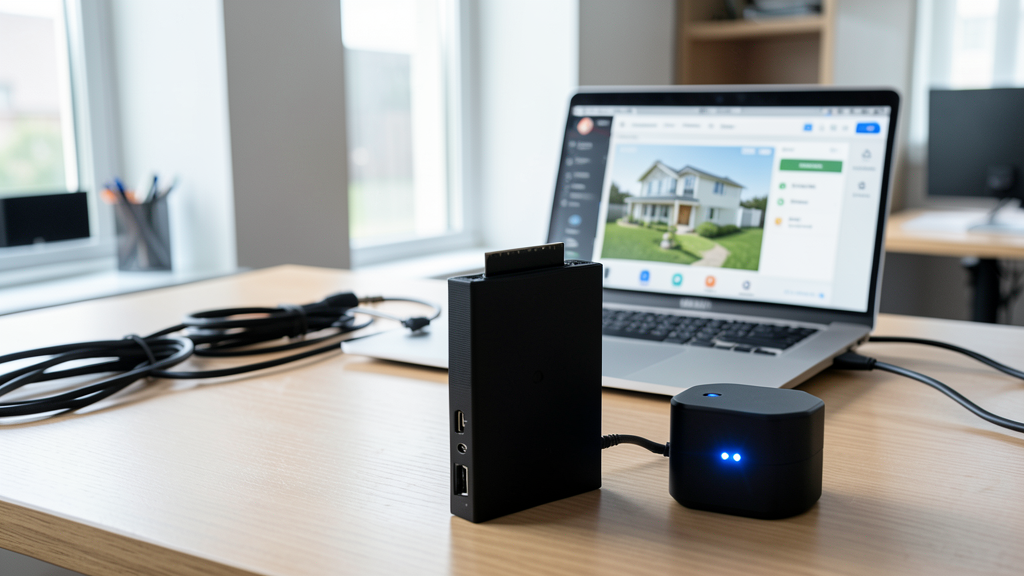
Used in development or debugging environments to verify the discovery, pairing, and border routing functions of Matter over Thread devices.
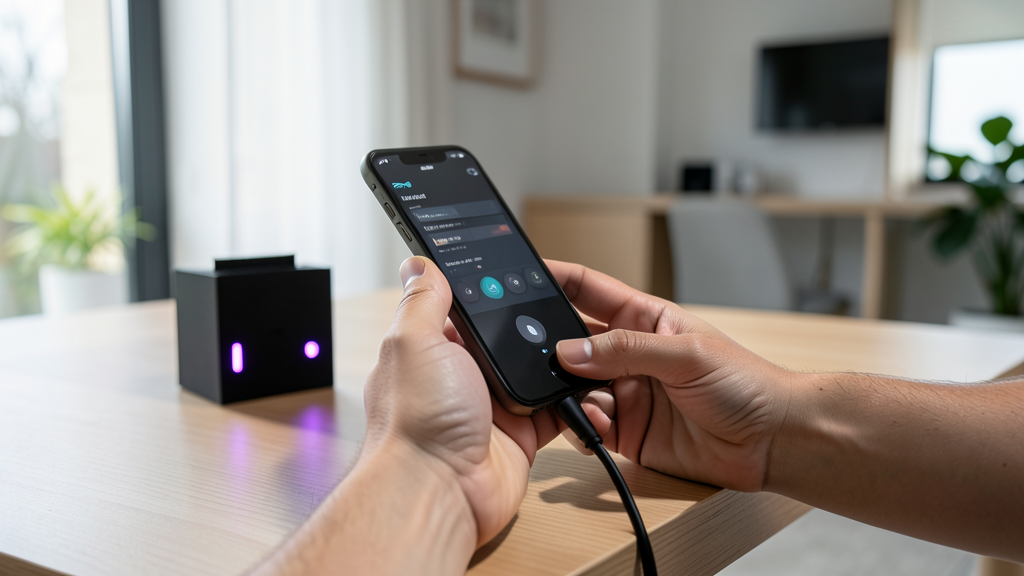
Rapid Network Change Adaptation
After replacing the home router or changing the Wi-Fi password, use the backup provisioning hotspot to quickly update device network information and restore smart device connections.
📊 Product specifications
🏠 HA integration · Five steps to Home Assistant
Connect to Home Assistant over Wi-Fi to manage device entities and automations.
Connect Wi-Fi and power
The HA version includes Wi-Fi and creates an access point when powered on. Connect a phone or computer to the device hotspot beginning with HA (password: 12345678).
Configure the device network
After connecting to the HA-xxxx hotspot, the setup page opens automatically. If it does not, open 192.168.4.1 in a browser. Connect the device to the 2.4 GHz network used by the HA host.
Discover the device in HA
Open the devices and management page in Home Assistant. Find the automatically discovered device under the ESP integration and select Configure to add it. Device entities are created automatically, without manually writing configuration.
Create automation scenes
Add device entity cards to the HA dashboard and create automations and scene interactions as needed.
Reset the device
If the device cannot reconnect to its configured network for about two to three minutes, it resets automatically. You can also select RESET in the HA interface.
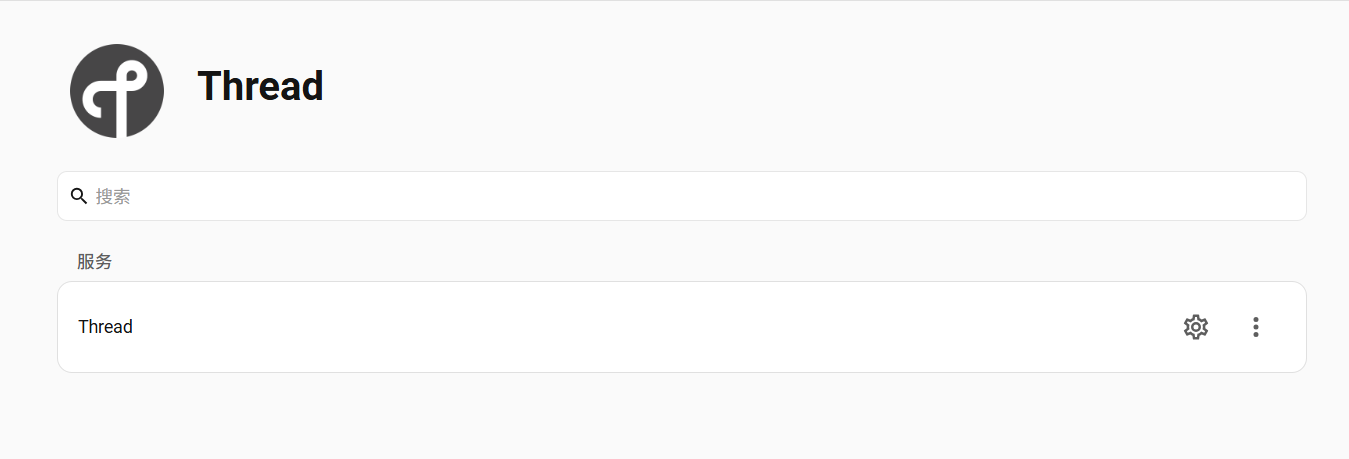
HA configuration

Device entities
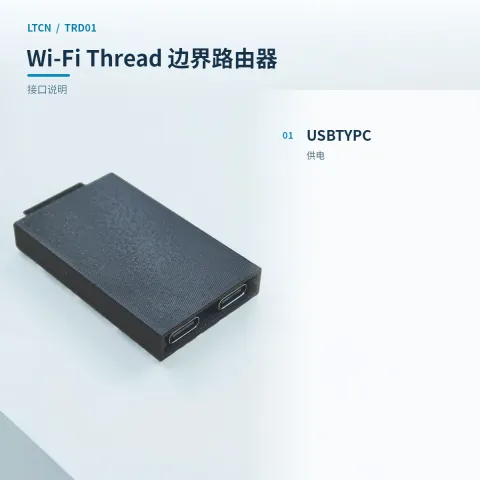
🔌 Wiring
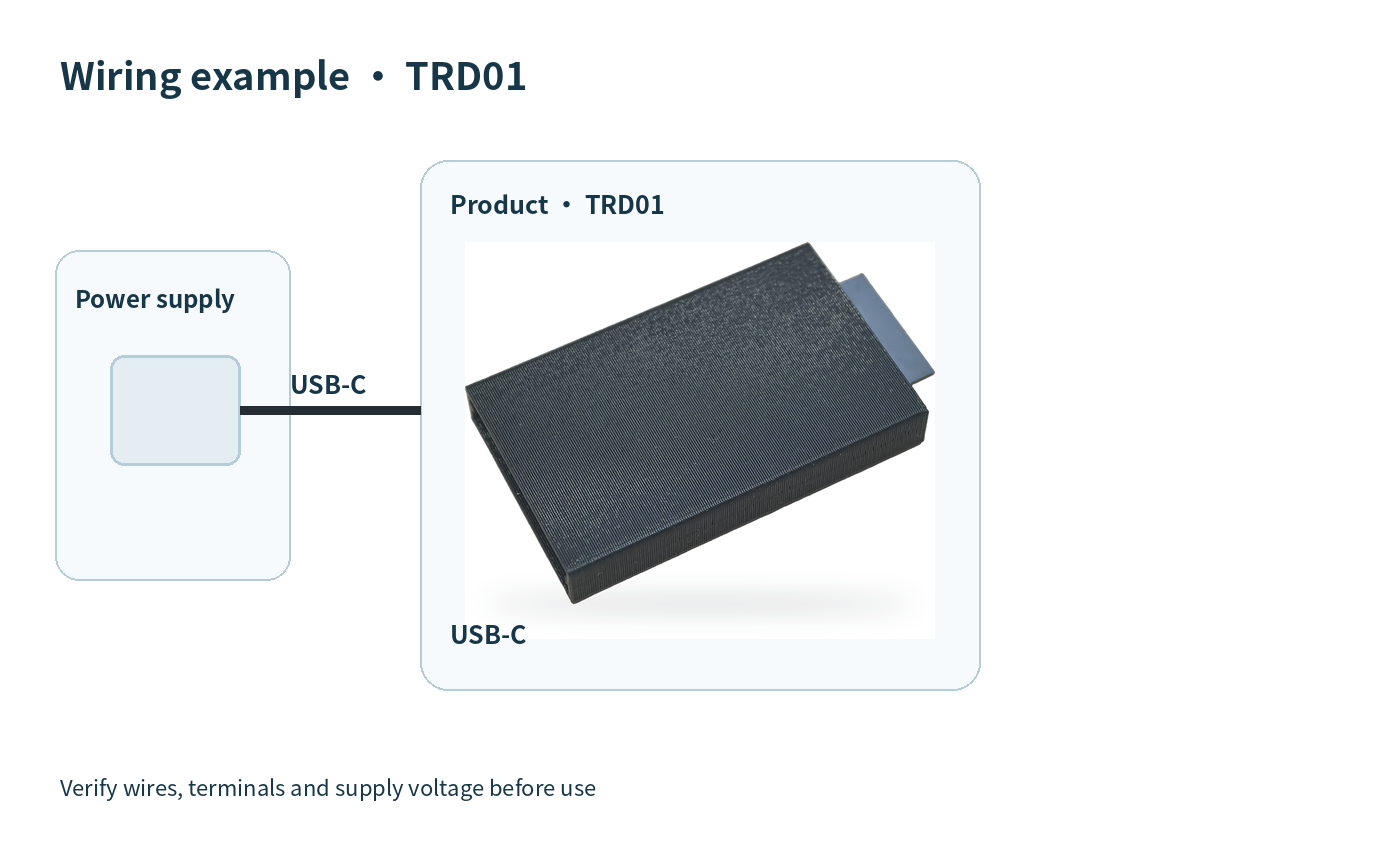
| Version | Standard |
|---|
Only logged in customers who have purchased this product may leave a review.


Reviews
There are no reviews yet.