

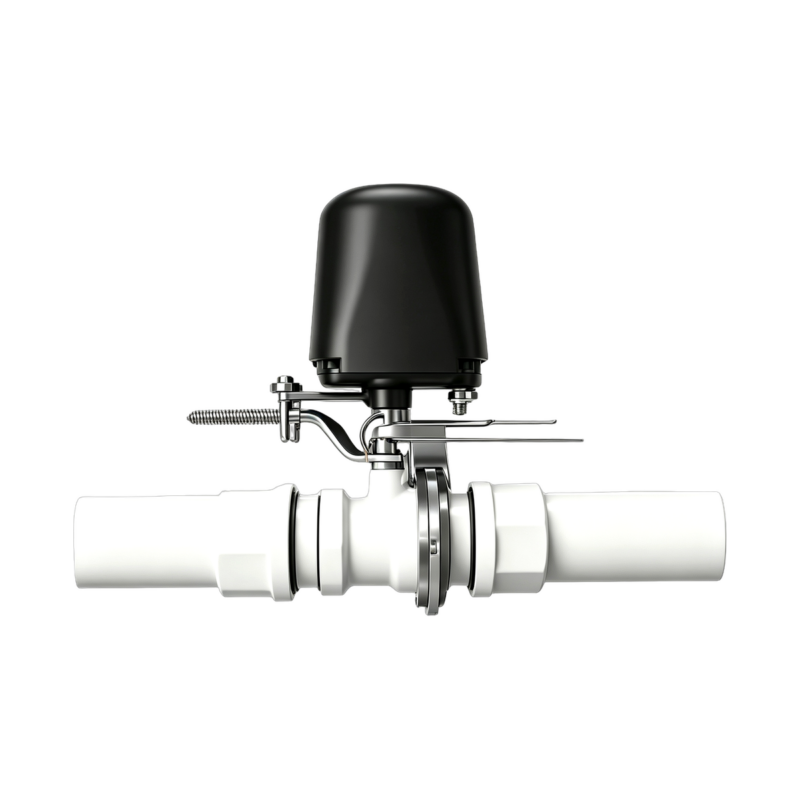
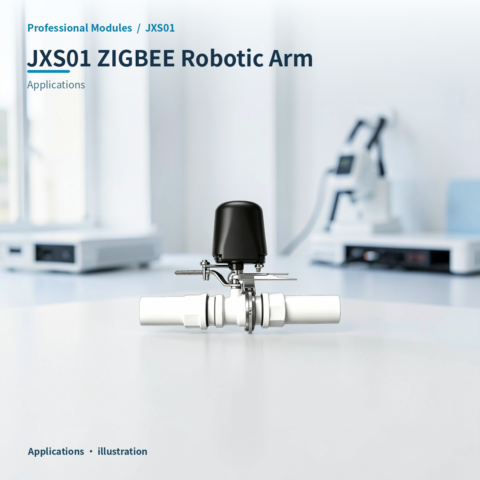
- Description
- Additional information
- Reviews (0)
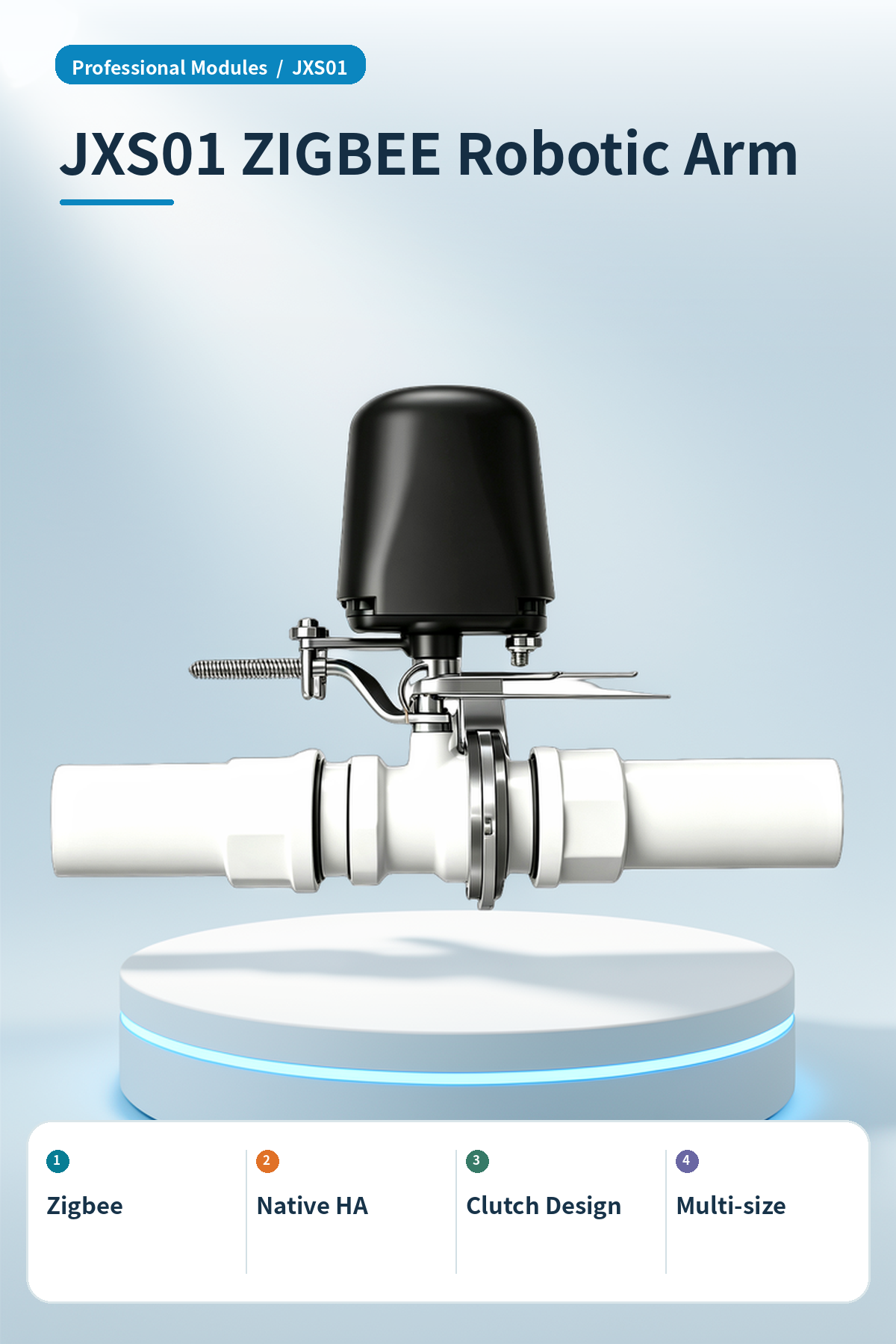
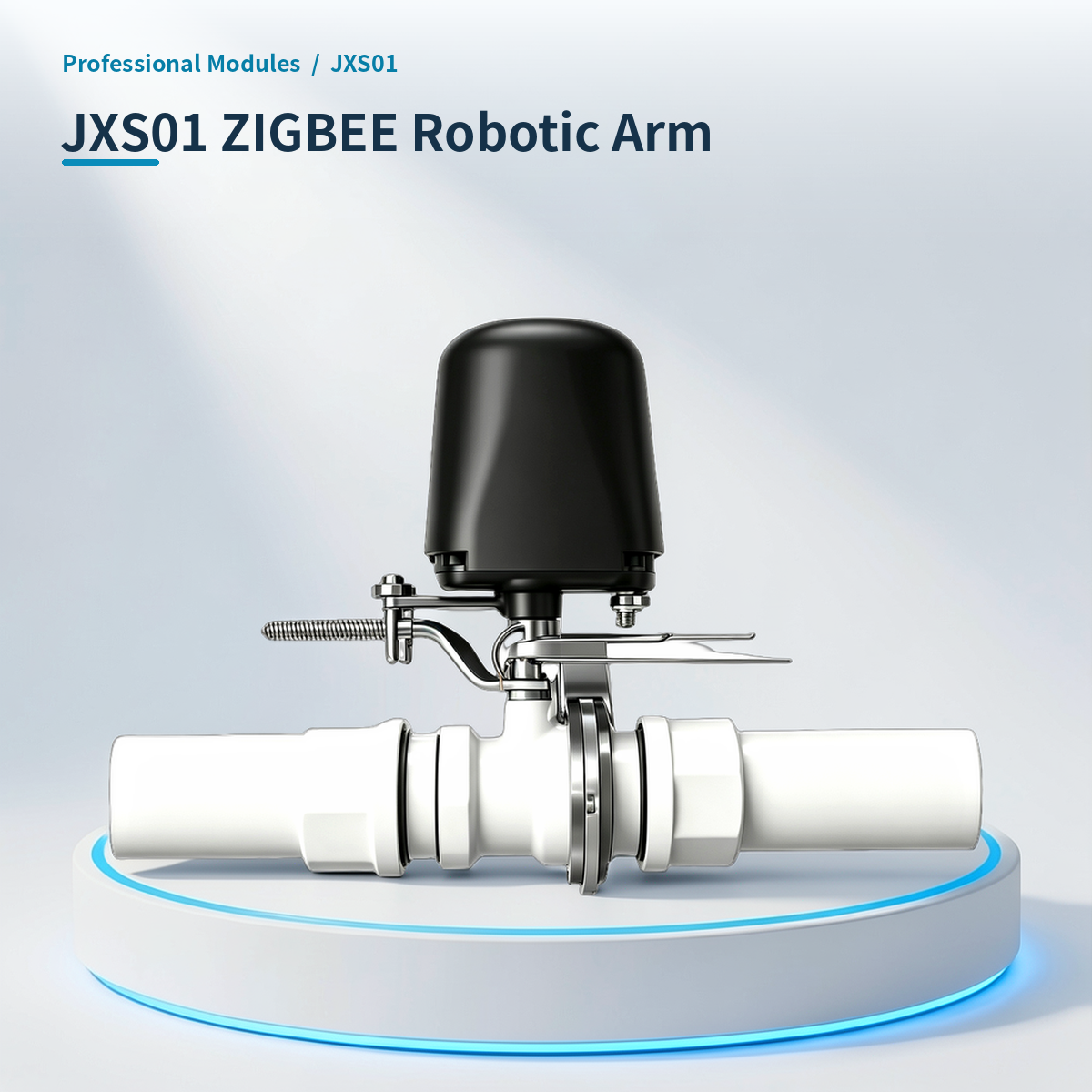
⚡ Why choose ZIGBEE Robotic Arm · JXS01?
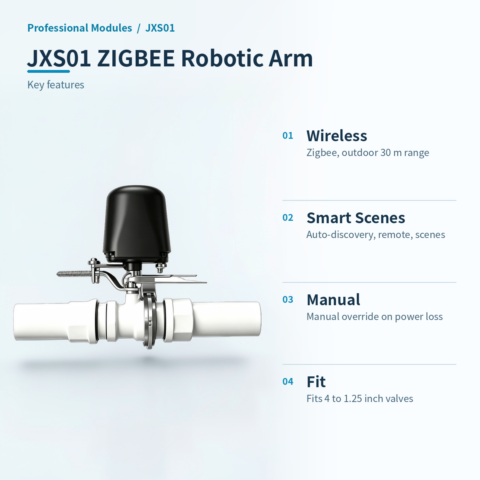
Zigbee smart valve controller, supports remote and linked control.
Zigbee
Zigbee protocol, outdoor range 30 m.
Native HA
Auto-discovery via ZHA. Remote, timer, and scene control.
Clutch Design
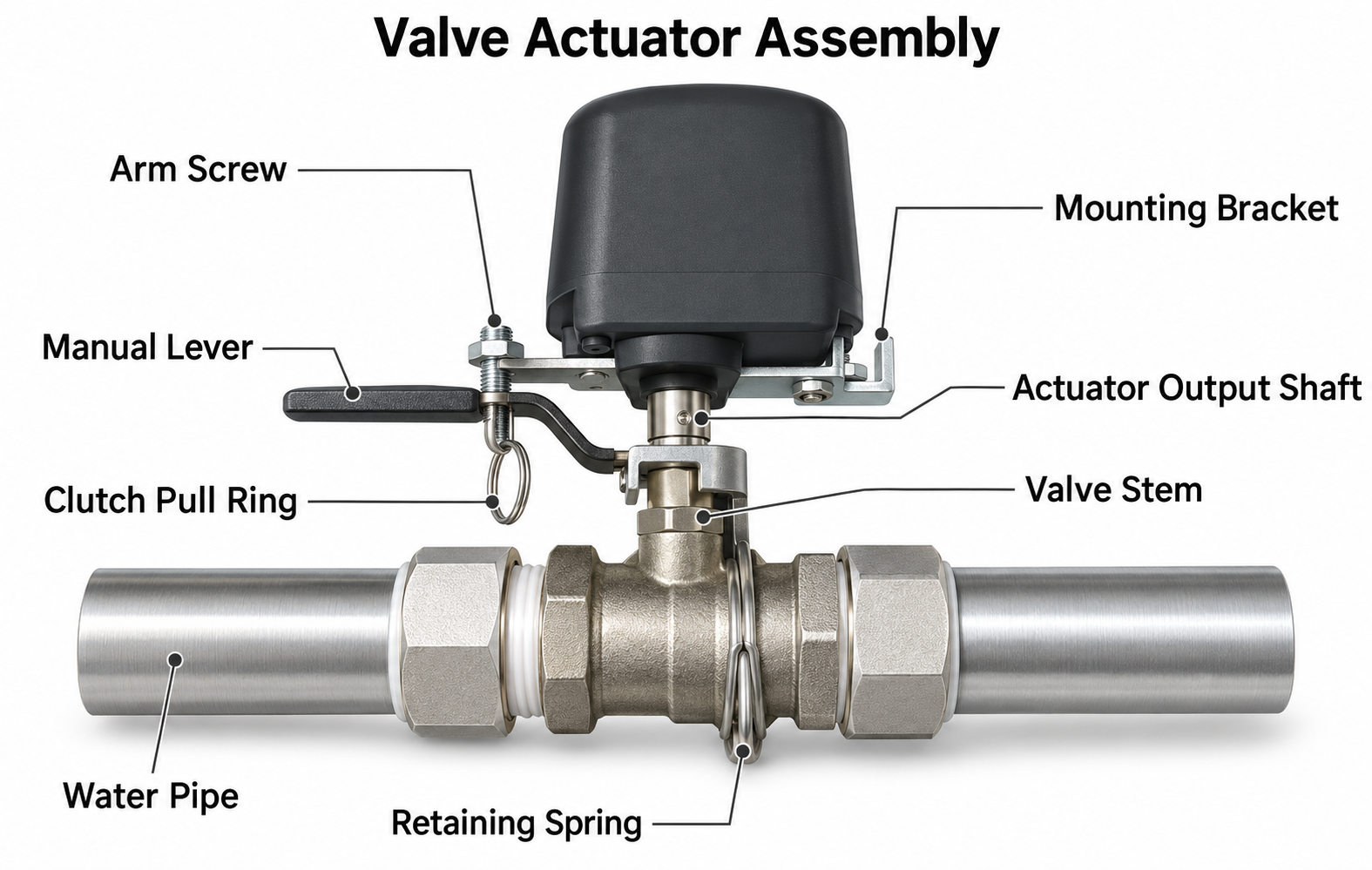
Pull clutch ring for manual override during power loss.
Multi-size
Fits 4 to 1.25 inch ball valves. Bracket ensures alignment.
Fast switching response
Valve cycle 5–10s, torque 30–60kg·cm, stable action.
Safe pressure limit
Max pressure 1.6MPa. Do not overpressure to prevent damage or leaks.
📍 Applications
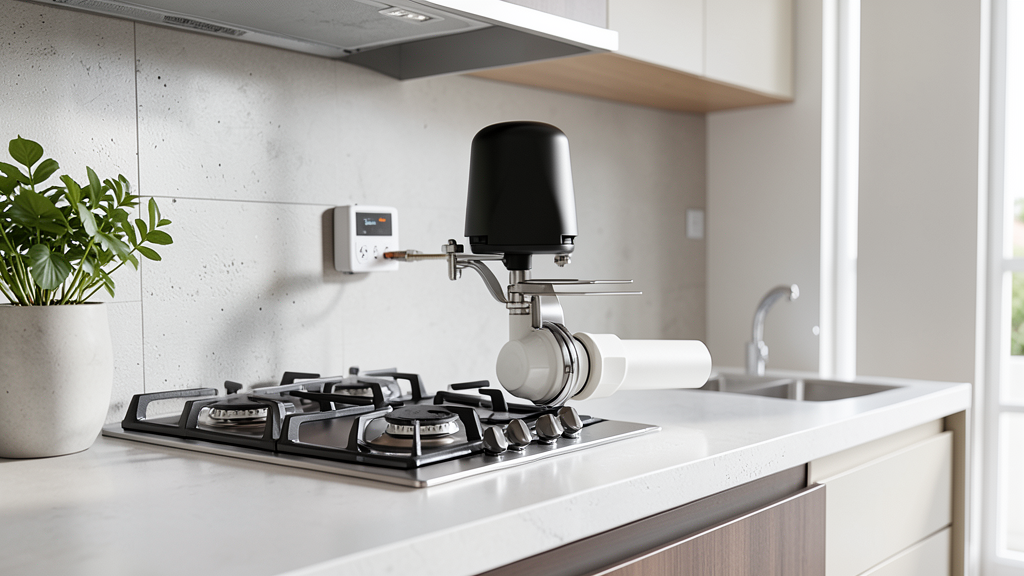
Gas Safety Link
Cuts gas on leak detection for home safety.
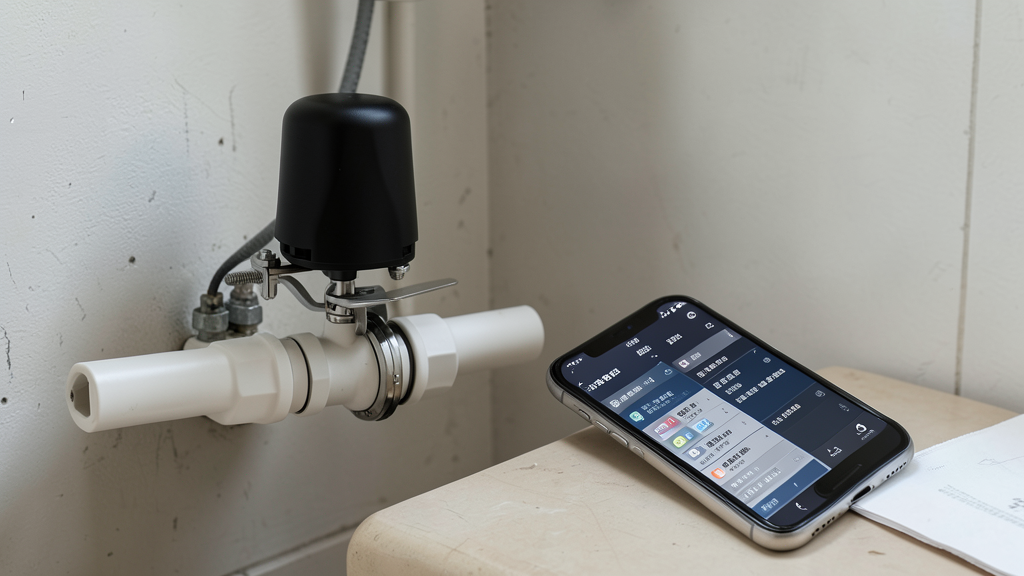
Remote Valve
Remotely control main water valve via app.
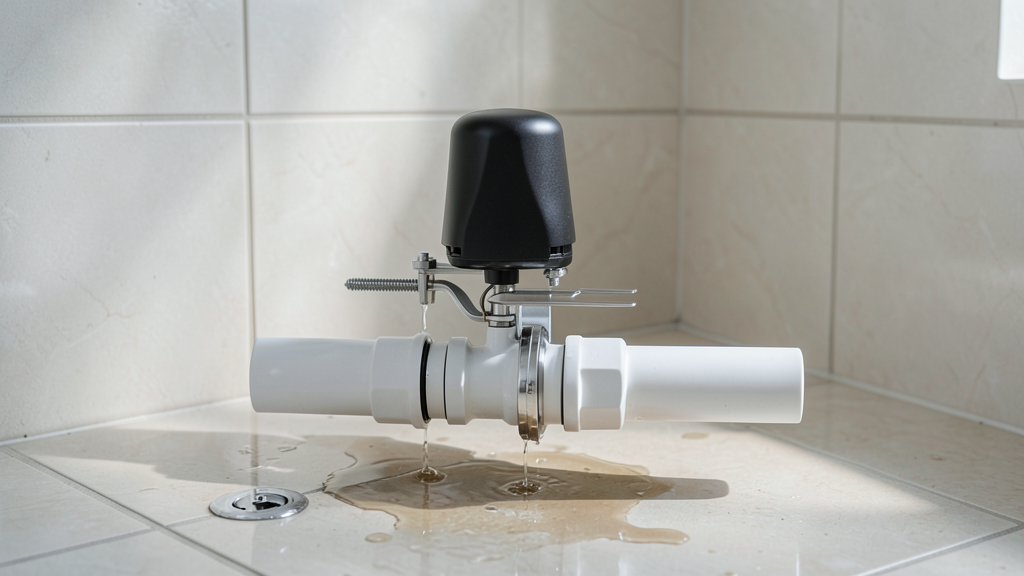
Auto Leak Stop
Auto-closes valve on leak to prevent loss.
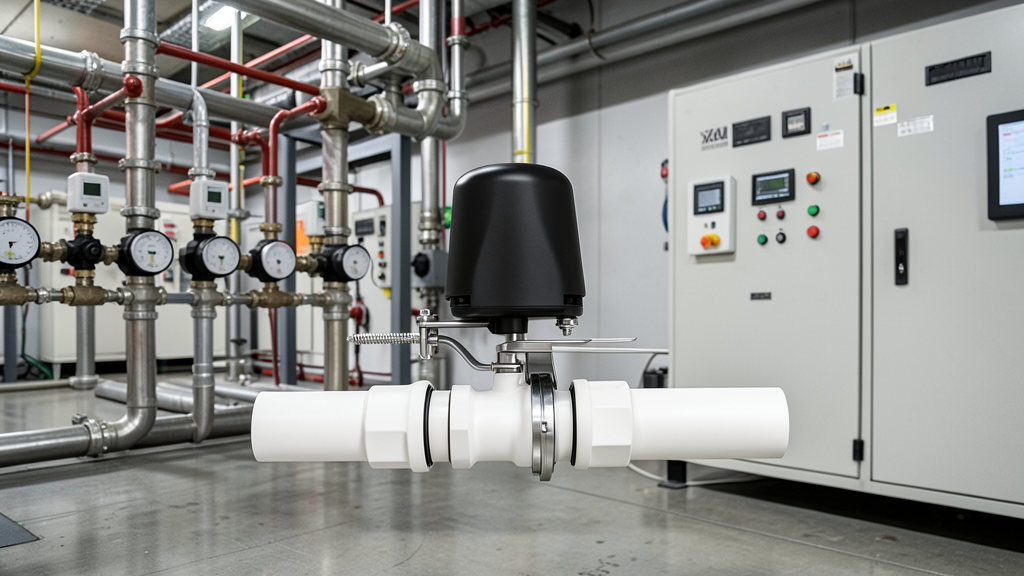
Network Control
Centralized valve control for buildings.
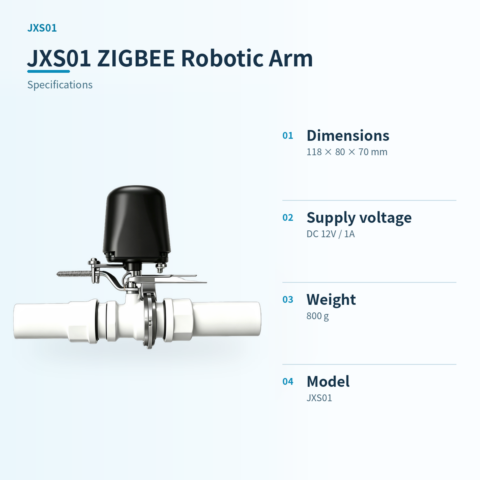
📊 Product specifications
🏠 HA integration · Five steps to Home Assistant
Connect to Home Assistant over Wi-Fi to manage device entities and automations.
Connect Wi-Fi and power
The HA version includes Wi-Fi and creates an access point when powered on. Connect a phone or computer to the device hotspot beginning with HA (password: 12345678).
Configure the device network
After connecting to the HA-xxxx hotspot, the setup page opens automatically. If it does not, open 192.168.4.1 in a browser. Connect the device to the 2.4 GHz network used by the HA host.
Discover the device in HA
Open the devices and management page in Home Assistant. Find the automatically discovered device under the ESP integration and select Configure to add it. Device entities are created automatically, without manually writing configuration.
Create automation scenes
Add device entity cards to the HA dashboard and create automations and scene interactions as needed.
Reset the device
If the device cannot reconnect to its configured network for about two to three minutes, it resets automatically. You can also select RESET in the HA interface.
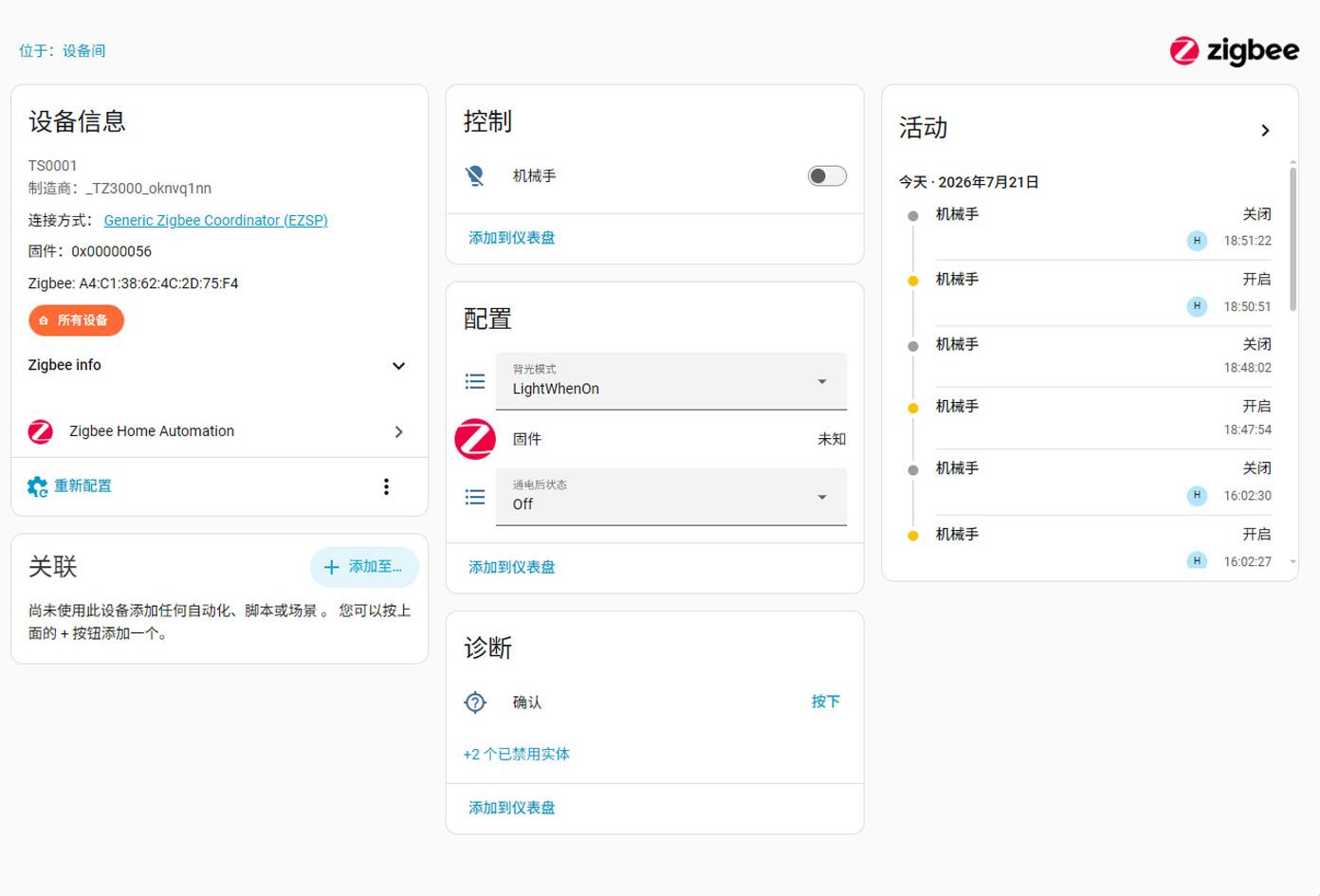
HA 配置界面
开关/设备实体
🔌 Wiring
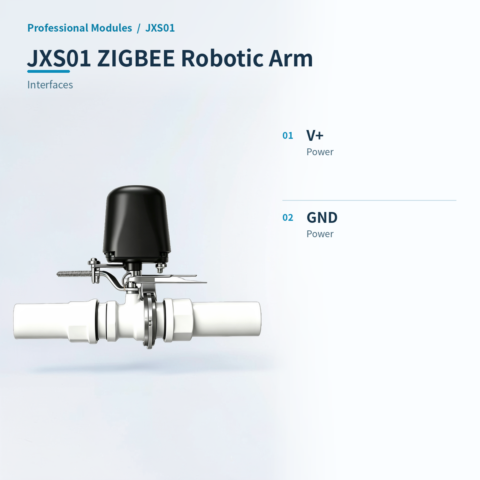
AI standard wiring diagram
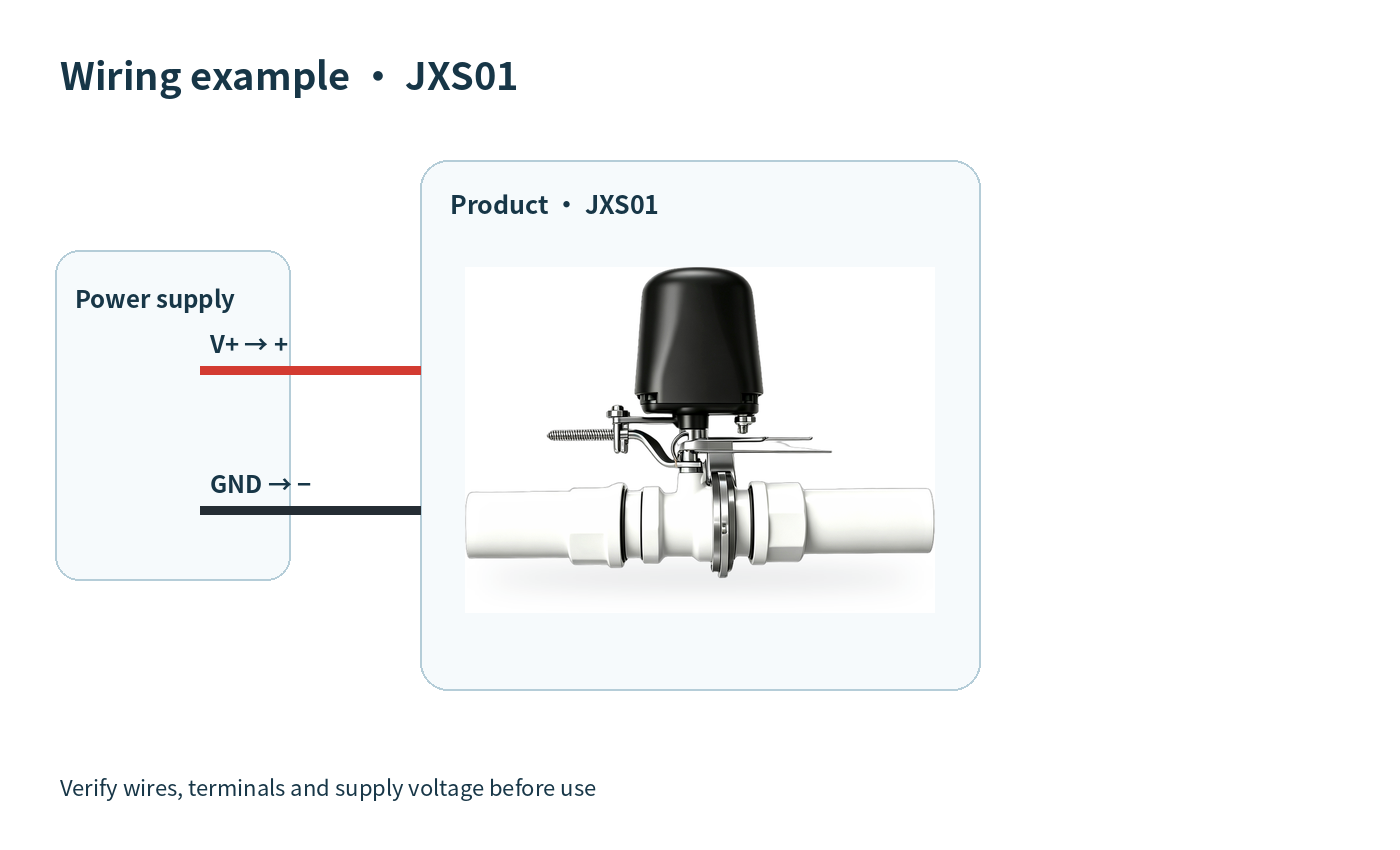
| Version | Standard |
|---|
Only logged in customers who have purchased this product may leave a review.



Reviews
There are no reviews yet.