

- Description
- Additional information
- Reviews (0)
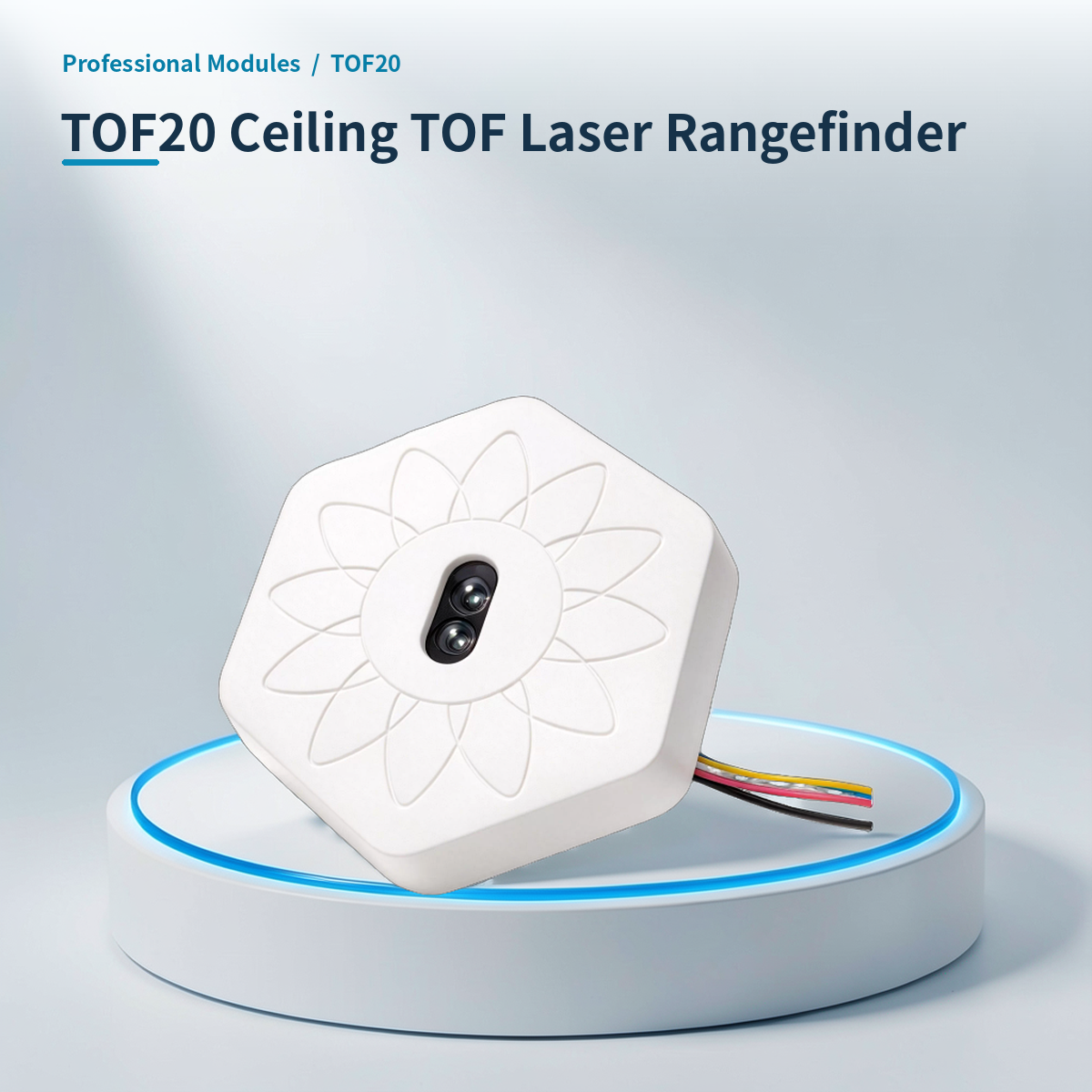
⚡ Why choose Ceiling TOF Laser Rangefinder · TOF20?
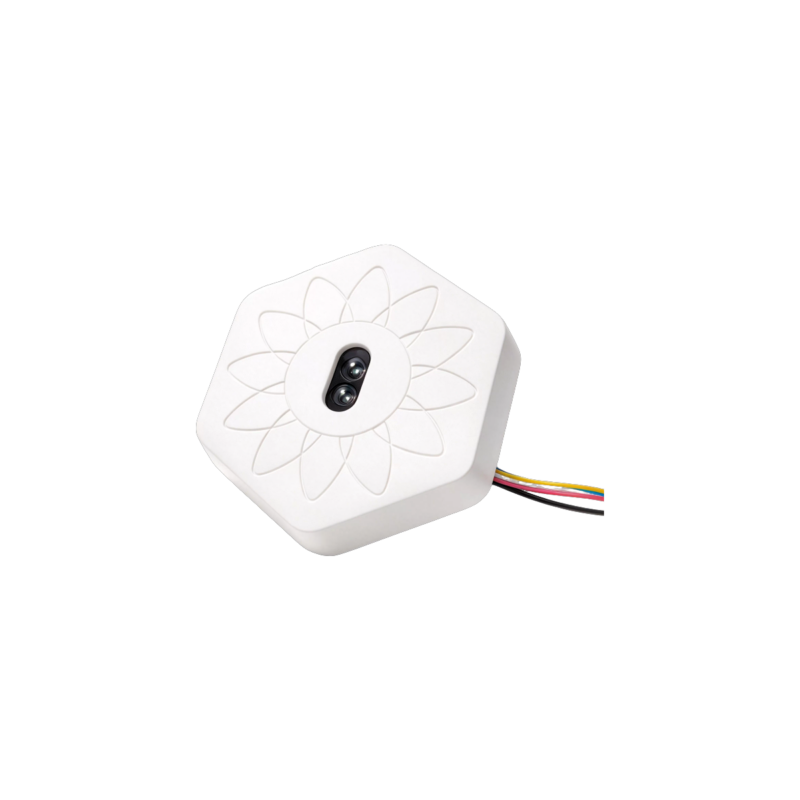
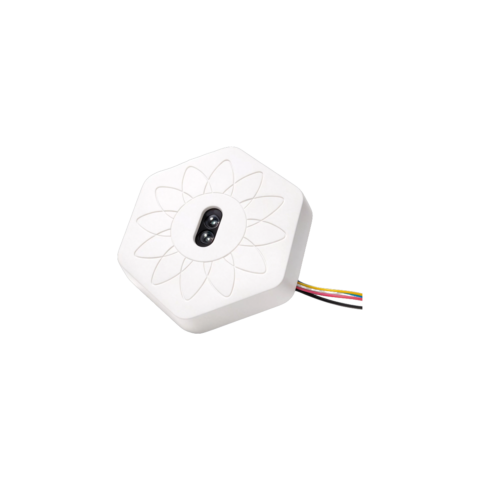
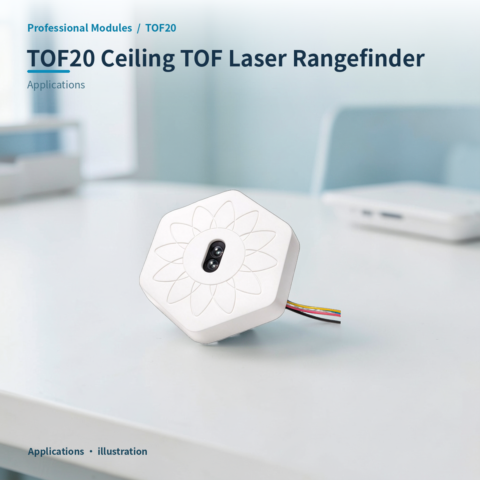
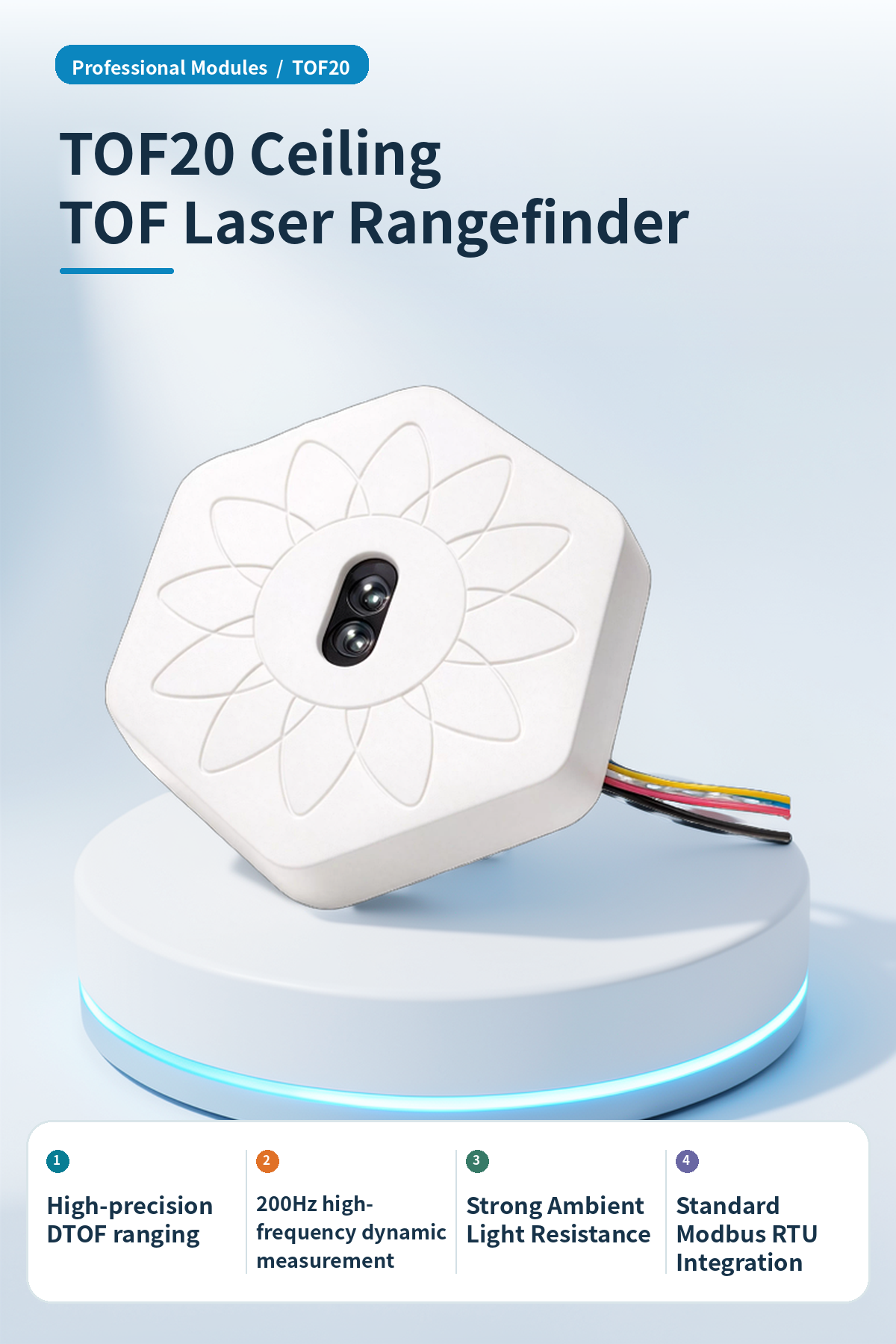
High-precision ToF laser sensor, supports RS485 and HA IoT linkage.
High-precision ranging
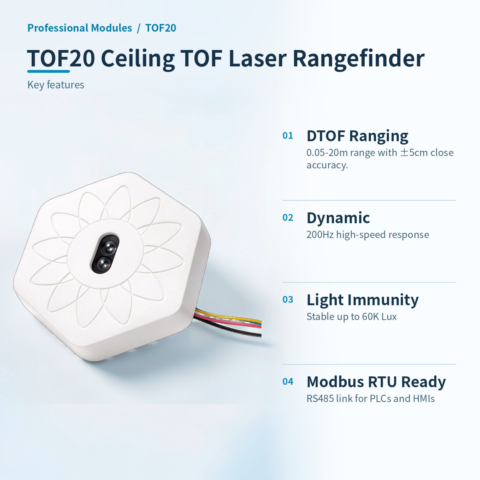
Range 0.05~20m, close-range accuracy ±5cm, far-range 1%, meeting precision measurement needs.
High-frequency dynamic measurement
Supports 200Hz measurement frequency for robot obstacle avoidance and drone altitude in high-speed dynamic scenarios.
Strong ambient light resistance
Ambient light immunity up to 8 m @ 60K Lux, stable in strong indoor/outdoor light.
Standard Modbus communication
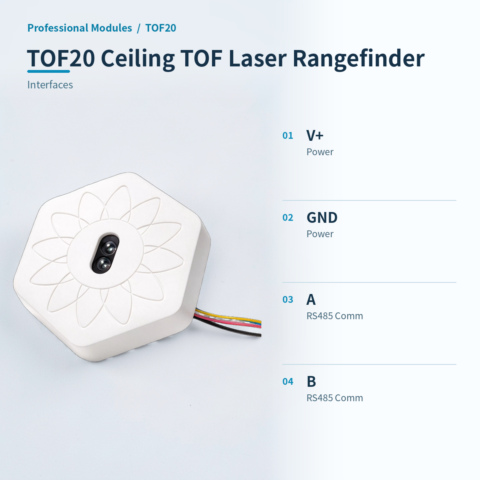
Standard RS485 Modbus RTU interface, supports 03 read/06 write function codes for easy PLC integration.
HA IoT Linkage
Optional HA version connects via Wi-Fi/MQTT for remote monitoring and automation.
Compact Low-Power
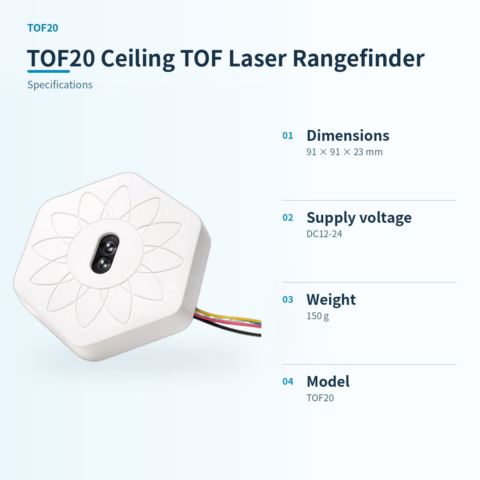
Compact 91x91x23mm, 150g weight, 12~24V DC power, flexible install.
📍 Applications
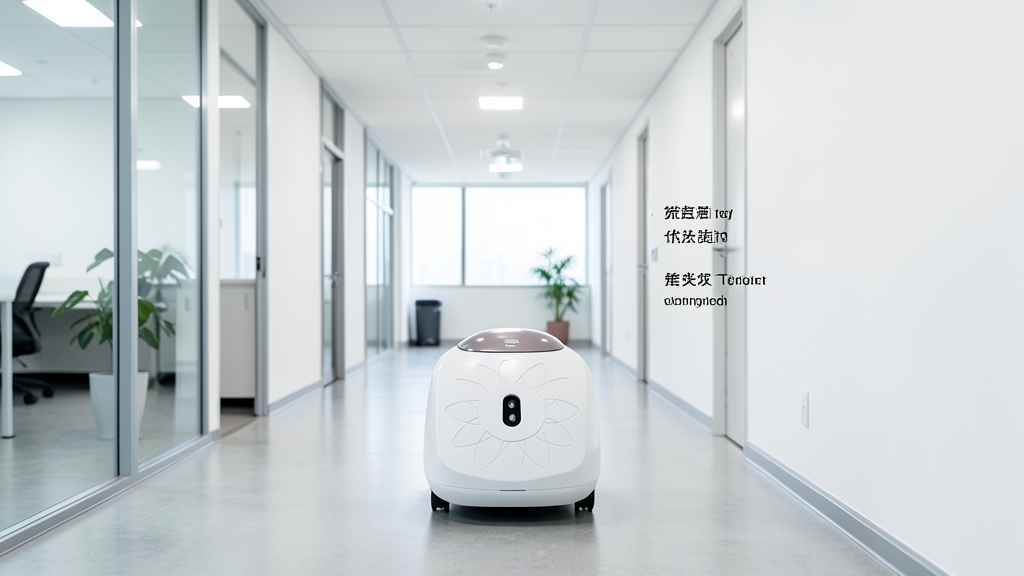
Mobile Robot Obstacle Avoidance
Collision avoidance and real-time distance detection for service or floor-cleaning robots, ensuring operational safety.

Drone Altitude Hover
Altitude measurement and stable hover control for drones, providing reliable vertical distance data.

AGV Automatic Navigation
Automatic navigation, obstacle avoidance, and safety light curtain distance detection for AGVs, enhancing logistics safety.
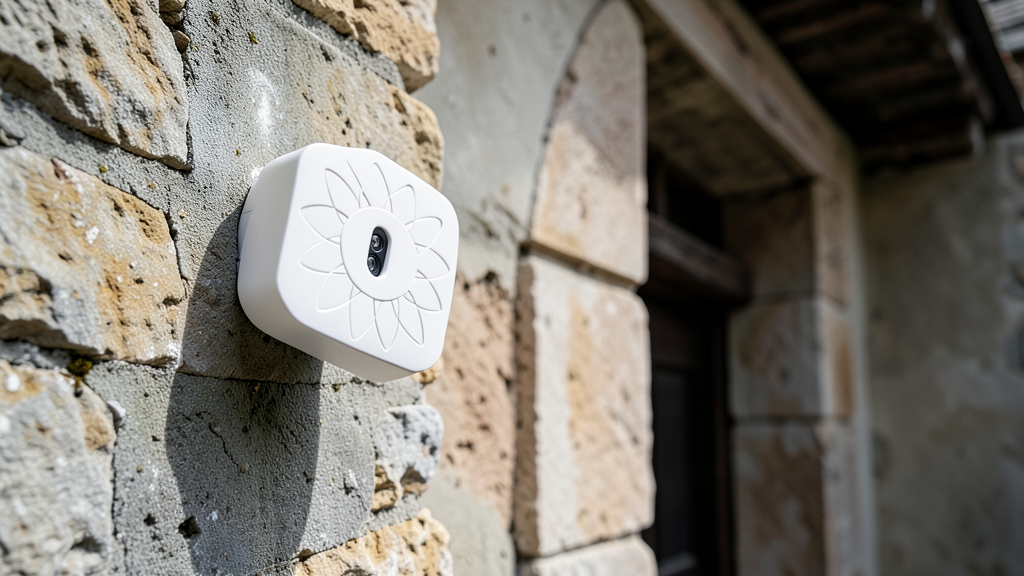
Building Structure Monitoring
Micro-displacement and deformation monitoring for ancient buildings or hazardous structures, recording long-term structural changes.
📊 Product specifications
🏠 HA integration · Five steps to Home Assistant
Connect to Home Assistant over Wi-Fi to manage device entities and automations.
Connect Wi-Fi and power
The HA version includes Wi-Fi and creates an access point when powered on. Connect a phone or computer to the device hotspot beginning with HA (password: 12345678).
Configure the device network
After connecting to the HA-xxxx hotspot, the setup page opens automatically. If it does not, open 192.168.4.1 in a browser. Connect the device to the 2.4 GHz network used by the HA host.
Discover the device in HA
Open the devices and management page in Home Assistant. Find the automatically discovered device under the ESP integration and select Configure to add it. Device entities are created automatically, without manually writing configuration.
Create automation scenes
Add device entity cards to the HA dashboard and create automations and scene interactions as needed.
Reset the device
If the device cannot reconnect to its configured network for about two to three minutes, it resets automatically. You can also select RESET in the HA interface.
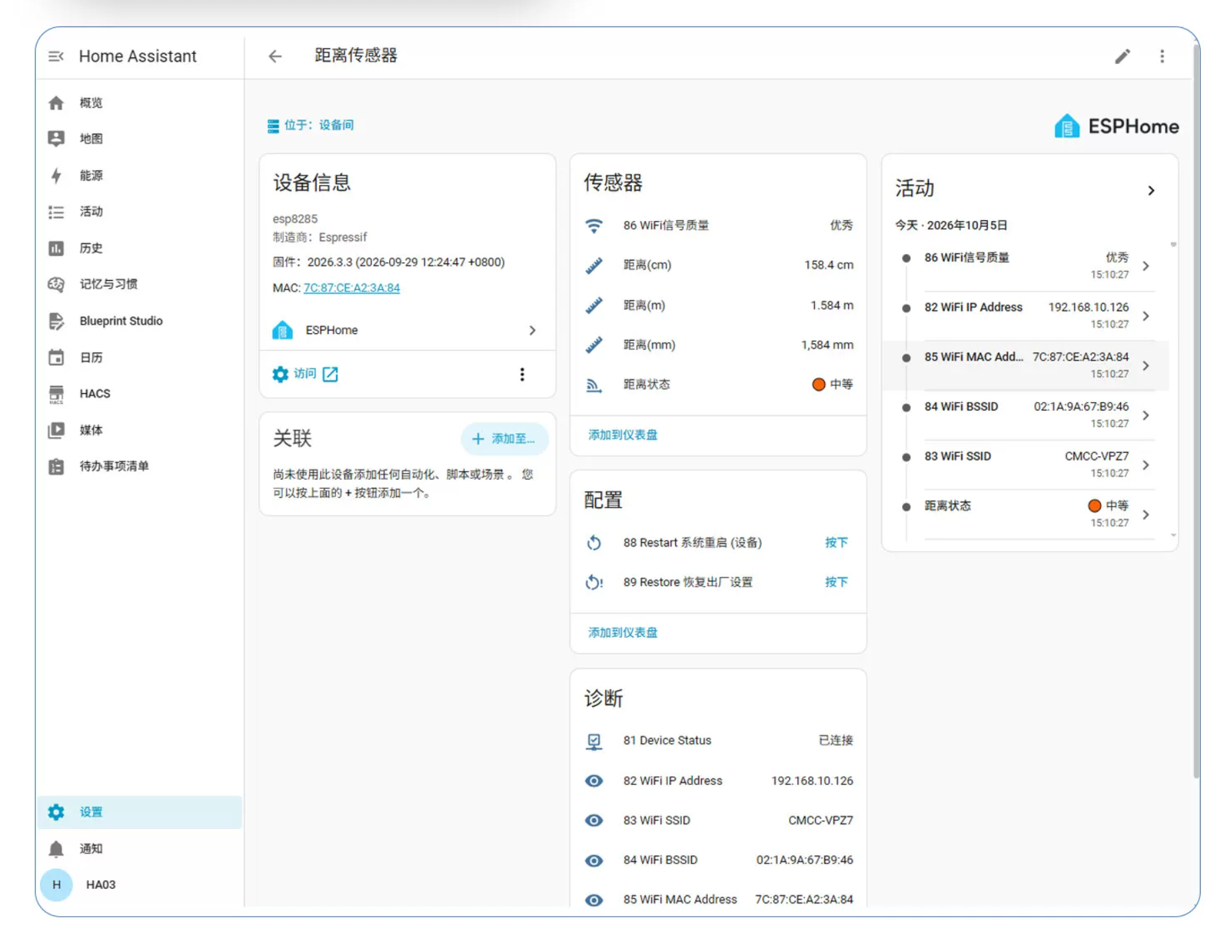
HA 配置界面

本模块 IP:88 端口网页免系统访问控制截图
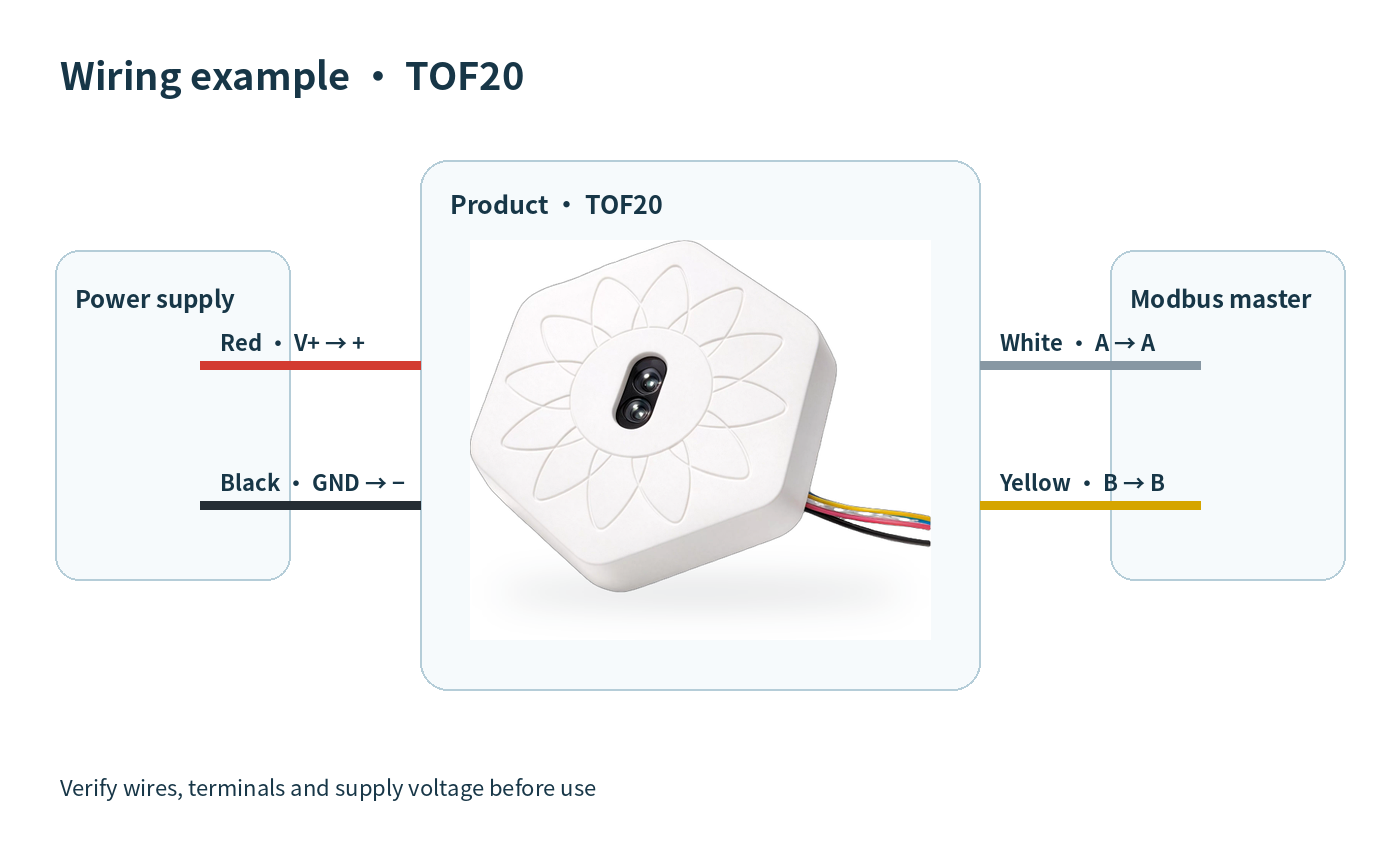
🔌 Wiring
AI standard wiring diagram
📡 Communication protocol · Communication Protocol
Supports Modbus RTU, 03 (read) and 06 (write). Default 9600, addr 01.
**Register Address Table:**
Request: 01 03 00 65 00 01 ...

Explanation: Decimal conversion of response data equals millimeter value
Data value notes
- Default baud rate 9600
- Default address 01
- Supports 03 (read) and 06 (write) function codes
| Version | Standard, HATOF20 |
|---|
Only logged in customers who have purchased this product may leave a review.



Reviews
There are no reviews yet.